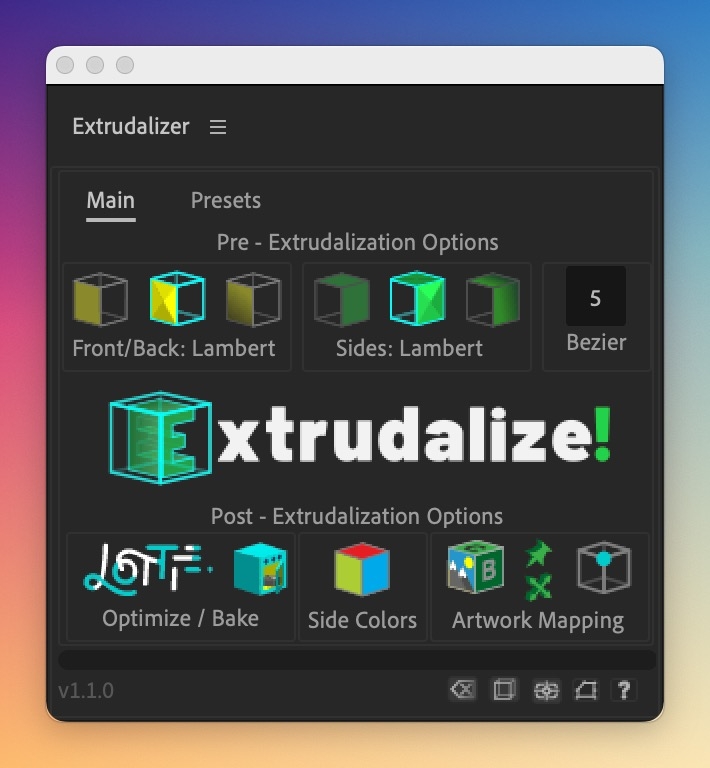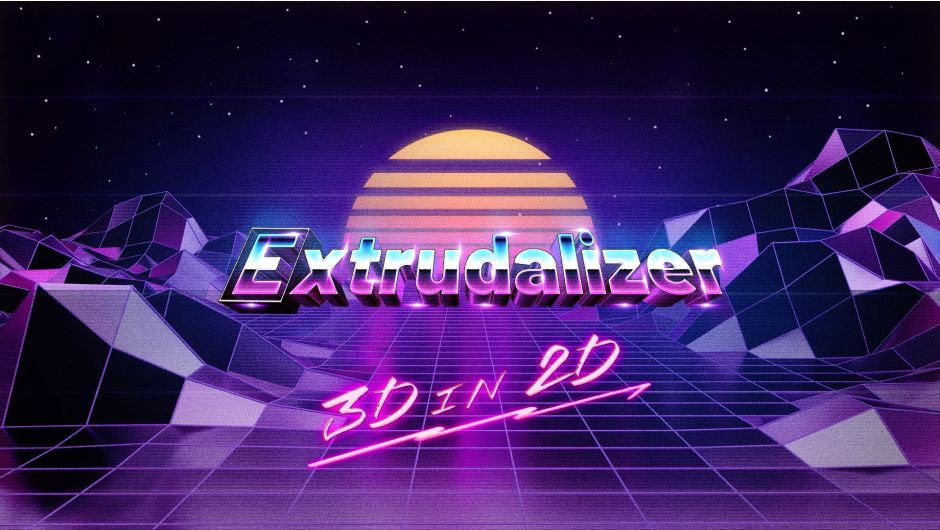
Extrudalizer suits After Effects artists creating extruded shape graphics, especially when a project needs expression-driven animation or Lottie output. It converts a 2D shape path into virtual 3D faces drawn as shape paths, with controls for their appearance and movement.
Shape extrusion and controls
Start with a Bezier shape layer, set face appearance and curve subdivisions in the pre-extrudalization options, then click Extrudalize. The generated layer controller adjusts extrusion depth, position, front and back scale, rotation around the shape's center, and orbit around its anchor. You can also change face and side colors, gradients, strokes, wireframe appearance and translucency. Animation applied to the original 2D path carries through to the extrusion. Presets provide primitive shapes, visual treatments and looping rotation or oscillation.
Extrudalizer adds a hidden text layer named EXTRUDALIZER DATA to calculate vertex positions. Keep it in the composition: removing it breaks the extruded shape unless you have baked the animation.
Artwork mapping and Lottie export
The Map Art dialog applies artwork to selected faces. Corner Pin mapping creates a precomposition for each face and is intended for output that will not use Lottie. Match the precomposition's aspect ratio to the original shape; that shape can act as a placement guide and mask.
For Lottie, Transform Effect mapping works with Bodymovin 5.12 or later and supports raster artwork. Its After Effects preview may not show front and back scaling accurately, and skew is limited to 70 degrees there; the product listing says those limits do not apply to browser rendering. Shape Layer mapping supports older Lottie players, with front and back mapping for vector artwork contained in one shape layer. Corner Pin mapping is not Lottie compatible.
For a web Lottie export, use Bodymovin without baking. Enable its Hidden export option so the data layer is included, and disable Glyphs export. For iOS or Android Lottie playback, bake expressions to keyframes. Baking breaks the layer controller, so keep an editable project copy first.
Setup, compatibility and limits
Extrudalizer requires the JavaScript Expression Engine and the After Effects preference that allows scripts to write files and access the network. It does not work with parametric shapes; convert them to Bezier paths first. Many vertices, curve subdivisions or mapped faces can slow previews and pre-rendering. Simplify paths, toggle Shape and Mask Path Visibility, or precompose repeated shapes to reduce the editing load.
The product page lists compatibility with After Effects 2021 to 2026. Its trial lasts ten days and limits shapes to four vertices and three Bezier subdivisions, so it only covers simpler examples. The listed license grants one copy for use on one computer at a time; shared-use or multi-user setups require the appropriate licensing for each user and copy.