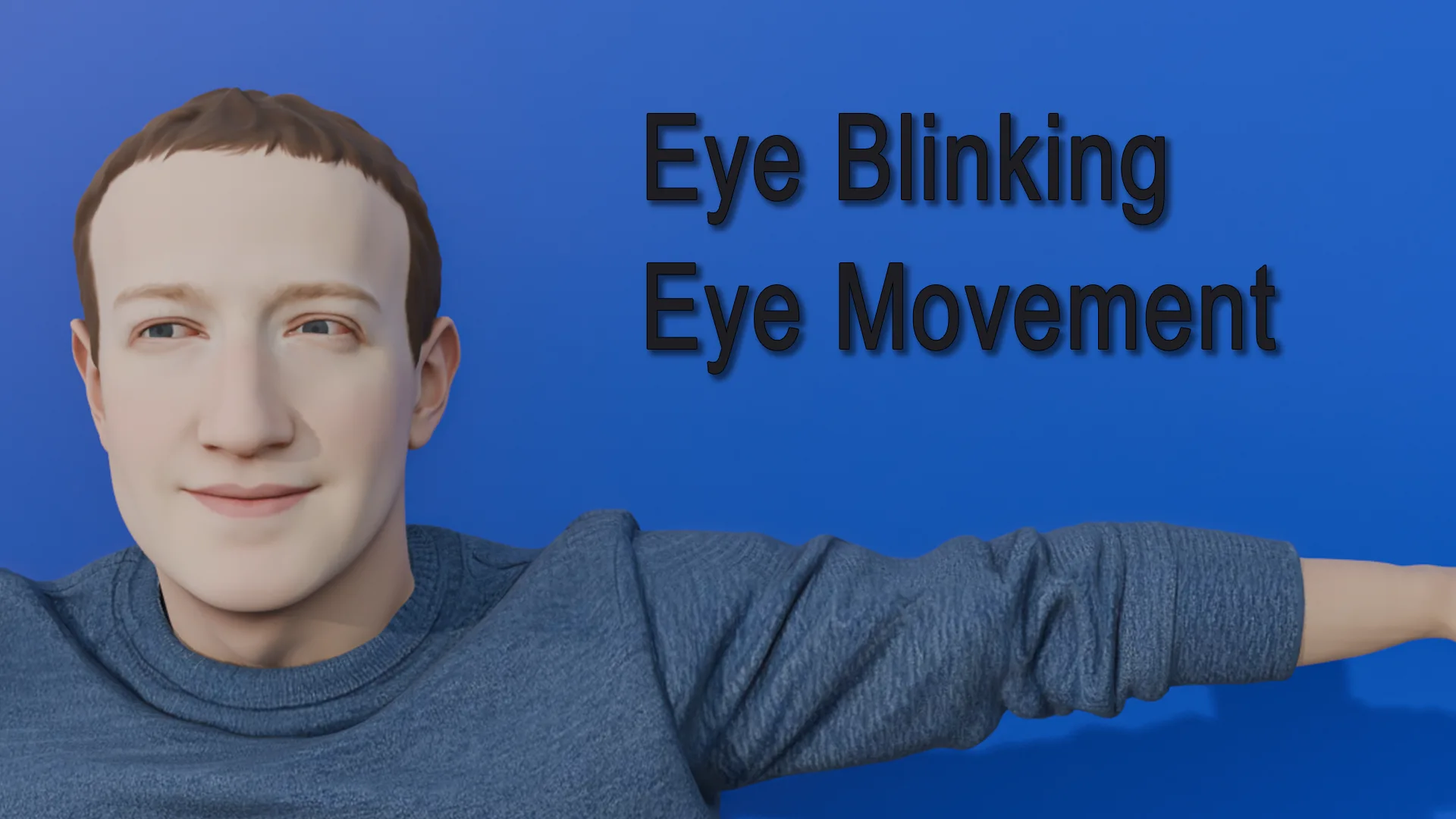
Eye Animation is a Blender add-on by Affe_mit_Waffe for keyframing eye movement and blinking on rigged characters, with winking and squinting animations. It adds controls to the Dope Sheet sidebar, which you can show with the N key. The Blender Extensions catalogue lists version 2.0.0, Blender 5.0.1 as the minimum version, and the GNU General Public License v3.0 or later.
Rig requirements
Name the eye bones R_Eye and L_Eye. For blinking, use shape keys named Blink_R and Blink_L. Check these names on your rig before setting up the add-on.
Save eye positions and set timing
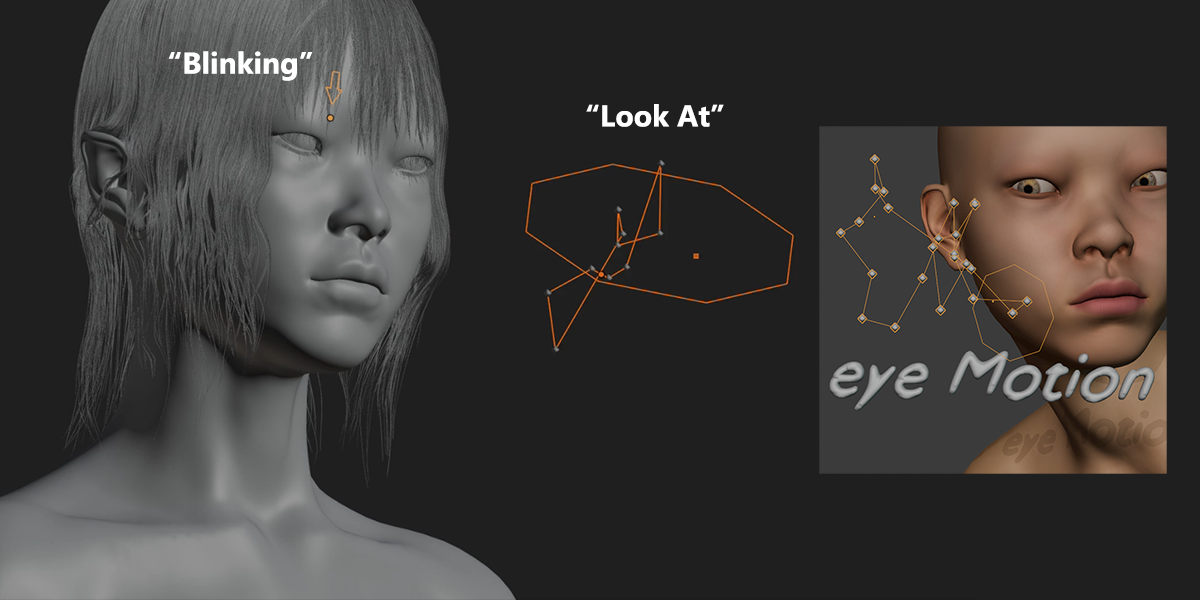
In Pose Mode, move the eye bones to their desired positions and use the eyedropper control to save each position for a direction you want to animate. In the Dope Sheet, choose Fast, Medium, or Slow timing, or enter frame numbers manually. Select a frame and apply a saved movement.
Blinking has a separate tab where you set the blink duration in frames and apply it with the Blink button.
Version and installation
Check the Blender Extensions listing for the current release and compatibility details. To install it, download the add-on, then open Edit > Preferences > Add-ons in Blender, choose Install From Disk, and select the downloaded file.