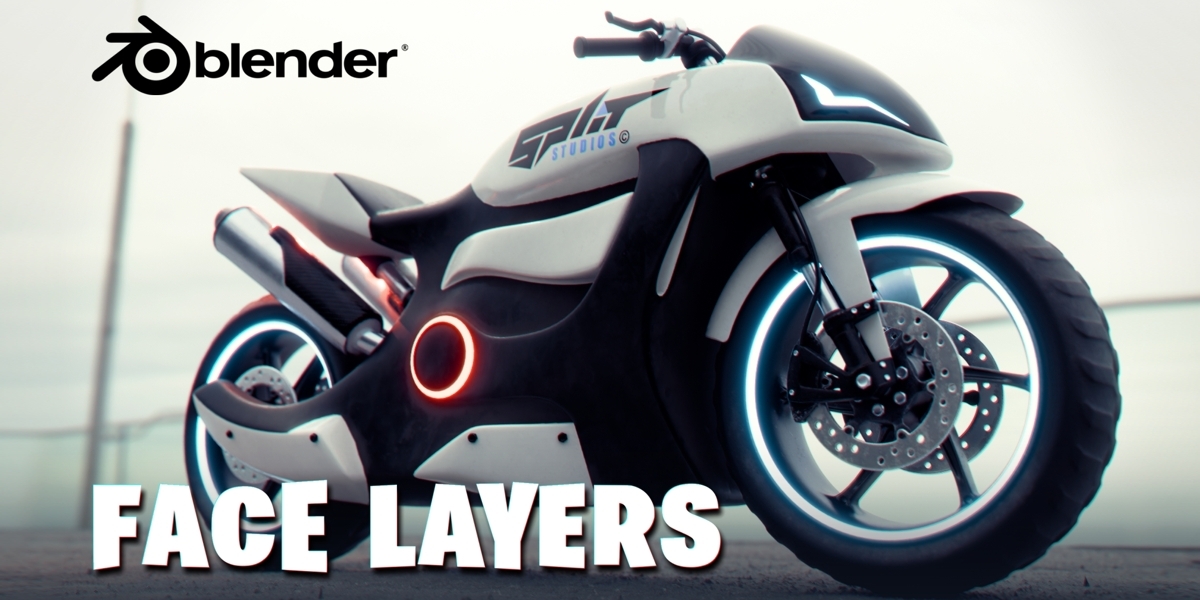
Face Layers Add-On by Split Studios helps Blender artists manage parts of a complex mesh while painting. It groups faces into layers that you can select, hide, lock, organize and assign materials to. The product documentation covers its controls and setup.
Organize faces within a mesh
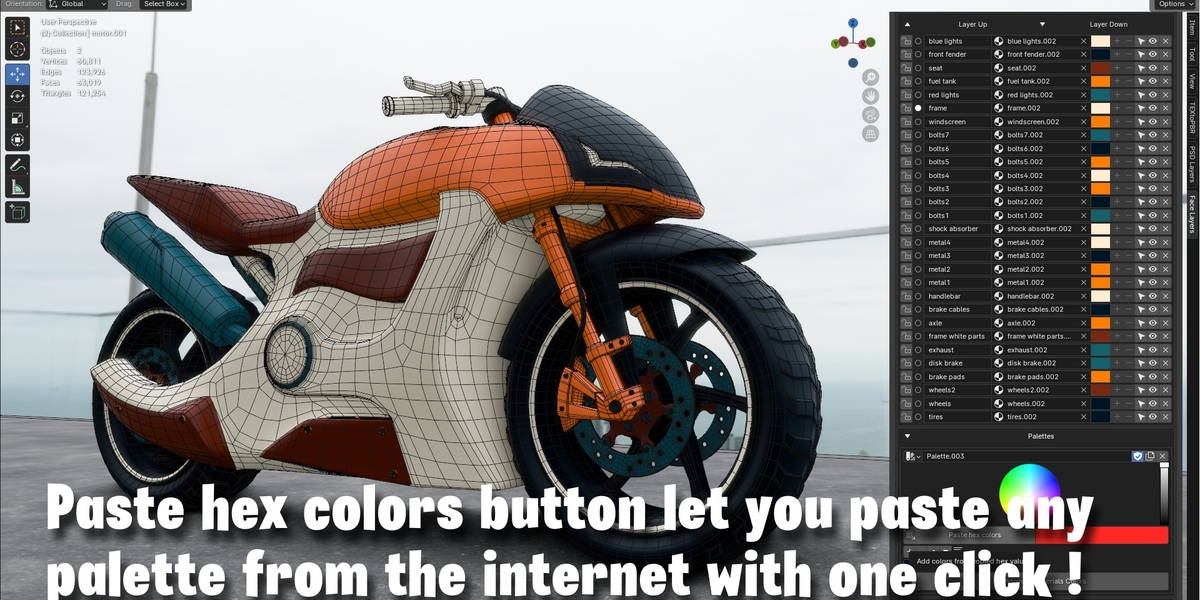
A face layer is a group of faces on a mesh object. To create one, select faces in Edit Mode and add them to a layer. You can rename layers, reorder them, and add or remove faces as the model changes. Each mesh object keeps its own face-layer data, so the add-on manages areas within an object rather than splitting those areas into separate objects.
The Select, Hide and Lock tools let you work with layers from the model in the 3D viewport. You can select or hide several layers by holding Alt while clicking them. Locked layers are left out of selection and hide actions. Select All and Hide All also operate on unlocked layers.
Assign materials and colors
Face Layers Add-On can assign materials to individual face layers. The Materials panel lets you choose materials already in the Blender file, create a material, or make materials for all face layers. The Palettes panel can paste hex colors and randomize layer material colors using palette colors when a palette is available, or random colors otherwise. These controls can help distinguish mesh regions while painting or preparing materials.
A pie menu provides quick access to layer commands. Its default shortcut is Shift + Ctrl + Alt + F, and the shortcut can be changed in Blender's Keymap preferences. The interface can also show or hide selected attributes and adjust its size.
Inspect mesh data and errors
The Mesh Data panel reports the number of faces, triangles and ngons in each face layer. Clicking a count selects the corresponding geometry, which can help locate a layer that needs attention. The Mesh Errors panel scans for loose faces, edges, vertices and zero-area faces. Selecting an error count highlights the affected geometry; the add-on provides deletion controls for the listed errors.
Compatibility, license and price
The Superhive listing marks the add-on as Blender Extension compatible and lists Blender versions 4.0 through 5.2. Its render-engine field names Cycles and Eevee, and the listing identifies the license as GPL. The page displayed a price of $5 when checked on November 24, 2026. Check the listing for current pricing and terms before purchasing.