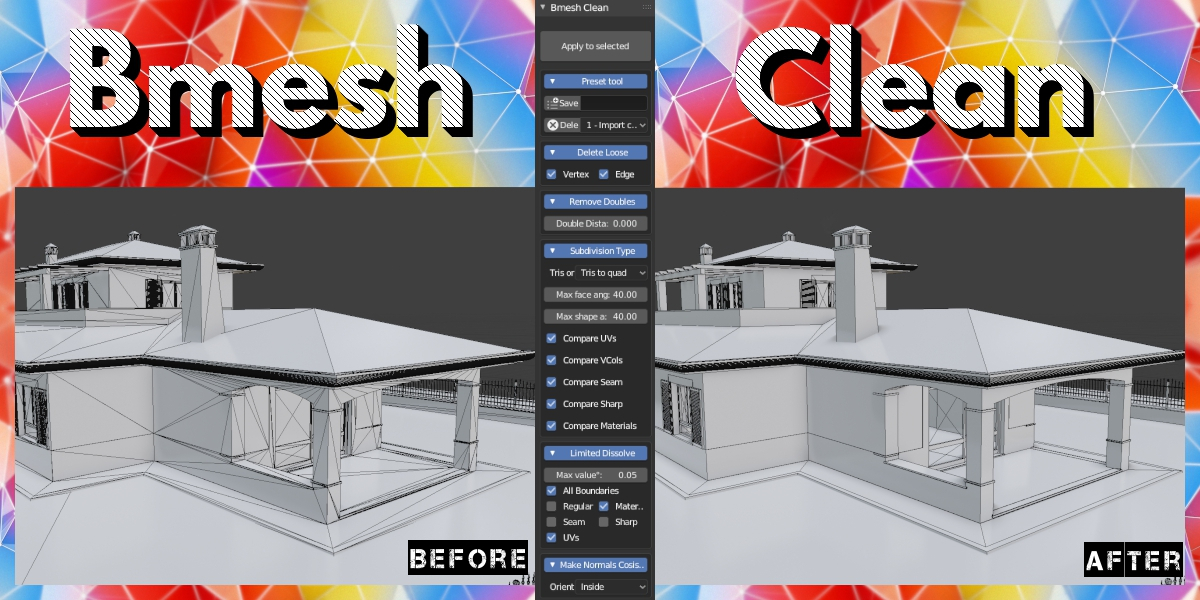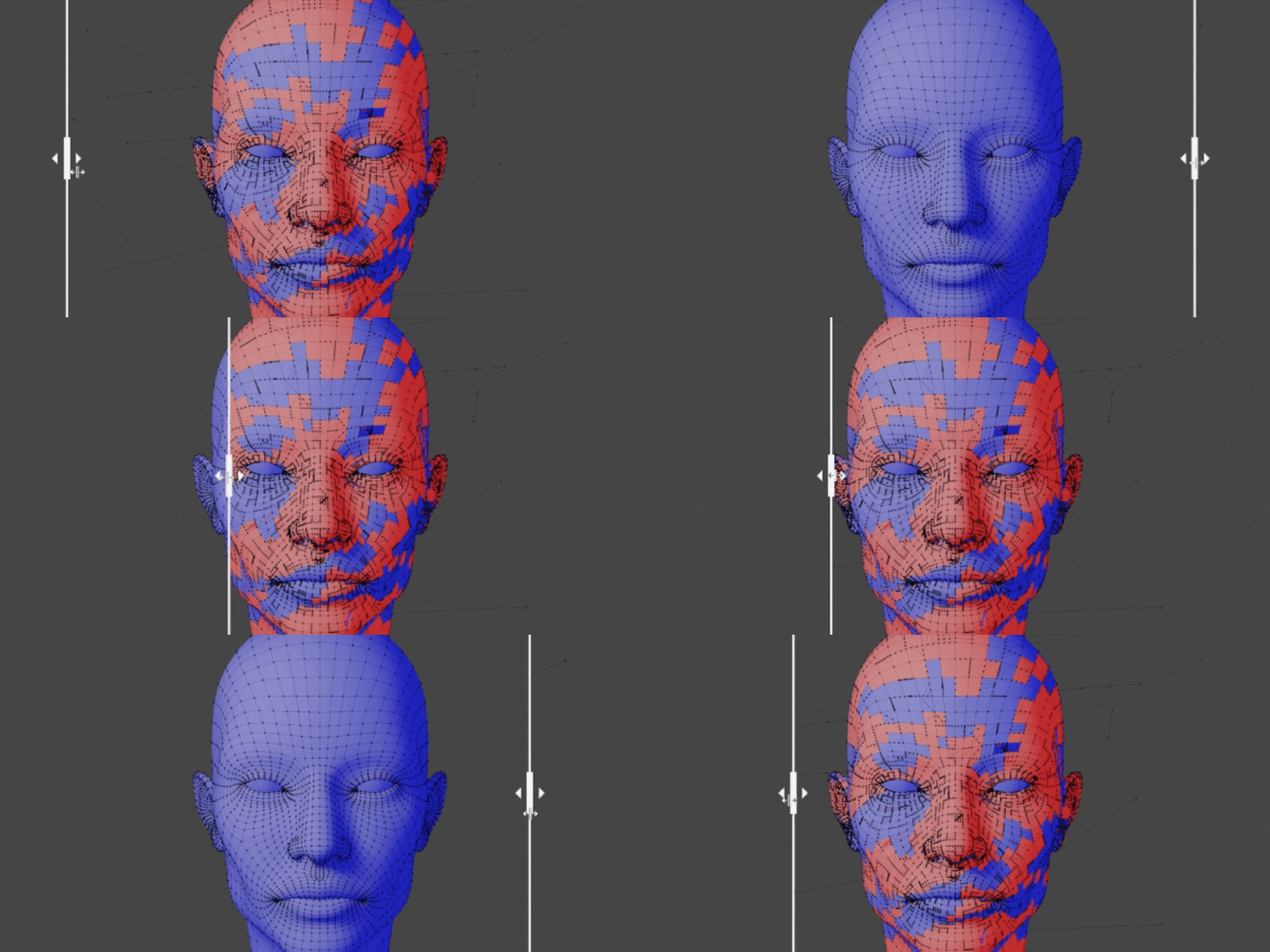
Clean Mesh is a Blender add-on from Cobox for checking and cleaning mesh geometry. Its Vertex, Edges, Face, and Normals tools address stray or accidental geometry and inconsistent normal direction. It is intended for cleanup work on characters, environments, and other mesh objects. Check the seller listing and product documentation for current details.
What Clean Mesh checks
- Vertices: Removes points left in mid-air or by accidental extrusion.
- Edges: Targets stray extruded edges and vertices left mid-edge without a defined end.
- Faces: Finds open faces and loops that do not close.
- Normals: Reorients normal direction and adjusts normal size for shading.
Inspect before correcting
Analyze object checks a mesh for errors, View displays detected problems, and Correct removes the imperfections found. Full Analyze applies the configured preferences across detected errors. Mesh Only corrects mesh errors without changing normals. Positive Normals and Negative Normals correct the mesh and shift all normals to the positive or negative side, respectively. The Open objects option corrects vertices and edges only, and does not correct faces when an object is not fully closed; the seller listing says the add-on treats an open object as an error and deletes it. Use View to inspect the results before applying a correction.
Correction time and backups
Processing time depends on the mesh and the computer. In its FAQ, Cobox reports testing models up to 7 million polygons and removing imperfections in five minutes on a powerful PC. That is one reported test, not a time estimate for every model. Blender may appear frozen during correction; the seller advises waiting rather than closing it. The documentation recommends saving a backup before applying changes.
Compatibility and license
The seller listing marks Clean Mesh as Blender Extension Compatible, gives a Blender version range of 2.8 to 5.2, and lists a GPL license. Its documentation says Blender 2.8 and later, which is broader than the listing's range. Check the current seller listing for compatibility and terms before installing. The documentation also lists Windows, macOS, and Linux support.