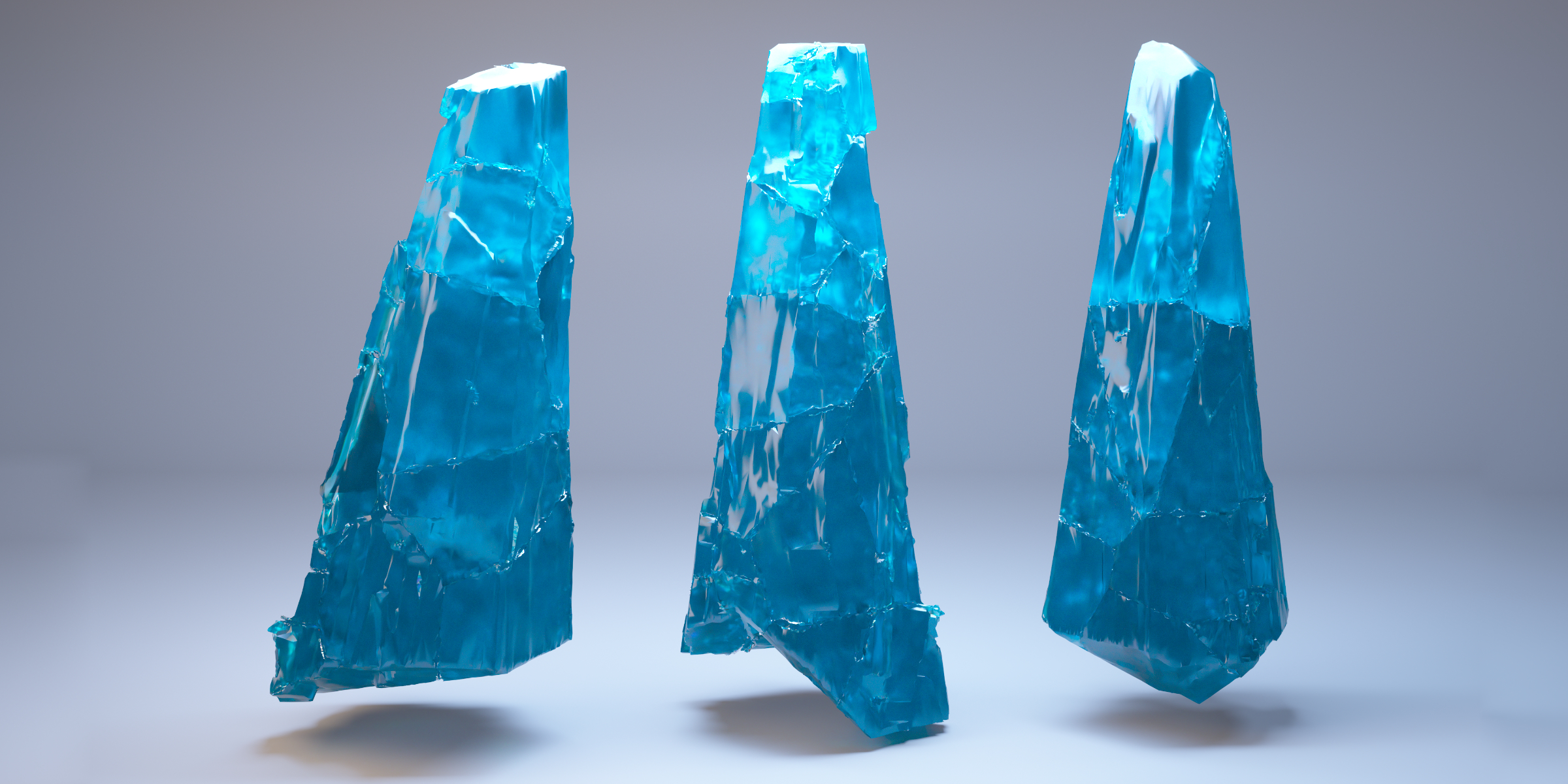
Cell Fracture is a Blender add-on for fracturing a selected object. The official Blender Extensions listing identifies version 0.2.1, names Community as maintainer, and sets Blender 4.2.0 as the minimum version. It describes the add-on as offered as-is with limited support. Its tagline is "Fractured Object Creation."
Run a fracture operation
Blender's 4.1 manual documents the operation as follows:
- Select the object you want to fracture in Object Mode.
- In the 3D Viewport, use Object > Quick Effects, or open Operator Search and search for "Cell fracture selected mesh."
- Choose settings for the operation. The manual recommends trying small values first because large values may be slow.
For the earlier bundled version, see the Blender 4.1 manual's operation instructions . The current extension listing gives the package requirements for version 0.2.1.
Choosing settings
Blender's 4.1 manual places settings selection before the operation and recommends trying small values first because larger ones may be slow. Adjust the settings for the result you need.
The current extension listing does not describe every setting. For the package requirements and download, check the official extension page. For installation from a downloaded package, Blender provides Install from Disk instructions.
Version and license
The extension catalog lists Cell Fracture 0.2.1 for Blender 4.2.0 or later and gives its license as GPL-3.0-or-later. The Blender 4.1 manual describes an earlier bundled version, so use the current extension listing for the version requirement of the available package.