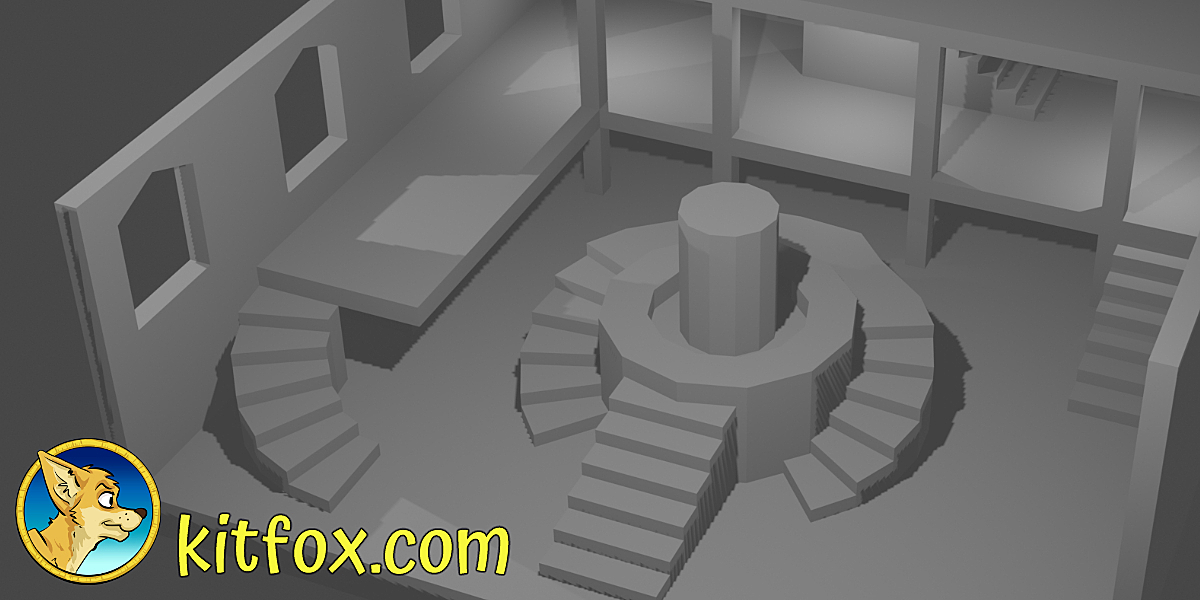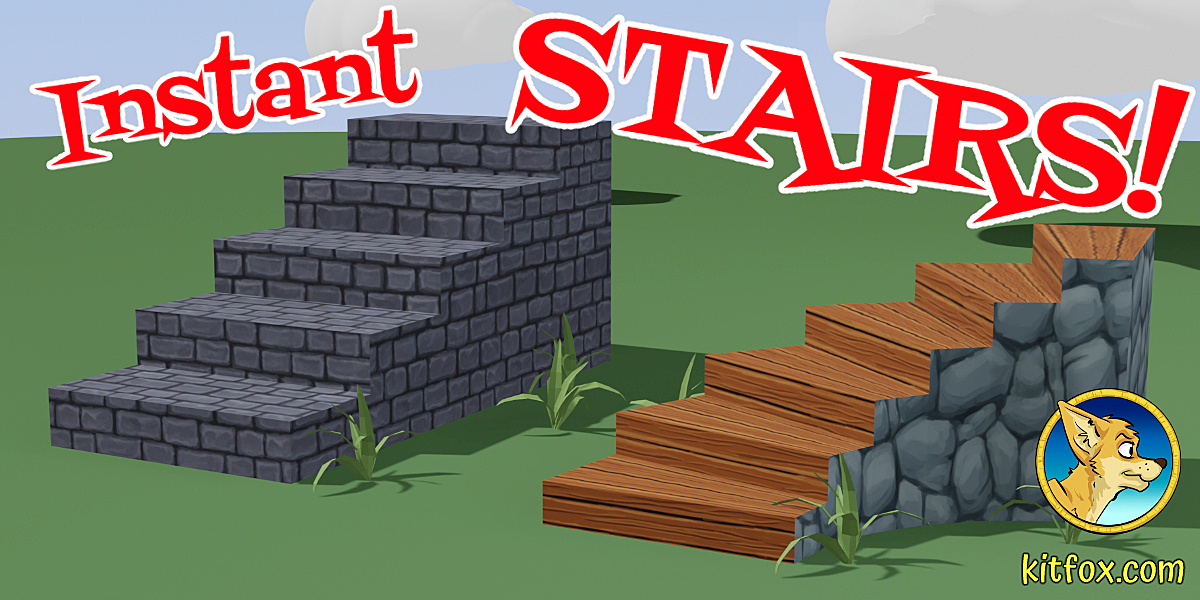
Instant Stairs is a Blender add-on for generating straight or spiral staircases from controls in Blender’s Add Mesh menu. It is aimed at scenes that need an evenly measured flight of stairs, including early level design. The product listing describes creating either type after setting a few parameters.
Generate stairs in the 3D View
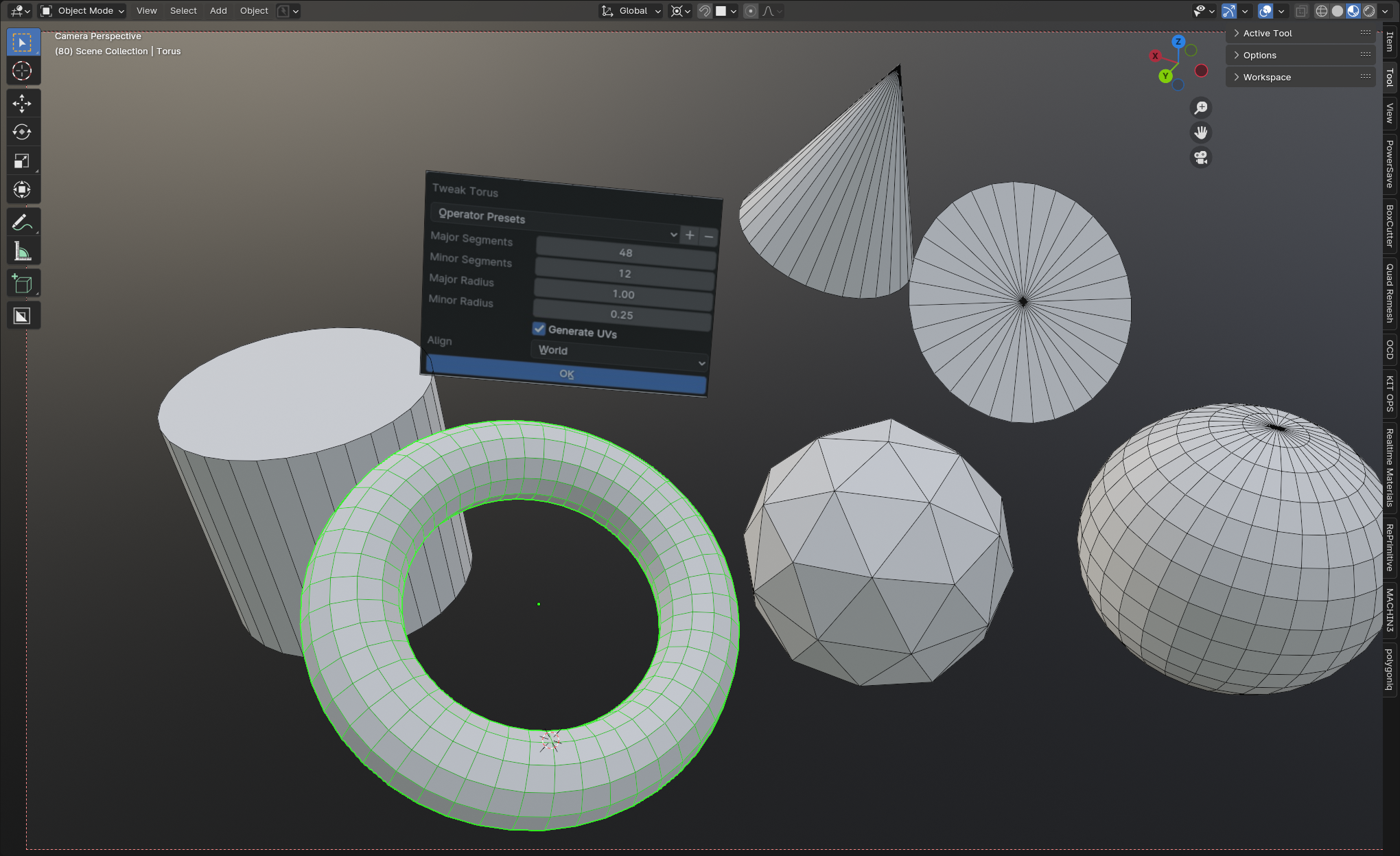
After installing the add-on, move the cursor into the 3D View and press Shift+A to open the Add Mesh menu. The two new options generate a default staircase whose parameters you can adjust. The installation documentation describes this workflow. Version 1.1 added the step-height option , which lets you choose between setting the number of stairs and setting the height of an individual step.
Changes in version 1.3
Version 1.3 changed hard maximum limits to soft maximums. You can specify more than 100 stairs and enter larger values in other fields. The update notes also say version 1.2 fixed normal generation. Both changes are recorded on the product page.
Check the listed Blender versions
The product listing names Blender versions from 2.8 through 4.0, including the listed 2.8, 2.9, 3.x, and 4.0 releases. It does not establish compatibility with later Blender versions. If your installation is newer than 4.0, check the developer’s listing before relying on the add-on.
When Instant Stairs may fit
Use it when you need a straight or spiral flight for a level layout or scene and want to adjust stair parameters after generation. The product details name a step-height option but do not enumerate every geometry setting.