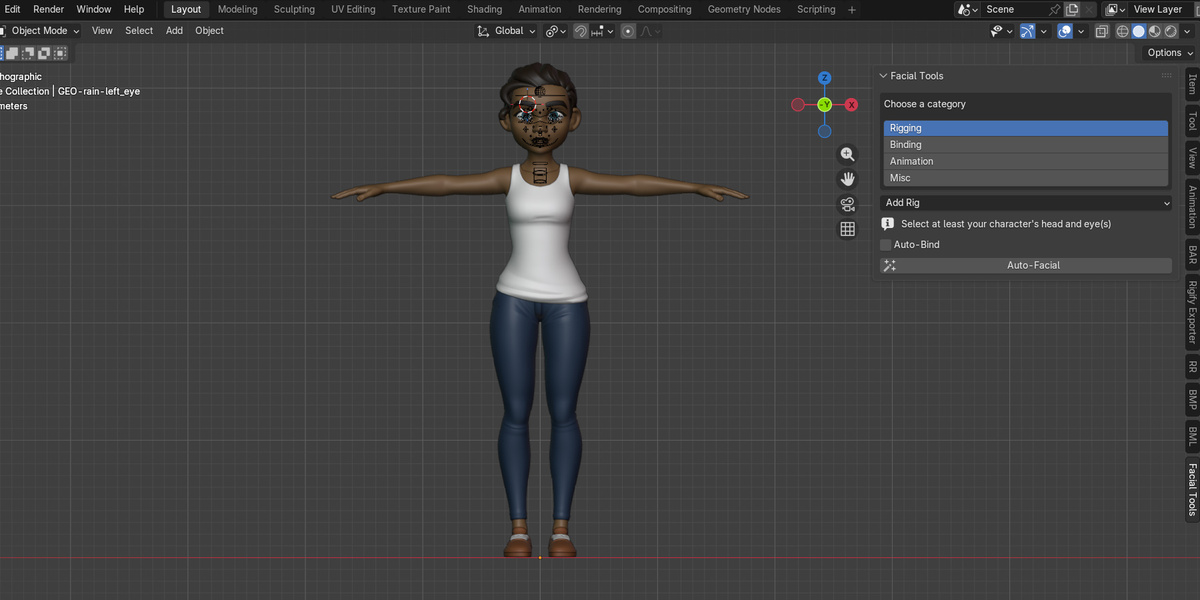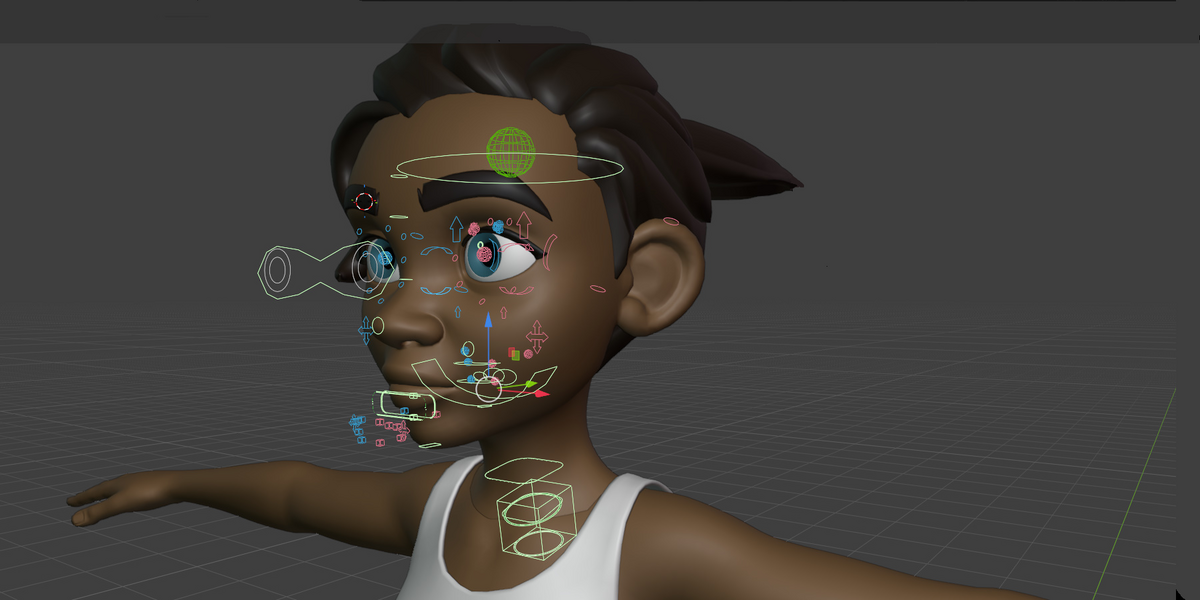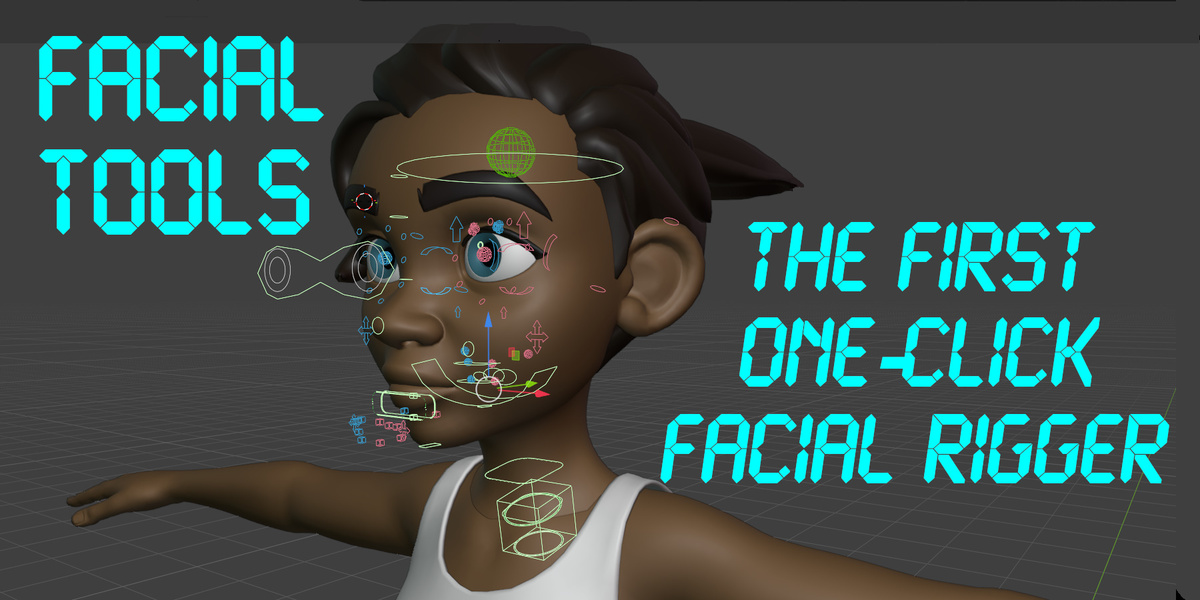
Facial Tools is Stellart's Blender add-on for facial rigging. It combines SNAPPY FACIAL, which Stellart describes as a one-click automatic facial detection system, with binding, animation tools, presets, and export to .fbx and .gltf. See the product listing and workflow documentation.
Build a facial rig and bind meshes
In Blender, open the side panel with N, then go to Facial Tools, Rigging. Select the character's head and eyes, then choose Auto-Facial. Stellart's documentation notes that some character models may need bone adjustments. Edit bones in Edit Mode.
To bind the character meshes, open Facial Tools, Binding. Choose a binding mode and adjust its settings if needed. Select the character meshes, select the rig, then choose Bind.
Presets and export
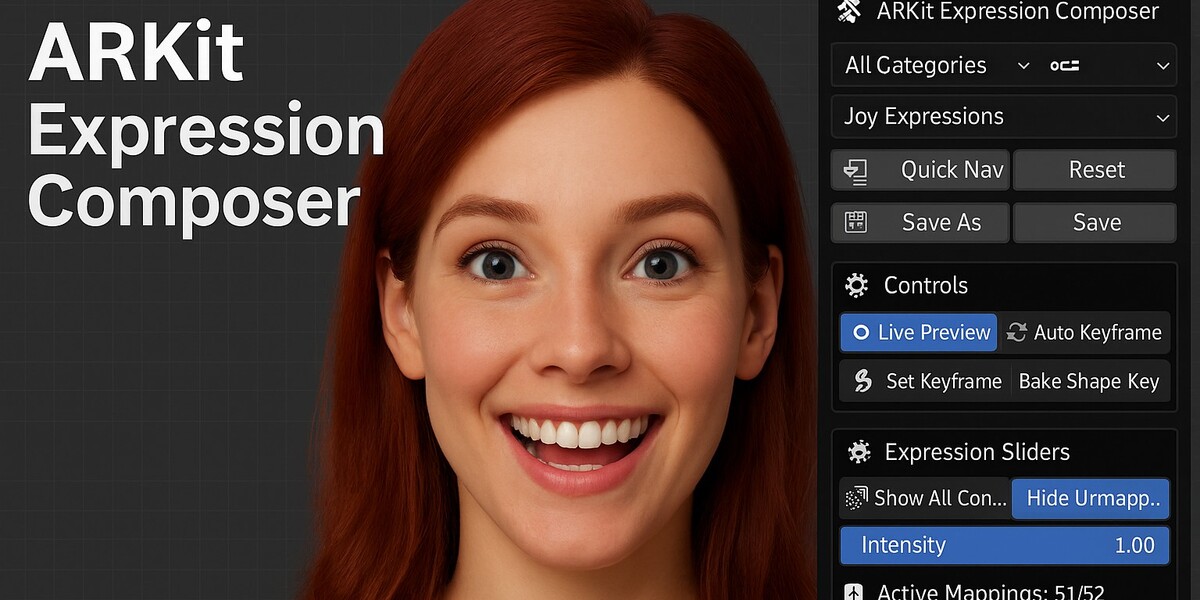
Version 1.0.1 added 60 facial animation presets. The listing describes them as covering 52 ARKit shape keys and 8 custom shape keys.
To export, open the N side panel and go to Facial Tools, Misc, Export. Select the character meshes and rig, then export and choose a save path. The product listing names .fbx and .gltf formats and says they are compatible with most game engines, including Unity, Unreal Engine, and Godot.
Compatibility and support
The listing names Blender 5.1.0, 5.2.0, and 5.3.0, and lists Linux and Windows support. It also lists Cycles and Eevee render engines and a GPL license. Stellart's listing includes 12 months of support and states that product updates are free. Check the official listing for current requirements before installing with a different Blender version.