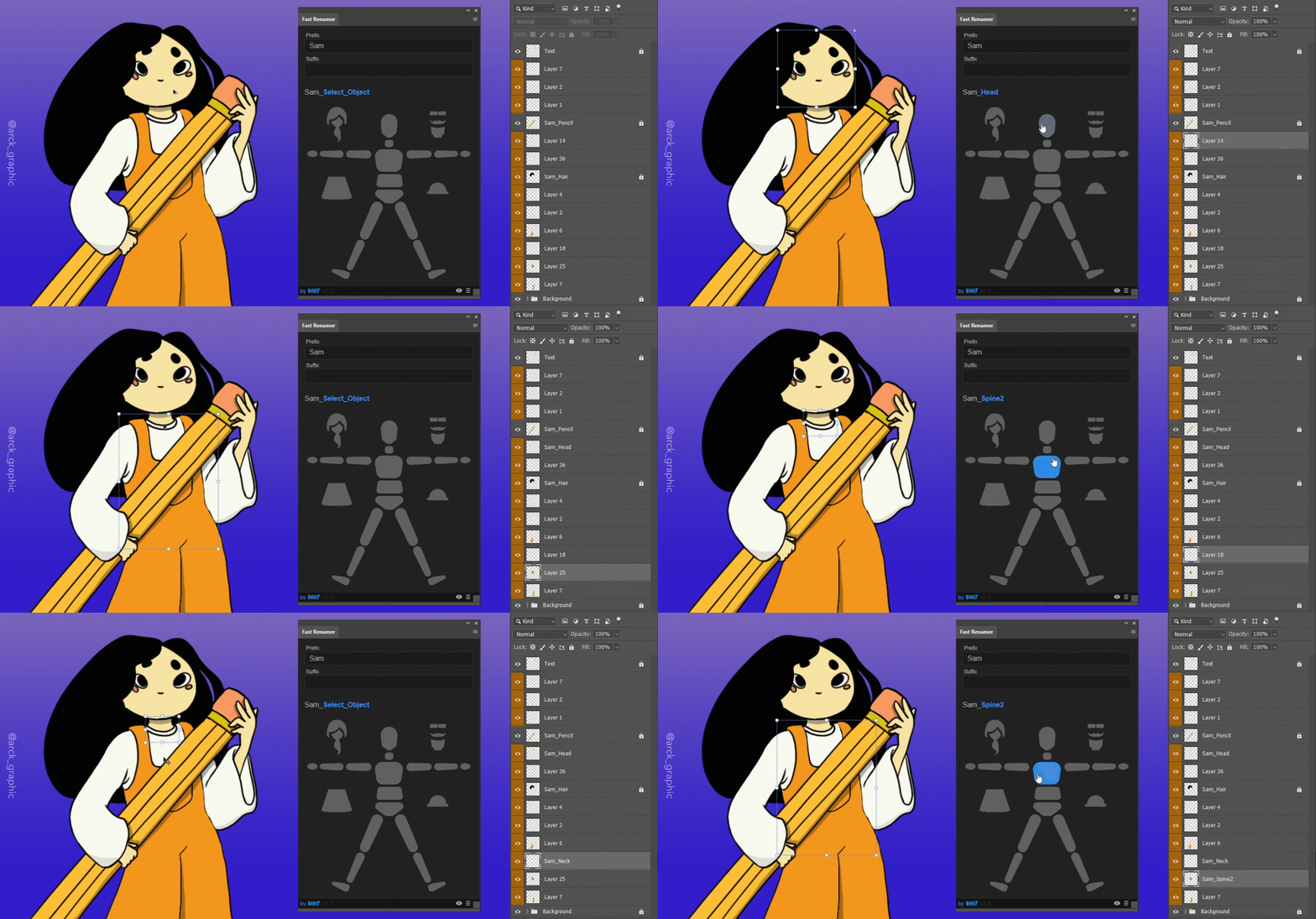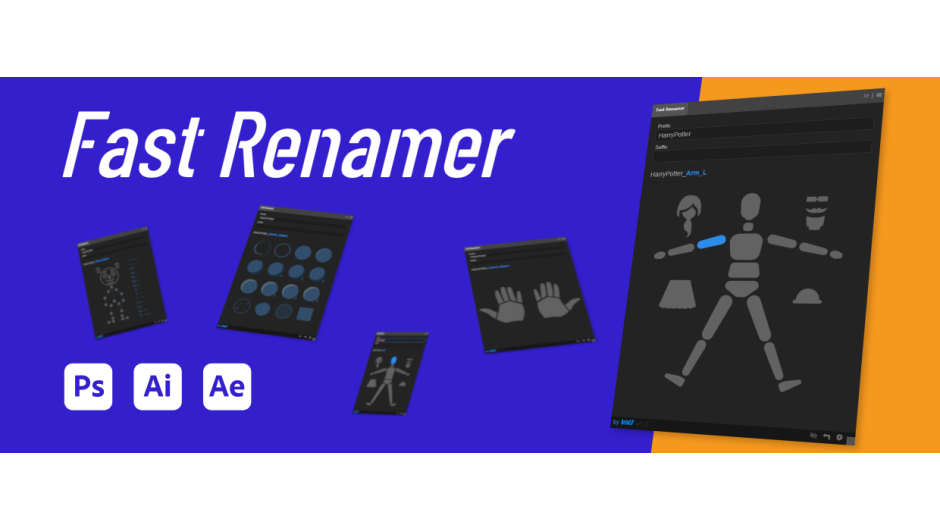
Fast Renamer assigns names to layers in After Effects, Illustrator, or Photoshop through the application's controls. Select a layer, then click the label you want. It suits projects that reuse a set of names for artwork layers, such as character parts or drawing elements. One license covers all three apps, and the interface is available in English, Spanish, French, Italian, and Chinese.
Rename layers from reusable lists
Choose a default list and display it as text or pictures, then pick a label for the selected layer. You can create custom lists and share lists with a team. Customizable picture lists are on the roadmap; current support for creating them is not documented.
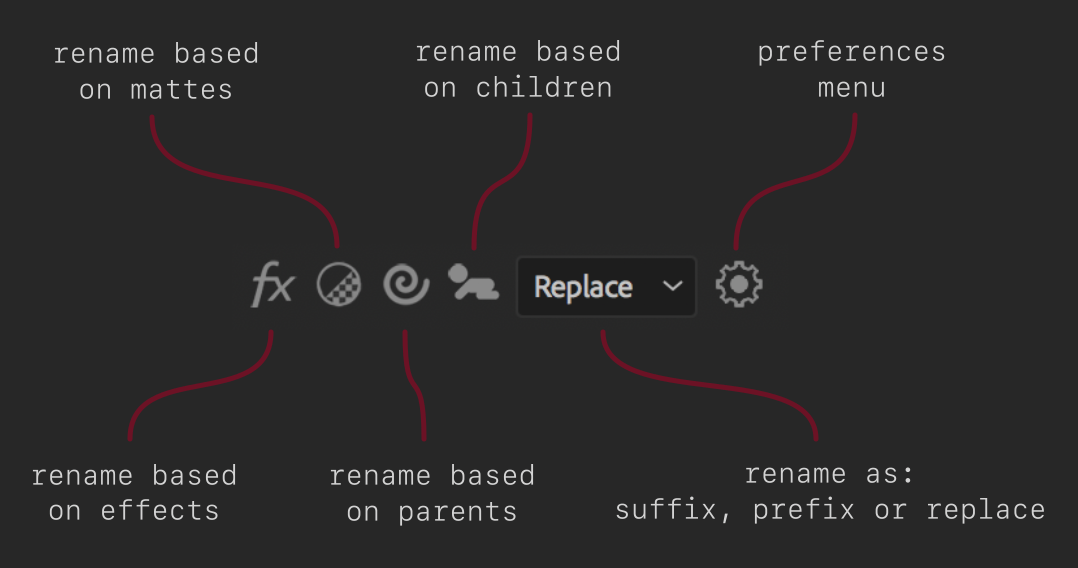
You can add a prefix or suffix, preserve the existing name when adding to it, and enable incrementing with a custom increment value. The page does not document an automatic rule for renaming a whole selection.
Compatibility and licensing
The compatibility table lists After Effects, Illustrator, and Photoshop versions 2025, 2024, 2023, 2022, 2021, 2020, CC 2019, and CC 2018. The product page says Fast Renamer does not launch natively in Photoshop on Apple Silicon M1, M2, or M3 Macs and recommends running Photoshop under Rosetta.
The product page displays a Floating License Server requirement. aescripts says floating licenses require its server on the same network, with VPN access for remote use. The product's EULA requires appropriate licensing for additional copies or users and limits installation to the computers permitted by the license. Check the license type and its requirements before buying, especially for team use.