Mask & Layer Splitter is an After Effects script for separating masks and handling repetitive layer organization. It suits users who need to manage mask-based artwork as individual layers, rename selected layers consistently, or prepare precompositions and staggered animations.
Split masks and keep a reference
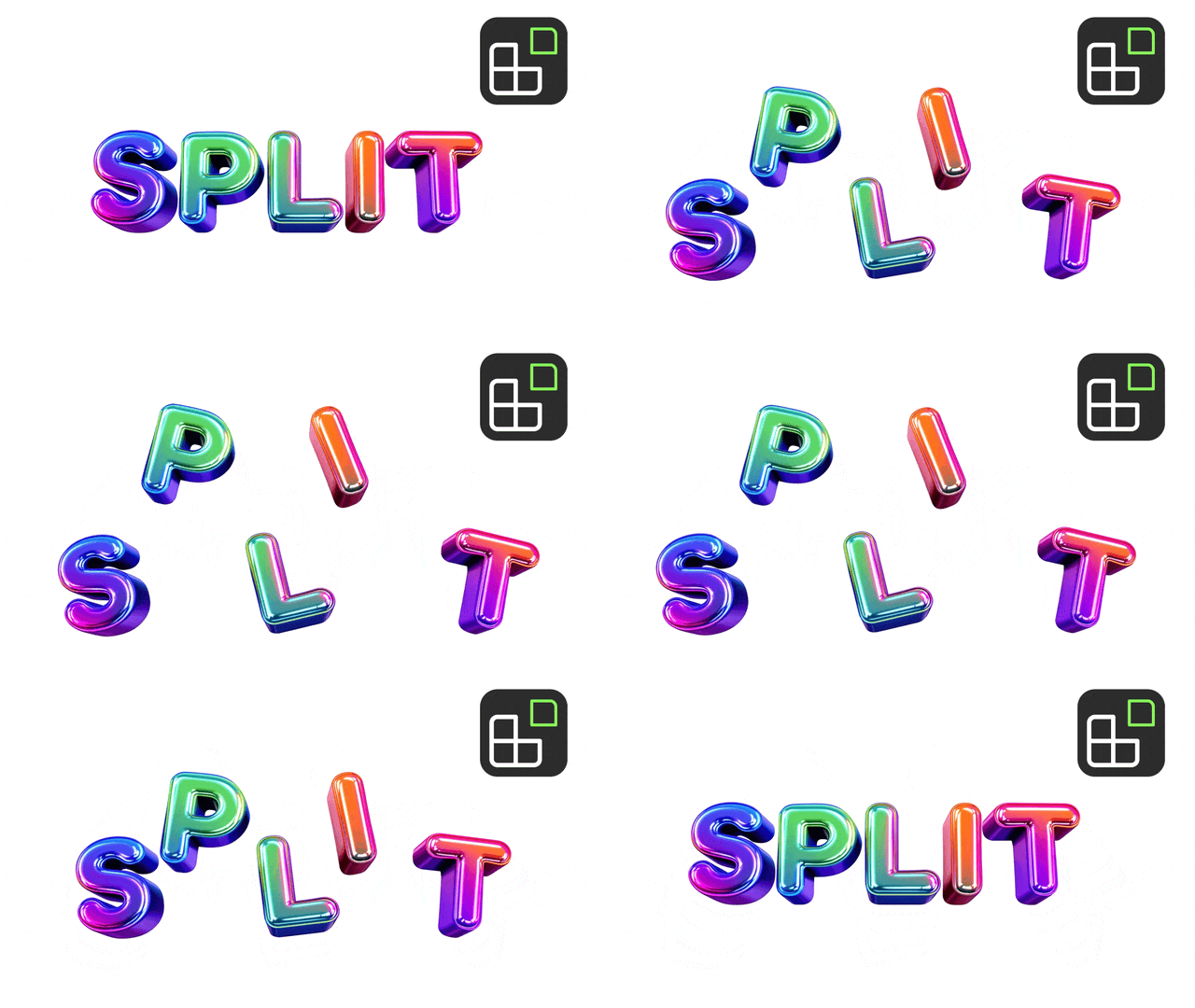
Run Separator on a selected layer to create a separate layer for each mask. To keep a visual reference, hold Shift while splitting. The script duplicates the selected layer, locks it, and marks it as a reference layer. Shift+Ctrl, or Shift+Cmd on Mac, removes that reference layer after the split.
Rename selected layers
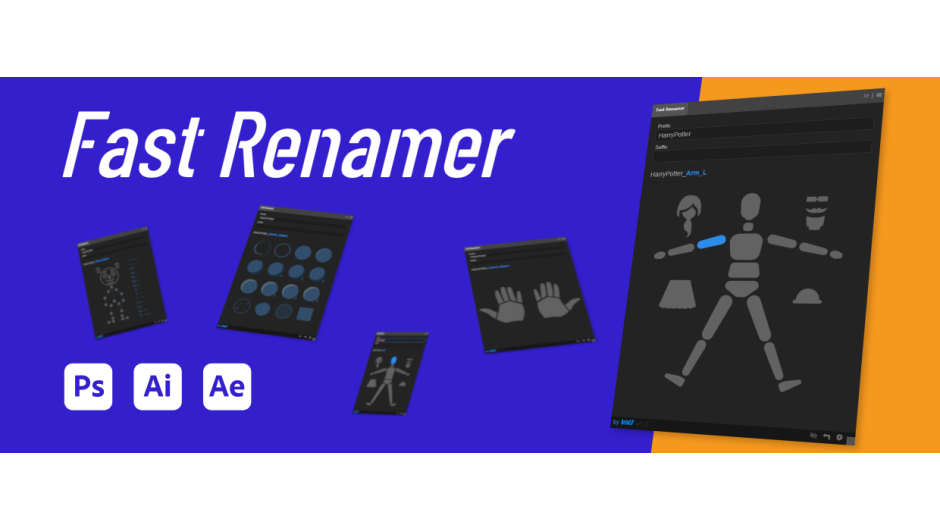
Rename applies to a selection and has two modes. Separate creates character-by-character names. Sequence uses one base name with zero-padded numbers. Set a base name or suffix, review the live preview, then click Rename to apply the names.
Crop precomps and offset layer timing
Precomp & Crop creates precompositions and crops them to their content bounds. Offset Layers changes the start times of selected layers in ascending, descending, or random order, which can create staggered animation timing.
KBar, compatibility, and licensing
The script has its own button-based interface and also supports KBar, so its core functions can be added to a customizable After Effects toolbar. The product listing names After Effects 2020 through 2025 as compatible.
The listing includes a license-type selector. Its EULA grants one copy and one archival copy, and limits use to one computer at a time. The seller's general Single User License FAQ allows installation on up to two computers used at different times, unless otherwise noted. Floating licenses require the seller's Floating License Server and allow one user per license at a time on the same network. Confirm which terms apply to the selected license before buying.