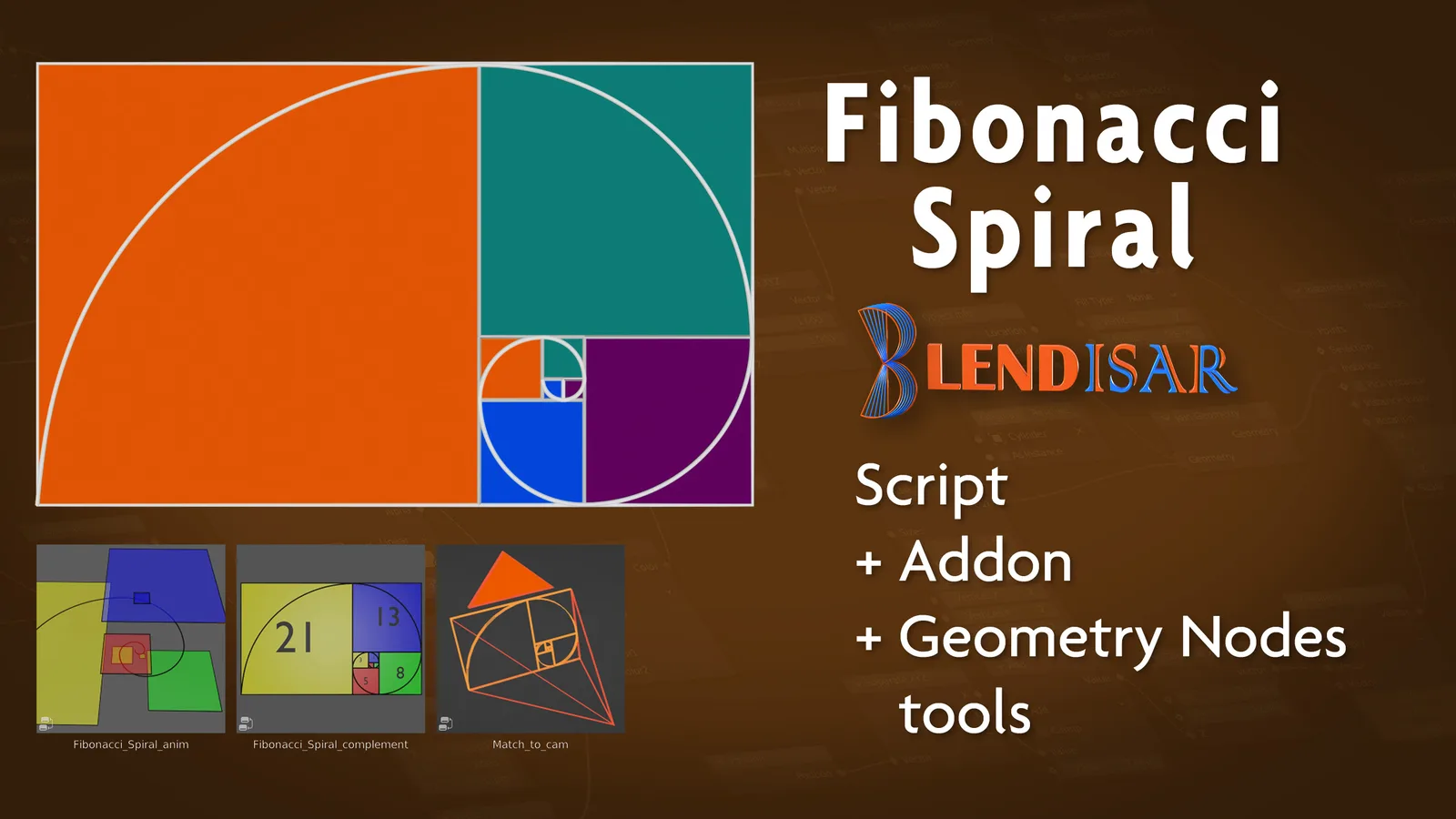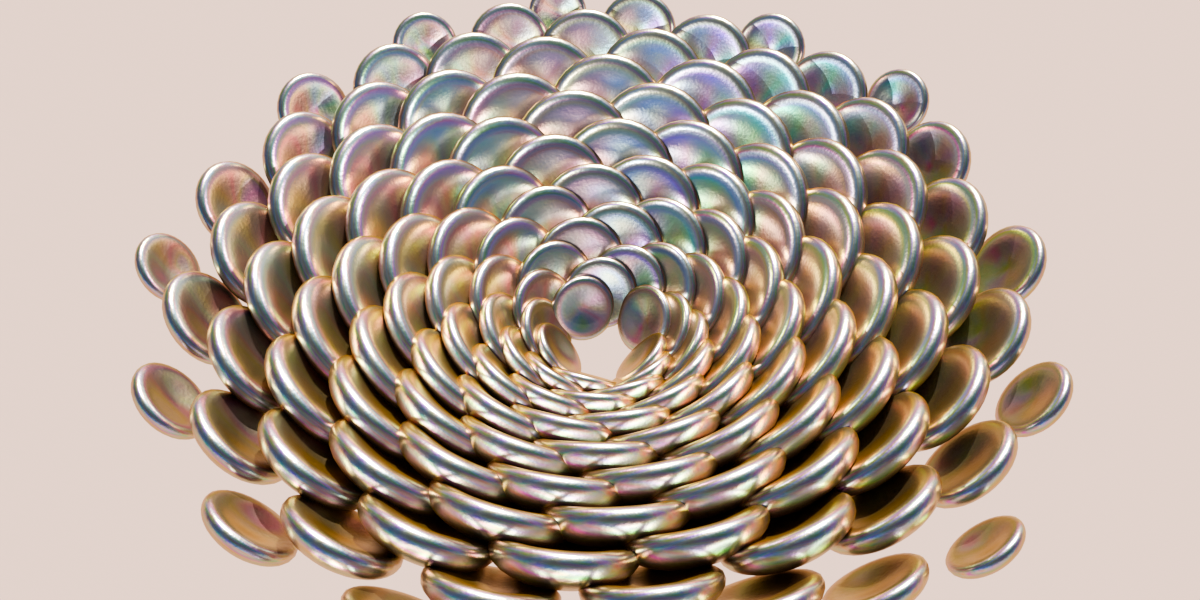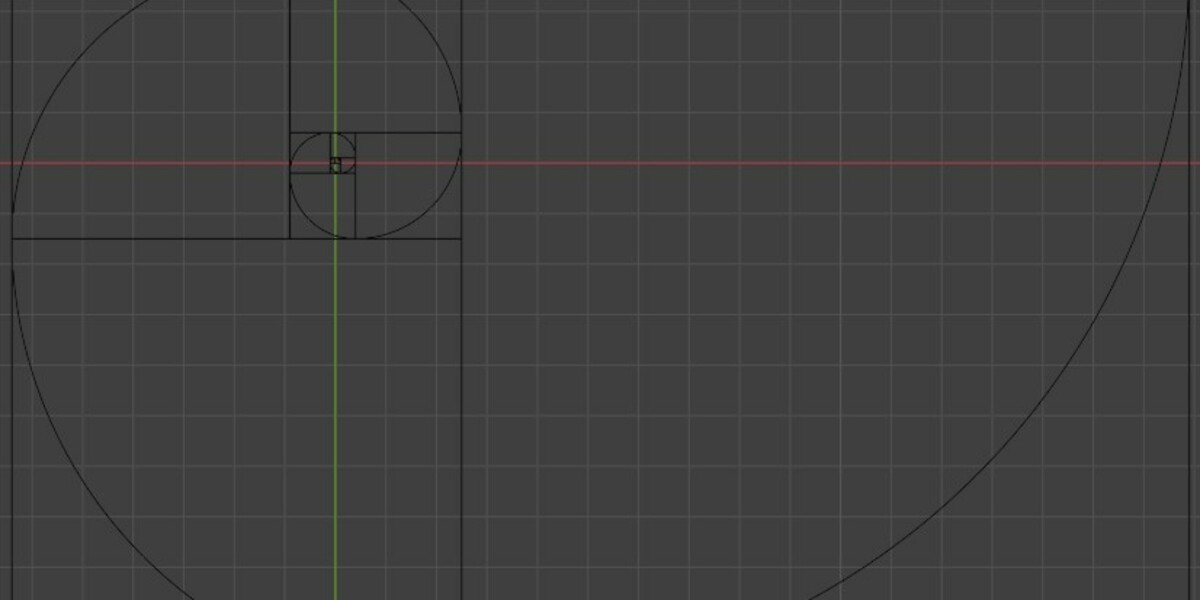
Fibonacci Spiral & Cube Generator is a Blender add-on by Eddie Madrigal for creating Fibonacci spirals, cubes, and arcs. You can adjust the generated geometry’s size, scale, and rotation, then use it in artwork, animation, architectural designs, or other 3D scenes.
Geometry it creates
The add-on generates three forms listed on its product page: spirals, cubes, and arcs. These give Blender artists a way to add Fibonacci-based shapes to a scene without building each form from scratch. The available adjustments are size, scale, and rotation, so you can change the geometry’s proportions and orientation to suit a composition.
The listing describes it as a tool for artists seeking geometric patterns, designers making Fibonacci-inspired art or architecture, and animators working with spiral-driven motion. It also names futuristic sci-fi scenes as a possible use. These are examples of intended uses; the listing does not give a step-by-step workflow or specify parameter ranges.
Using the geometry in a scene
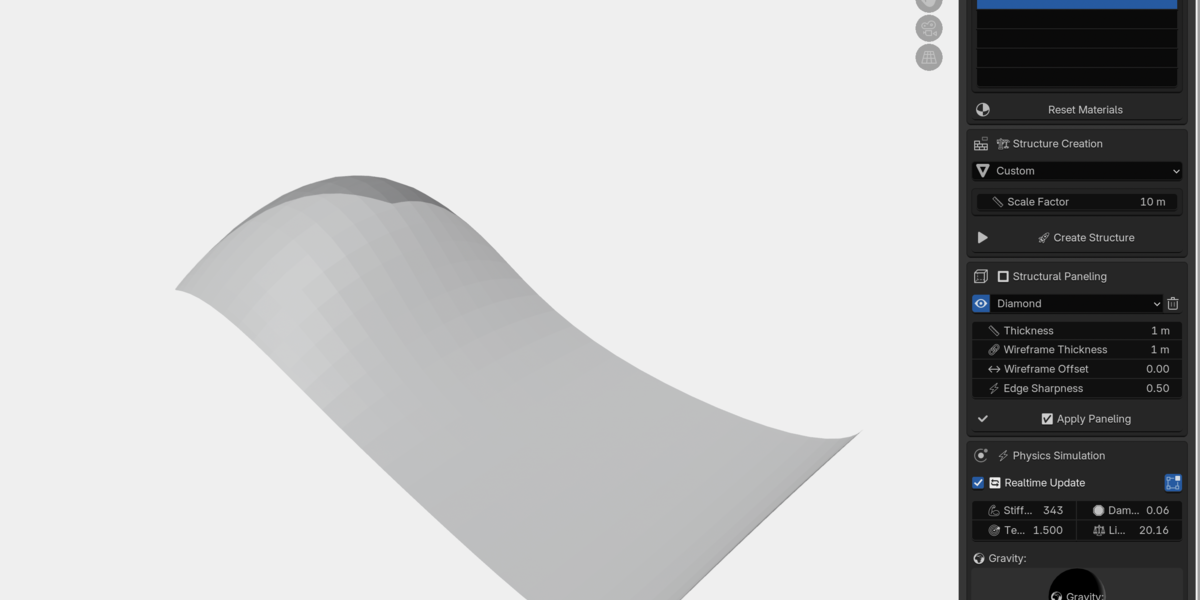
Generated shapes can be used as design elements in still scenes or animation. The add-on’s product description also says its geometry can be combined with Blender’s physics tools for spiral-driven simulations, fluid flows, and dynamic object interactions. This describes use alongside Blender’s physics tools; the listing does not say that the add-on itself supplies a complete simulation system.
If a project depends on a particular workflow or control beyond size, scale, and rotation, consult the developer’s page and the available documentation before relying on it.
Compatibility and license
The Superhive product listing names Blender 4.3, 4.1, 4.0, 3.6, 3.4, and 2.92 as compatible versions. It identifies the license as MIT. Check the current developer information before installing, especially if you use a Blender release that is not on that list.
See the Superhive product listing for the product details and version information.