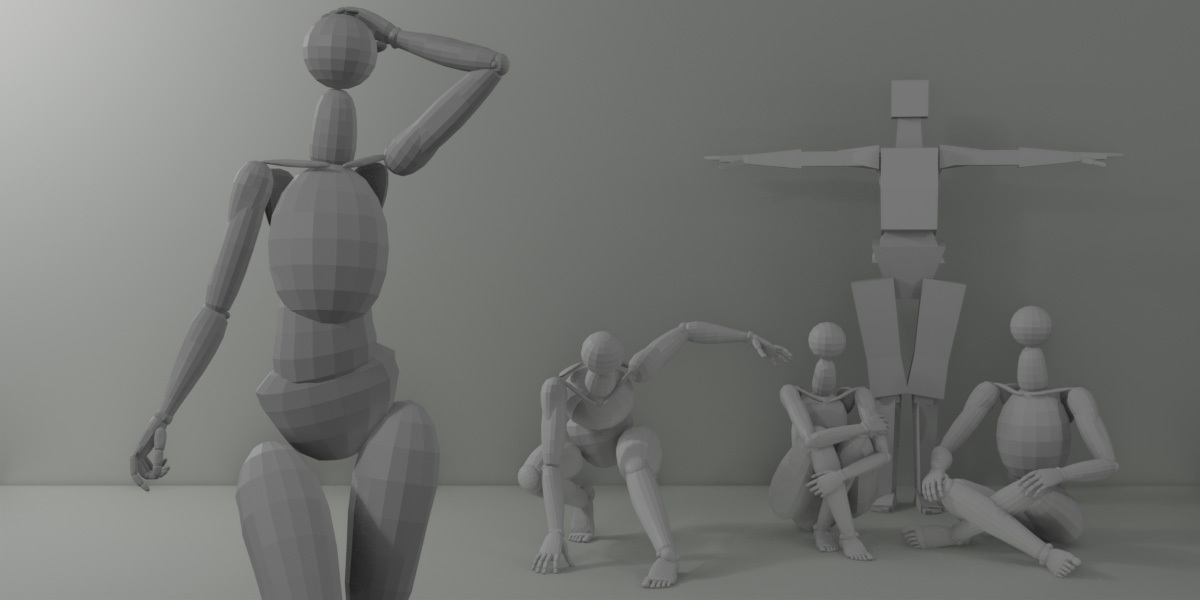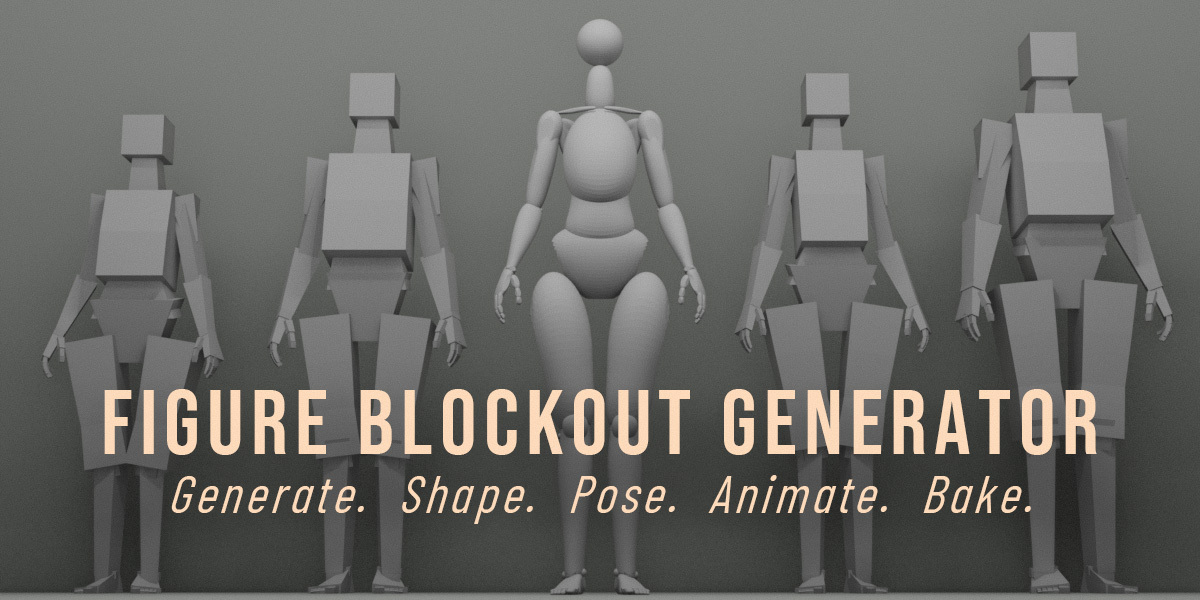
Figure Blockout Generator (FBG) is a Blender add-on that builds a proportioned human figure directly in the scene. Its generated meshes can become a modeling base, a posed reference, or a starting point for animation and rigging work. FBG creates the blockout from scratch rather than importing a premade base mesh.
Generate and shape a figure
A single action creates the figure as normal Blender mesh objects in an organized collection. The generator has three geometry modes and two independent landmark systems. You can set the height, gender base, and proportion type, then adjust the body's structure and visual volume separately. Structure controls cover relationships such as limb lengths and segment distribution; Volume controls change the mass of those forms. The workflow is based on the Cranial Unit proportion method, and proportion edits update the generated figure live.
Pose and animate with FBG controls
FBG's pose controls live in its add-on panel. Named properties drive the figure through a pose system built for the generator, without a visible armature rig to manage. You can key pose properties directly with Blender keyframes or use Pose Combos when a single control should move several parts together.
A Pose Combo stores Start and End poses for interpolation with a Blend slider. An optional Mid pose gives you three-point interpolation. Combos evaluate from top to bottom, so they can layer, override, or mix, and a combo setup can be saved as a preset.
Bake to a standard armature
Bake to Rig creates a Blender armature from the proportions of the shaped blockout and writes its evaluated motion to an Action. You can use a combo preset as the rest pose. The output includes helper bones and can serve as a binding target or a handoff for further rigging. It is intended for playback and binding, rather than as a full animator control rig.
Workflow details and fit
Several blockouts can stay in one scene, though only one can be active for editing at a time. You can finalize a blockout and bring it back later. While a blockout is active, some changes may cause FBG to update or rebuild its objects, which can overwrite manual mesh edits. Finalizing is safer for geometry you have edited, though the blockout can still respond to animation options if they are enabled. Animated blockouts are evaluated through FBG's pose system, so live playback can be heavier than with a native Blender rig.
FBG suits Blender users who want a proportioned human figure to model from or pose before sculpting, and who may also need to animate or hand off the result to rigging work. The Superhive listing shows Blender compatibility from 3.6 to 5.3; check the current product listing for an updated Blender version range. Makatopia's documentation has dedicated pages and examples for the posing system.