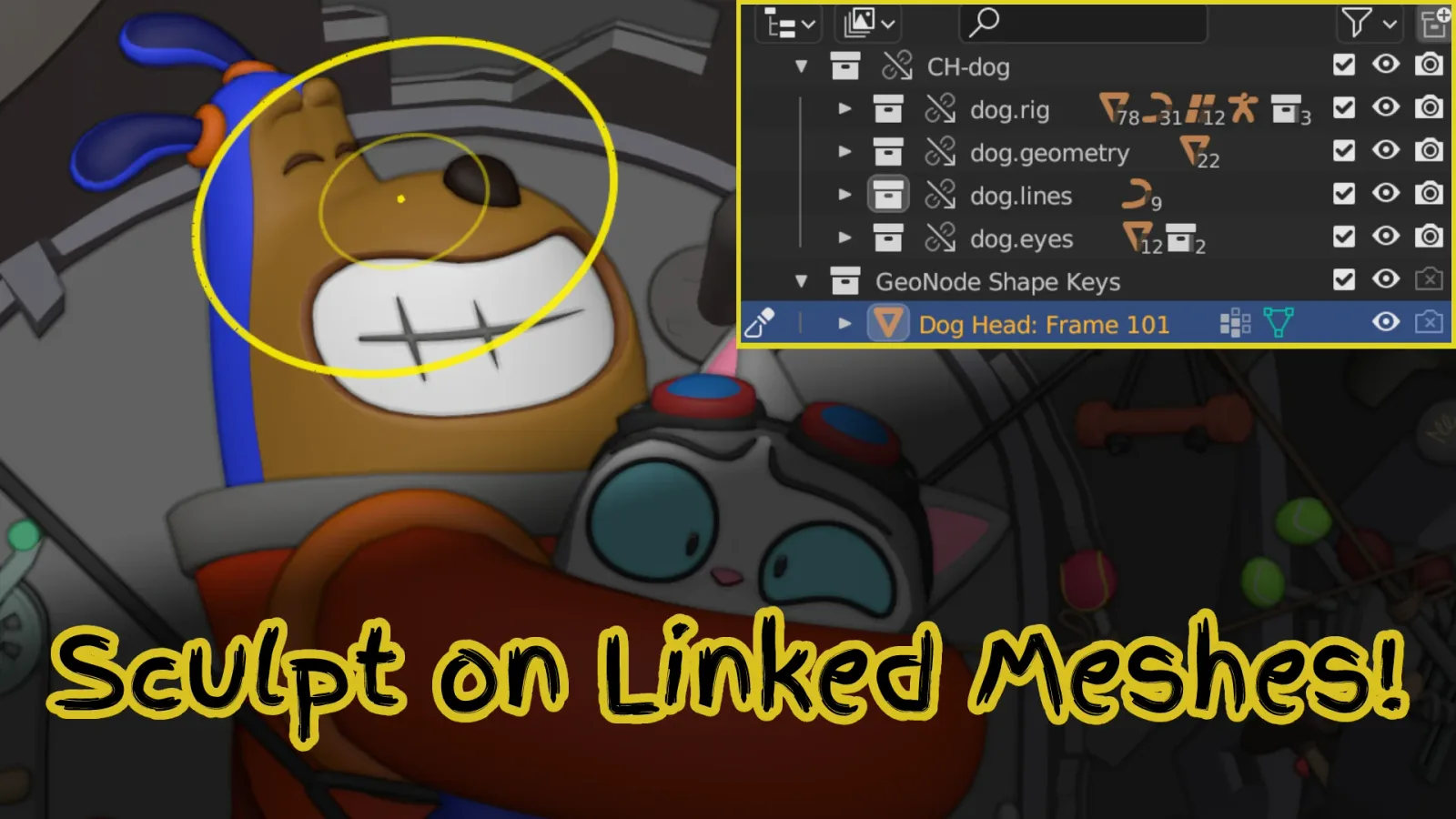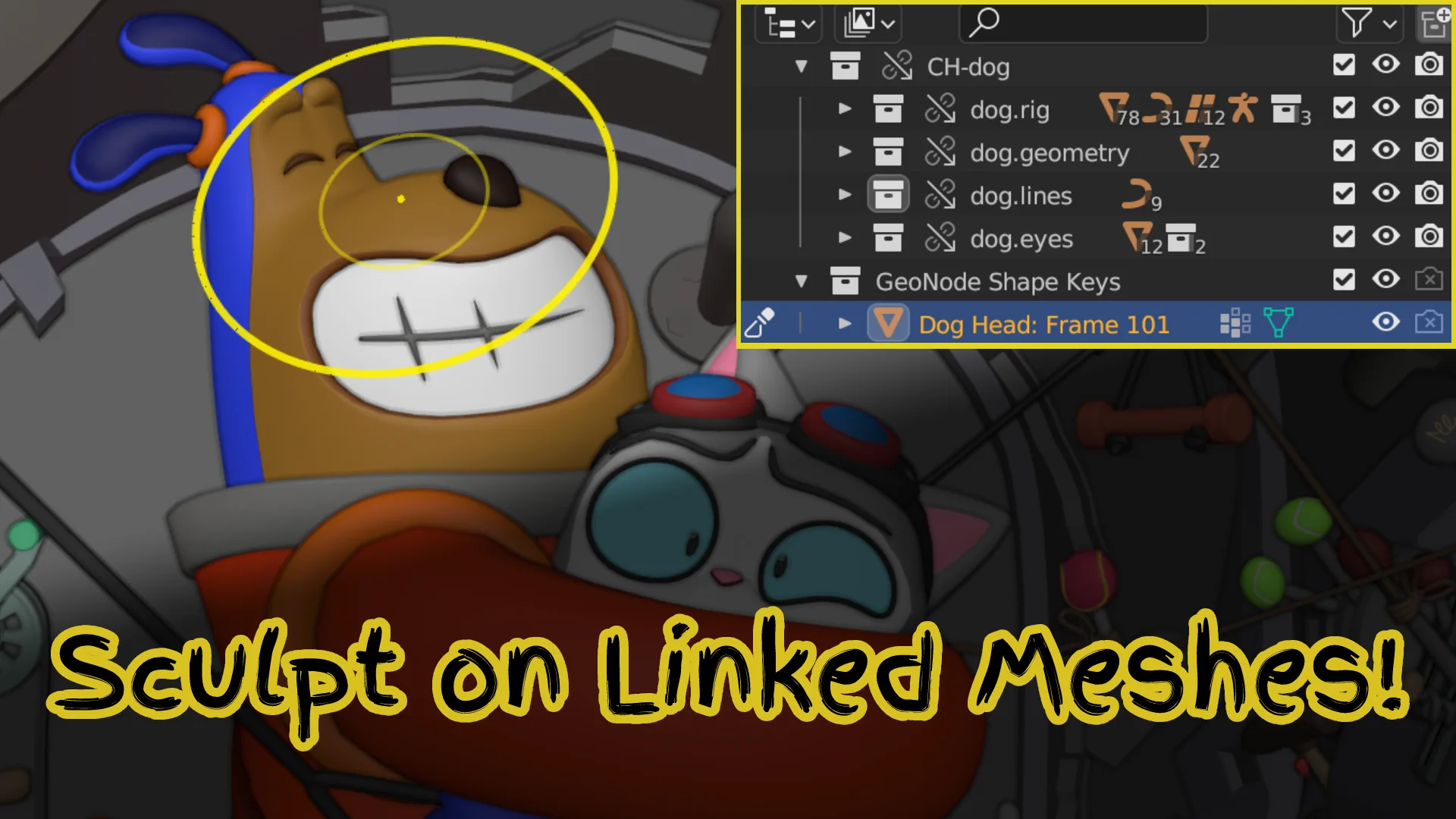
GeoNode Shape Keys is a Blender add-on by Mets for sculpting small corrections on linked and overridden meshes, including animated characters. Version 1.0.2 adds sculpting on ordinary local meshes and supports meshes deformed by binding modifiers such as Surface Deform or Mesh Deform. Its interface appears under Properties > Object Data > Shape Keys > GeoNode Shape Keys when you select a supported mesh.
How the sculpting workflow works
When adding a GeoNode Shape Key, choose Relative, Absolute, or Tangent Space transfer. Only Tangent Space requires a UVMap; it must have no overlapping areas within the object. The Geometry Nodes setup uses that map to match vertices between the original mesh and the local sculpt copy. The add-on creates a duplicate for sculpting and hides the original, while a Geometry Nodes modifier applies the correction to its target mesh. A button lets you switch back to the original. You can name a shape or use the current frame number as its default name.
Removing a GeoNode Shape Key entry also removes its modifier and sculpt object, so take that behavior into account when cleaning up a scene.
Working across multiple objects
Select several objects before adding a shape key to create one sculpt object covering them. If you use Tangent Space mode and the existing UV layout overlaps, the included operator can create non-overlapping UVMaps across the asset's objects.
Compatibility, installation, and permission
The Blender Extensions record lists version 1.0.2 for Blender 5.0.0 and later, with a maximum version of 6.0.0 exclusive. It requests Files permission to load the required GeoNodes from a .blend file. The listed license is GPL-3.0-or-later.
Get the add-on from its Blender Extensions page. If you download the package, Blender's Install from Disk instructions explain how to add it. For context on linked and overridden data, see the Blender Manual.
Who it suits
GeoNode Shape Keys suits artists making small sculpt corrections while keeping the original mesh available in the scene.