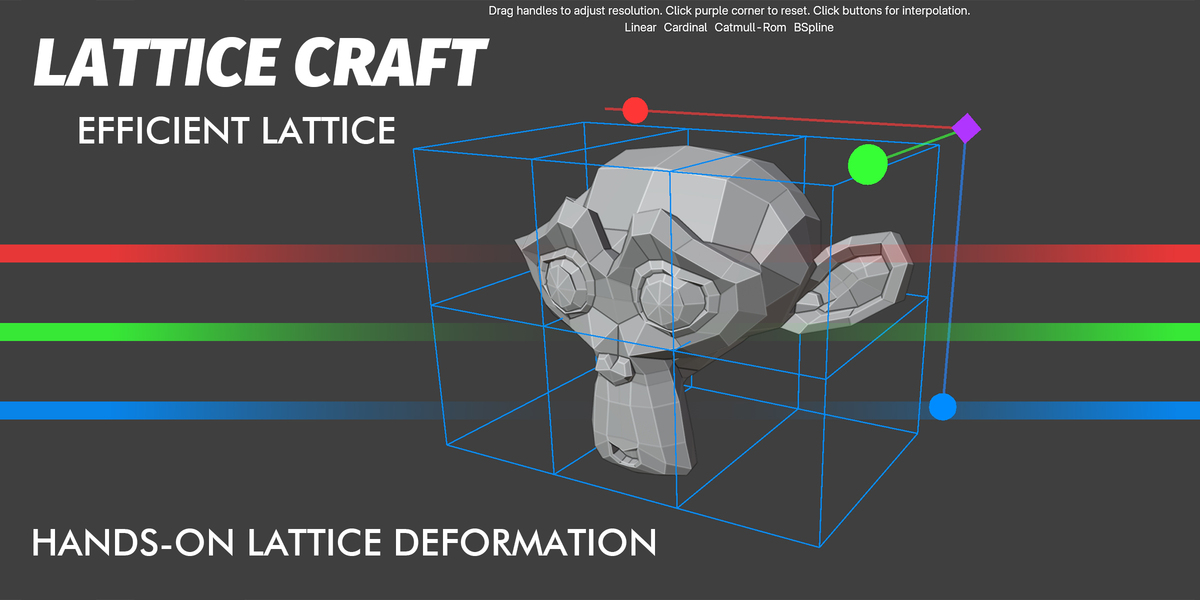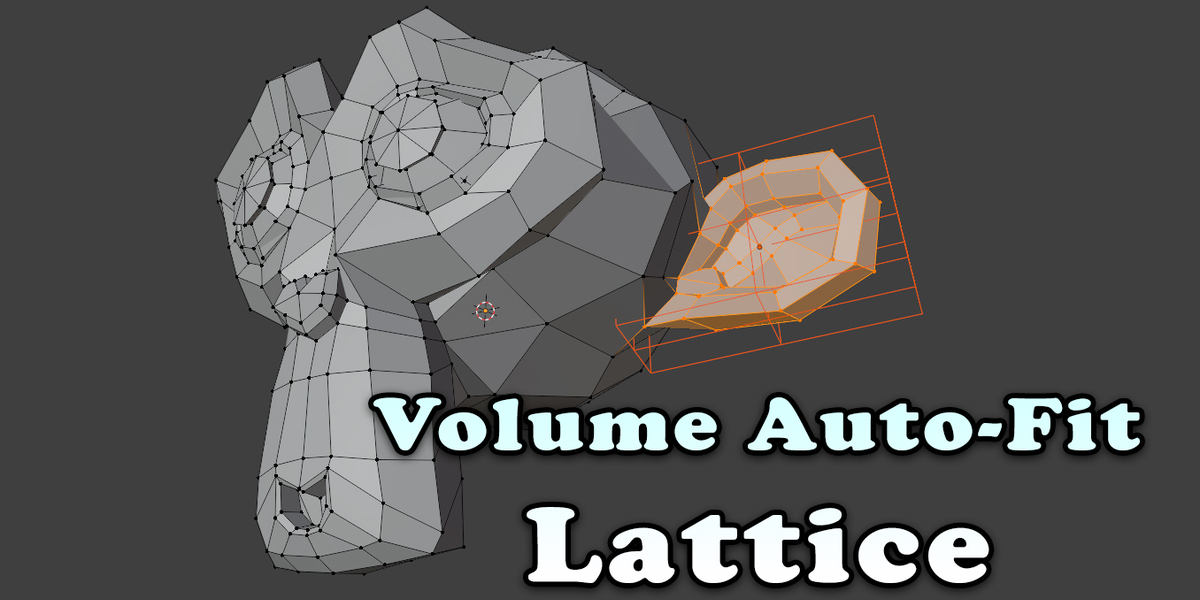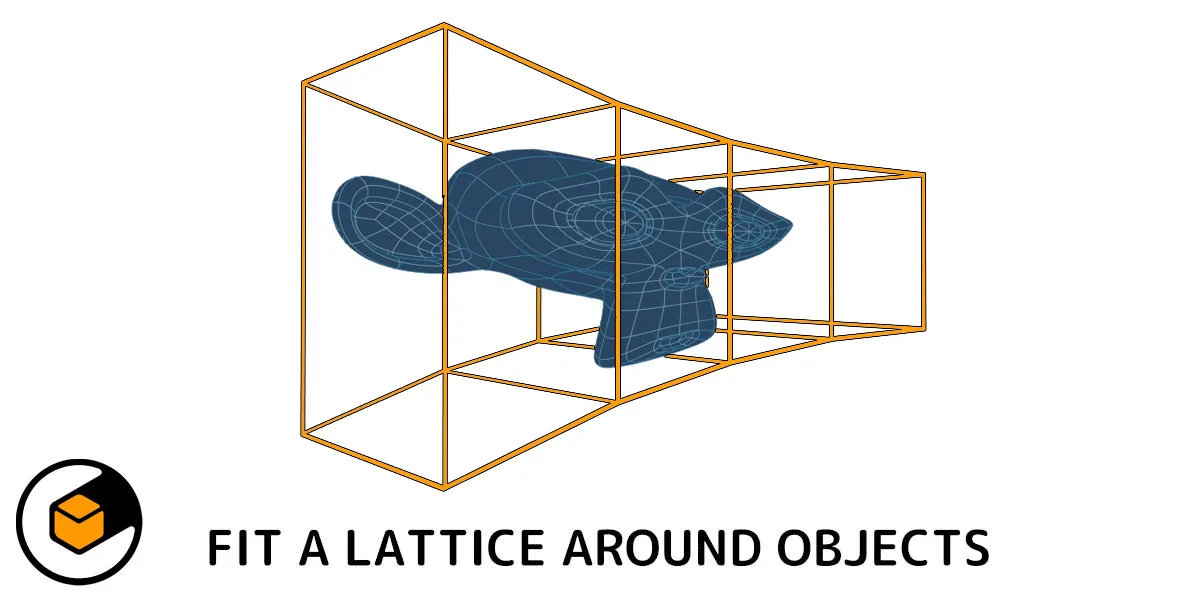
For local mesh deformation, this add-on fits a lattice cage around one or more selected meshes or curves and links them with a Lattice Modifier. Fit Lattice can also work on selected faces, edges or vertices in edit mode, which is useful when you want to shape only part of a mesh.
Fit a cage around objects or selections
In object mode, select the objects and run Fit Lattice from the Object menu, the viewport context menu or Blender’s F3 operator search. The add-on uses the selected objects’ bounding boxes to size and position the cage, then adds and links the modifier.
For a partial deformation, enter edit mode, select faces, edges or vertices, and run Fit Lattice from the Mesh menu, the context menu or F3. The new cage is ready to edit; press Tab with the cage selected to enter its edit mode. The documentation lists meshes and curves as supported targets. Objects such as cameras may not offer a suitable deformation option.
Adjust the lattice and deformation
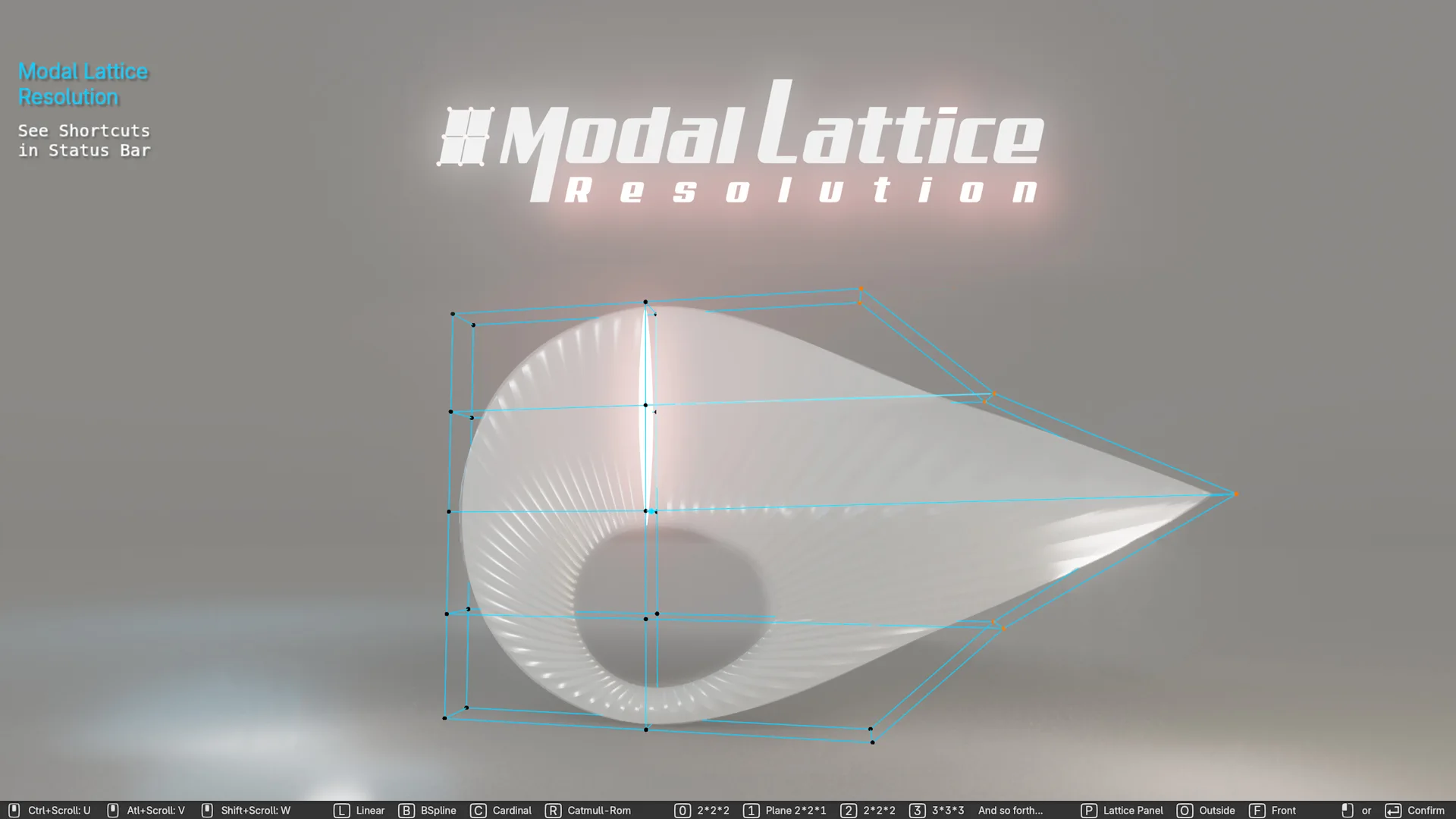
The operator panel in the lower-left of the viewport lets you choose preset or custom grid dimensions and set the cage rotation. Rotating the lattice makes it shrink to fit the selection’s boundary, which can help with objects set at an angle. Interpolation choices include Linear, Cardinal, B-Spline and Catmull-Rom.
Fit Lattice also has a mesh-cage option for a Surface Deform setup. The developer documentation describes the Scale Mesh control. In Mesh mode, this control changes the relative size of the generated mesh cage. If Surface Deform does not bind all surrounding vertices, making the cage slightly larger can reduce that issue. The Bind option is off by default because binding can slow Blender temporarily.
Apply or remove the setup
Apply Fit Lattice bakes the deformation into the target geometry and applies the relevant modifiers. This is destructive: you cannot keep adjusting the result through the cage afterward. The operator removes associated vertex groups and deletes a cage when no other objects still use it. To discard a lattice setup instead, use Remove Fit Lattice to remove the selected cage and its associated modifier and vertex groups.
Installation
For Blender 4.2 and later, the documentation says to drag the installation ZIP into Blender. For earlier versions, open Edit > Preferences > Add-ons, choose Install, and select the ZIP without unzipping it. Enable Mesh: Fit Lattice in the add-ons list. Check the Fit Lattice product listing for current compatibility and license details before installing.