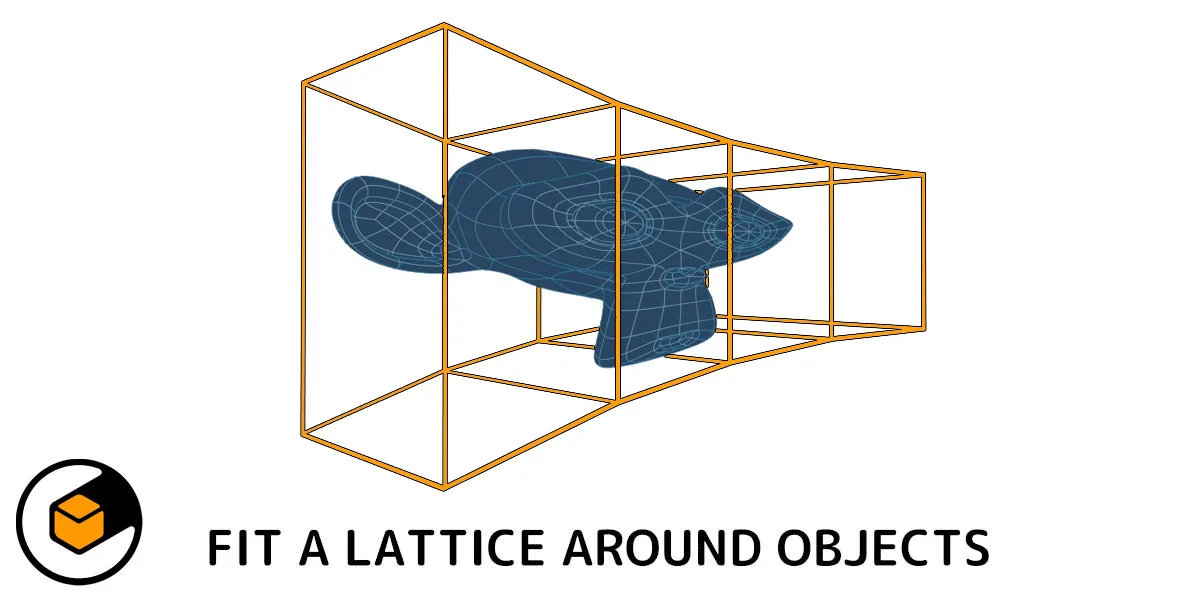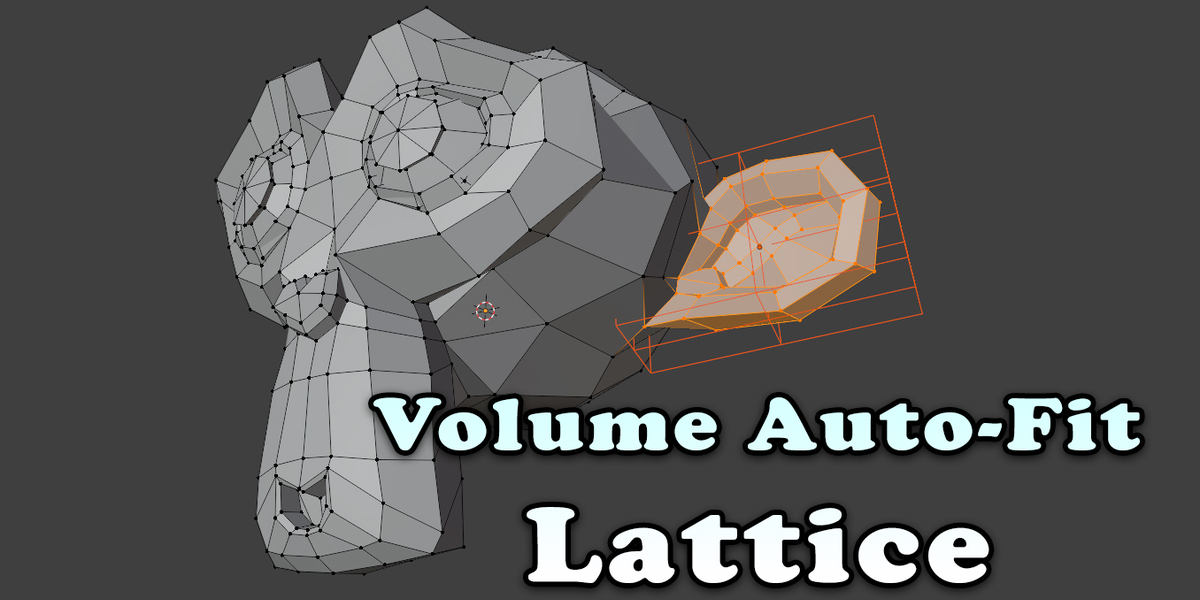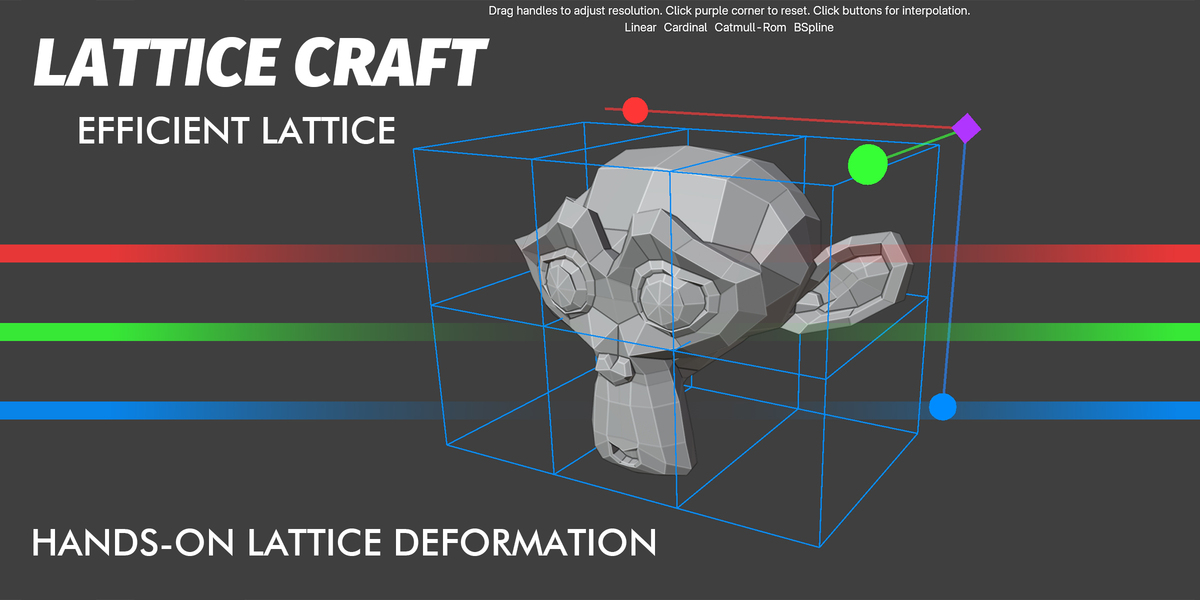
Lattice Craft is a Blender add-on for creating and adjusting lattice cages in the 3D viewport. Press Alt+C to set up a cage around an object, a group of objects, or selected mesh vertices. The add-on connects the cage with a lattice modifier, so you can shape the deformation with Blender’s usual lattice editing tools.
Choose a starting point
- Object Mode: Select a mesh, curve, surface, or text object. Lattice Craft fits a cage to its bounds and adds a lattice modifier. Select multiple supported objects to fit one shared cage around their combined bounds.
- Mesh Edit Mode: Select vertices first. Lattice Craft fits the cage to that region and creates a vertex group so the modifier affects the selected area.
- Existing lattice setup: Select a lattice or an object that already uses one to reopen the viewport controls.
The product listing describes these setup modes and supported object types.
Adjust resolution and interpolation
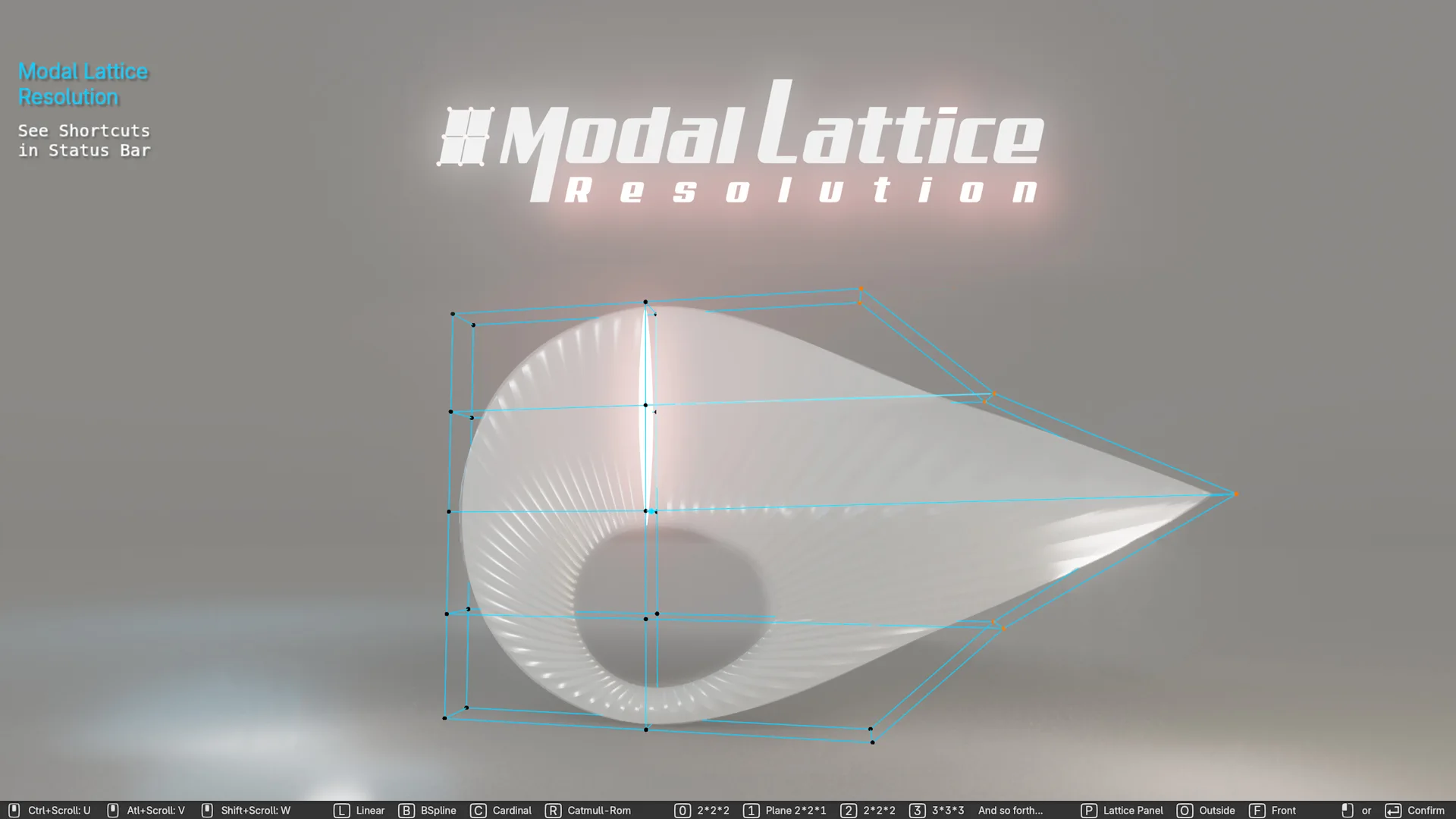
Drag the red, green, and blue handles to change the cage divisions on their matching axes. Each axis can be set from 2 to 20 points. Low, Medium, and High presets set all three axes to 3, 6, or 9 points; you can then refine the axes separately. A purple corner control restores the resolution values captured when the tool opened.
Choose Linear, Cardinal, Catmull-Rom, or BSpline interpolation from the viewport controls. The choice applies to U, V, and W together. These settings adjust how the cage deforms the object, while the lattice points remain available for further editing.
Keep the deformation editable
Press Enter or Space to confirm the setup. The lattice and modifier remain in the scene, ready for later changes. When the shape is finished, use Apply Lattice from the right-click Lattice Craft menu to apply the modifier. A shared lattice stays in the scene while another object still uses it.
Esc or right-click cancels by default. For a newly created setup, cancellation removes the lattice, modifier, and local vertex group. You can change the activation shortcut and modal exit keys in the add-on preferences.
Installation and mesh requirements
A lattice moves existing geometry, so add enough mesh divisions for the curve quality you need. The installation and user guide describes dragging the downloaded ZIP into Blender or installing it through Preferences, then enabling the add-on. The product listing identifies version 1.3.1 and Blender 4.2 through 5.0; check it for current release details.