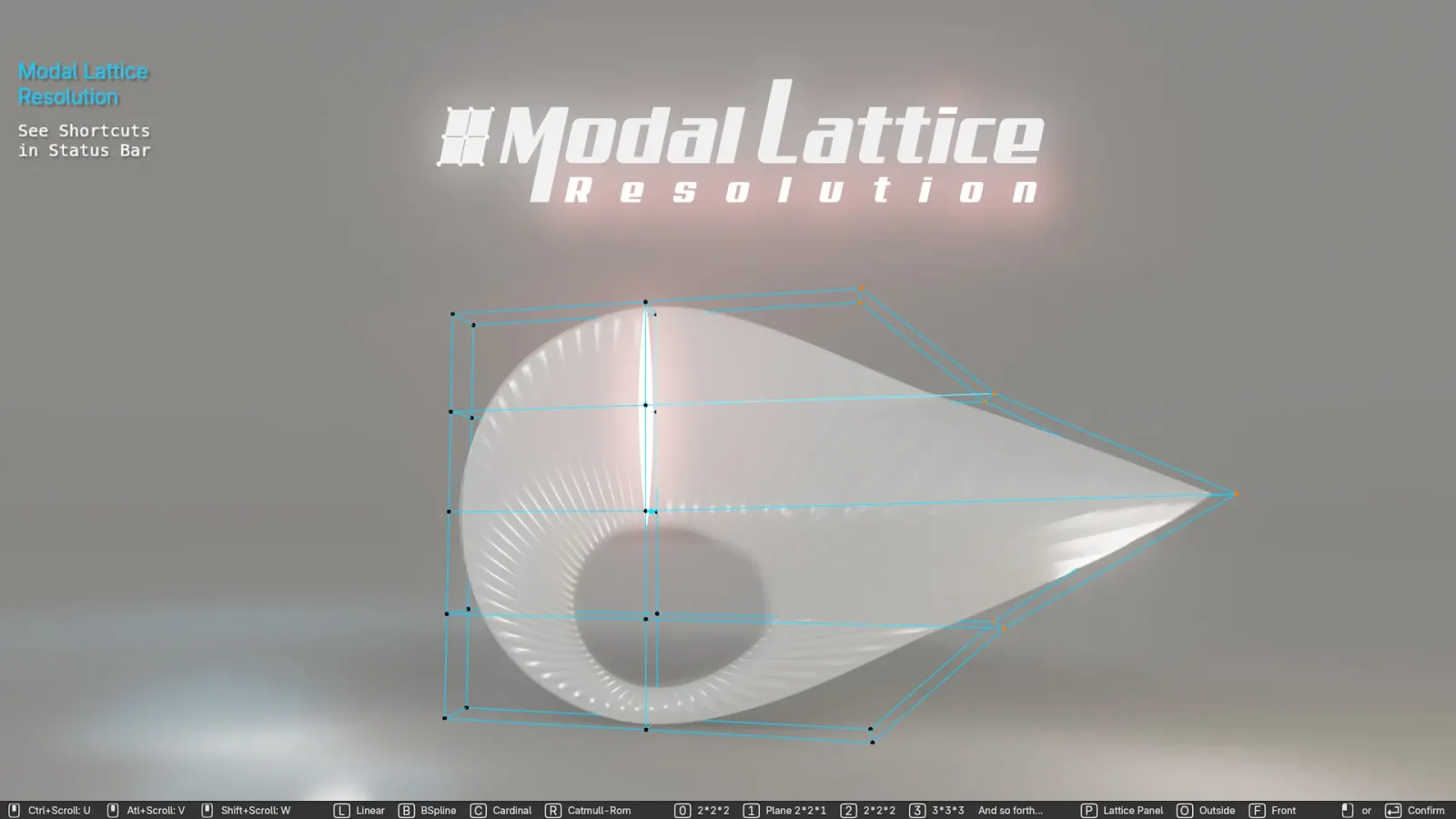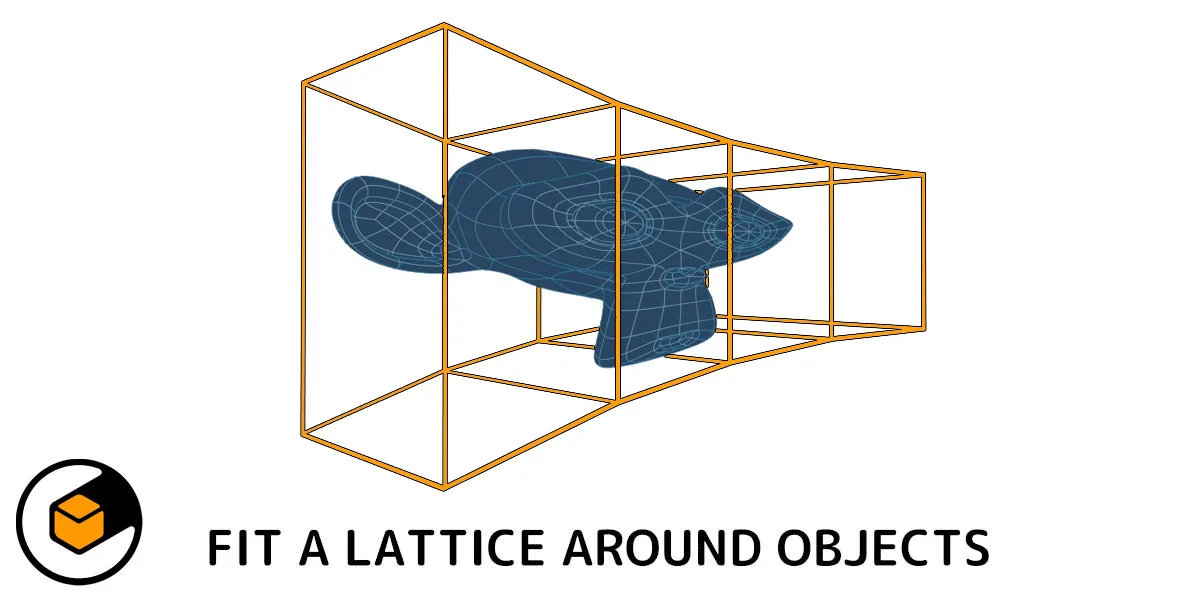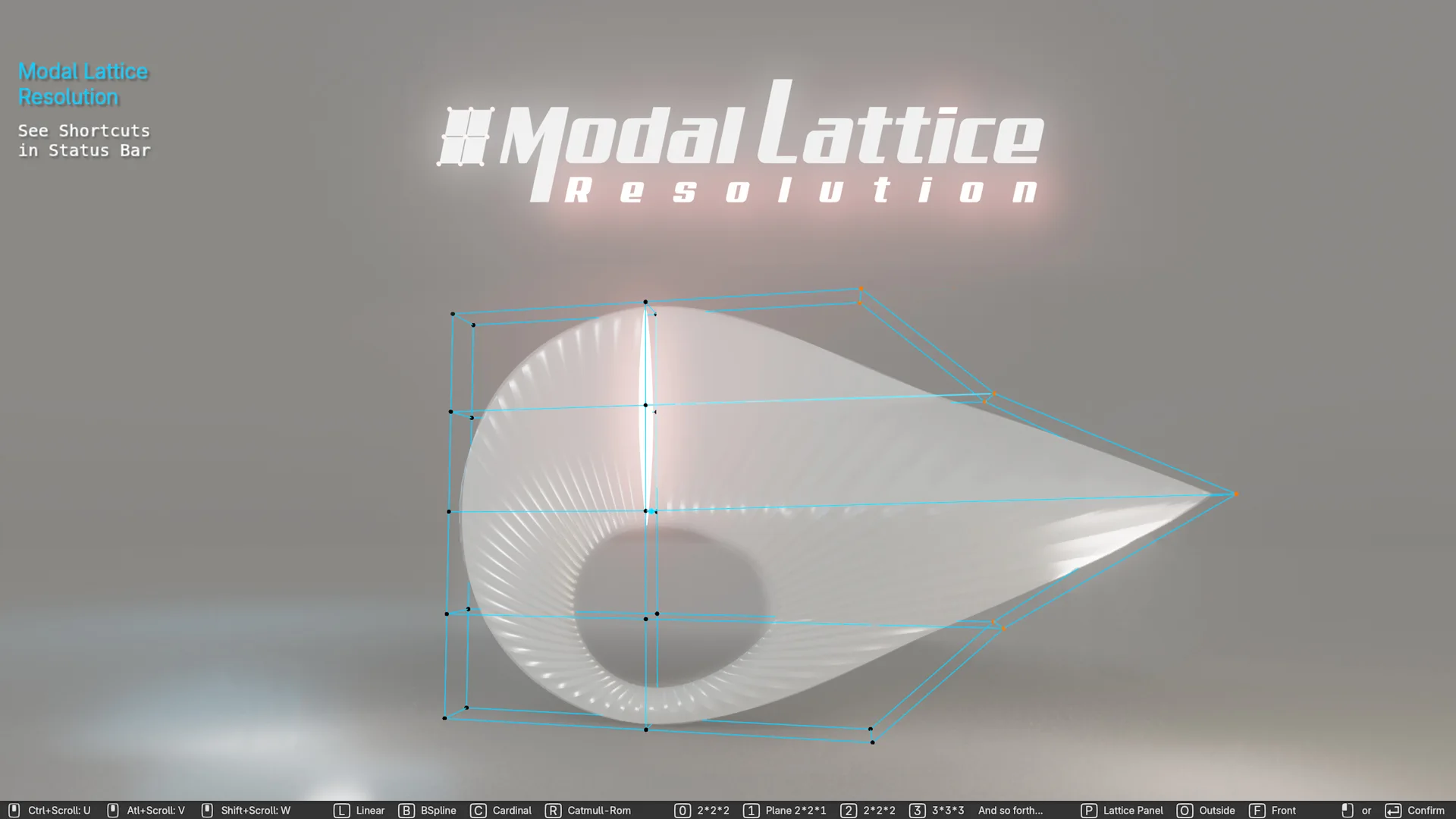
Modal Lattice Resolution is a Blender add-on by Tyo79 for creating a lattice around an active object and adjusting its resolution in the 3D viewport. Press L with a Mesh, Curve, Surface, Grease Pencil, or Text object active, or with a set of objects selected. The add-on fits a new lattice to the object's location, scale, and rotation, then switches to lattice Edit Mode and opens its adjustment modal.
If the active object is already a lattice, pressing L starts the modal on that lattice instead of creating another one.
Adjust a lattice in the viewport
While the modal is open, you can change resolution on the U, V, and W axes and choose Linear, Cardinal, Catmull-Rom, or Bspline interpolation. Ctrl+scroll changes U resolution, Alt+scroll changes V, and Shift+scroll changes W; Numpad-0 restores the default 2_2_2 setting. The Status Bar displays the available shortcuts during the modal. Popup Panel, Outside Toggle, and Front Toggle options are also available.
The add-on's User Preferences let you change the L keymap and modal color.
Compatibility and license
Release 0.3.4 lists Blender 4.2.0 as the minimum supported version. The add-on is distributed under the GNU General Public License v3.0 or later. Check the Blender Extensions listing for its release and download details. Blender's Install from Disk instructions explain the application-side installation process.