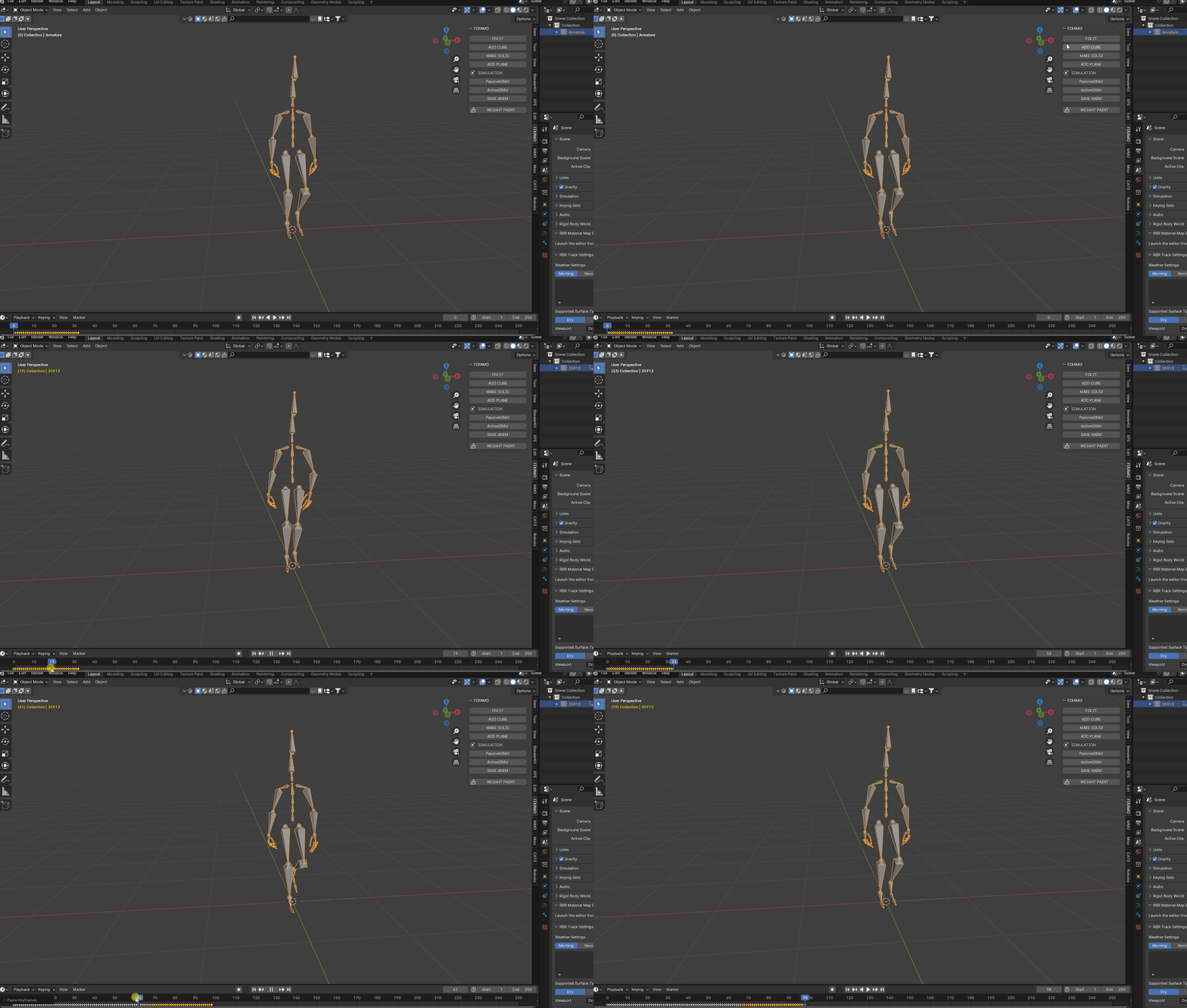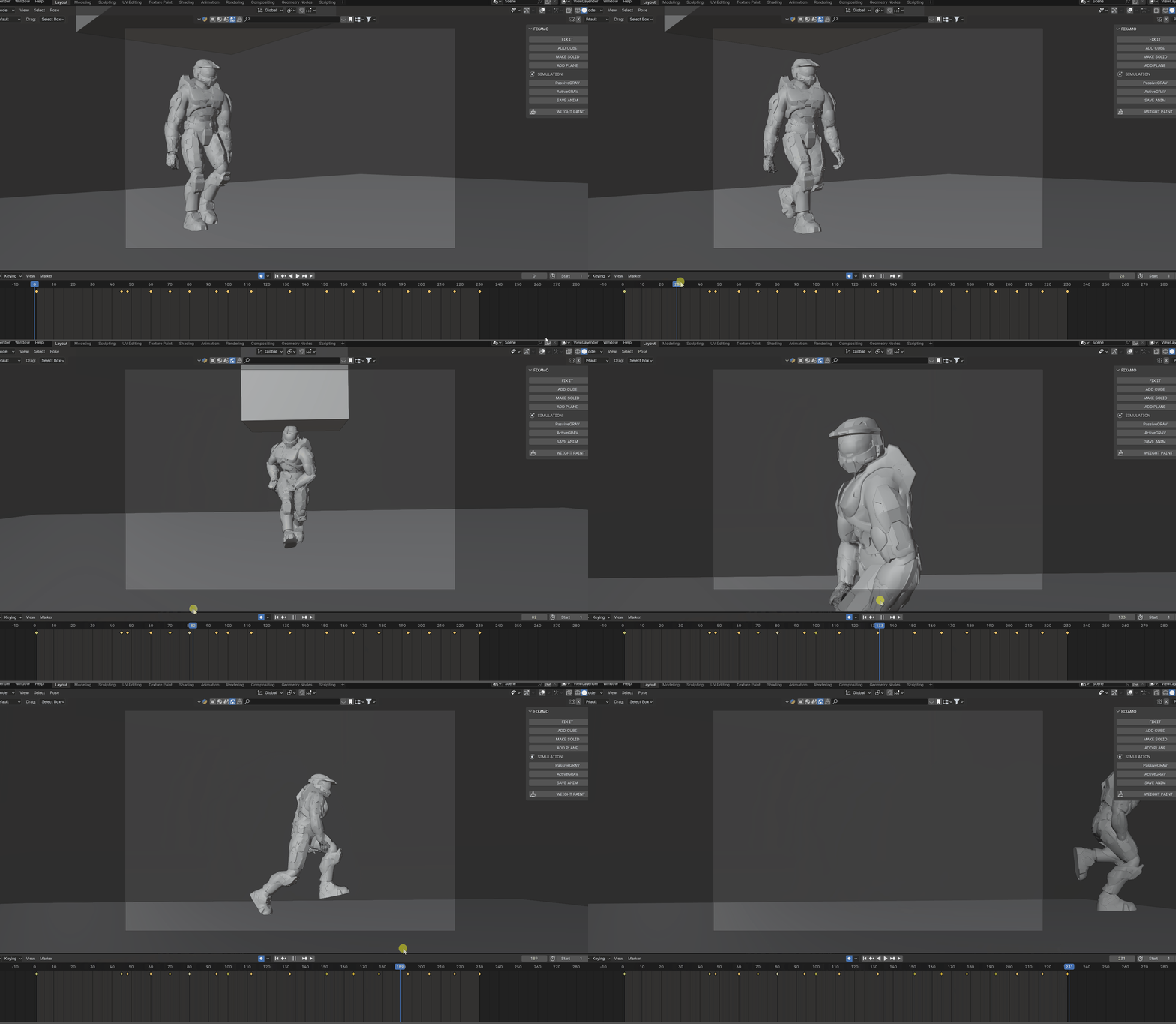
Fixamo 2 is a Blender add-on by BOSSposes for preparing Mixamo and mocap clips, combining animation frames, and saving custom clips as FBX. Its main workflow uses Blender's timeline and copy-and-paste instead of the NLA editor. The BOSSposes product listing describes the add-on and its supported Blender versions.
Preparing and combining animation clips
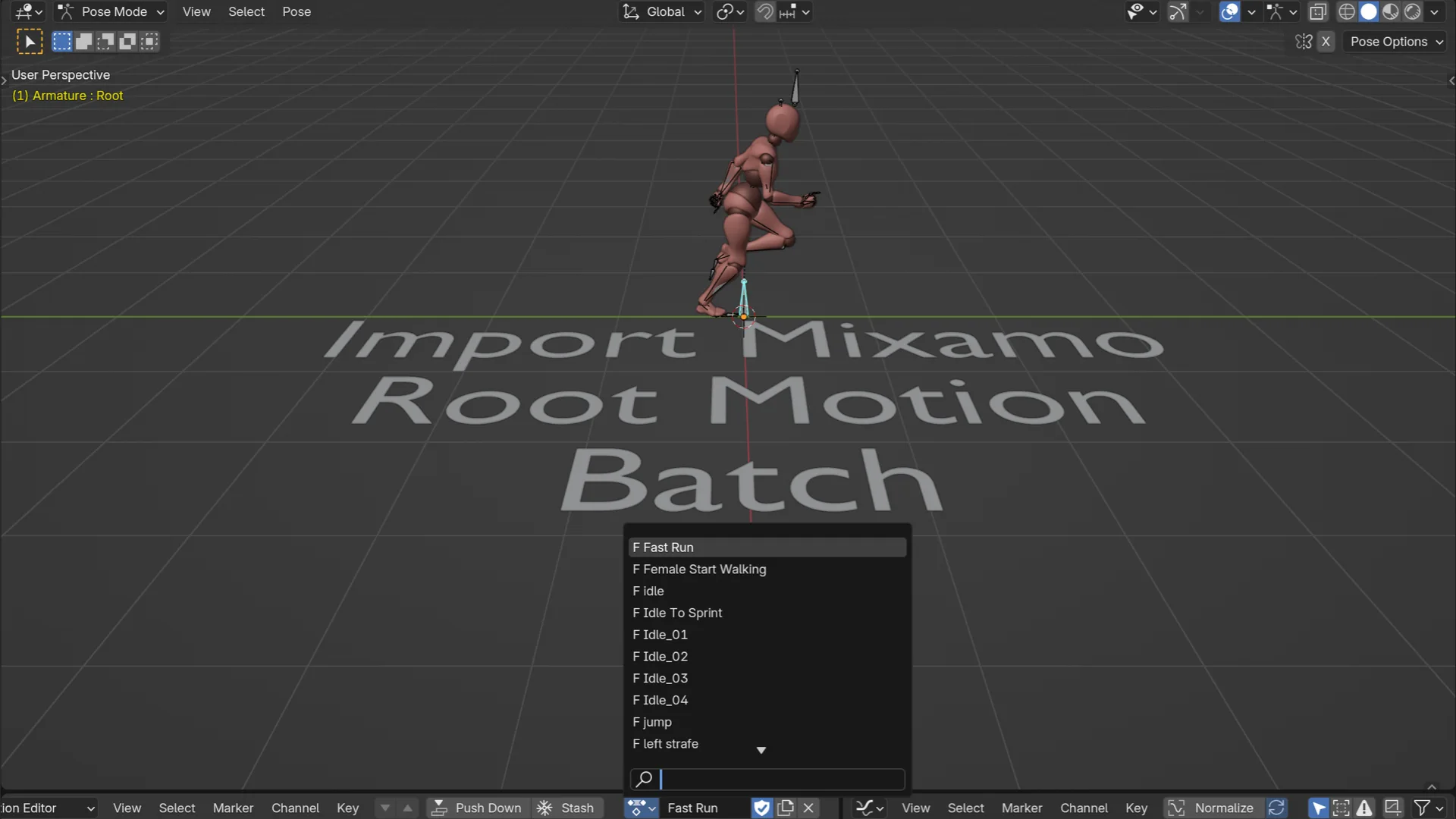
Import an FBX animation and click Fix. The add-on renames it to avoid conflicts, removes its position while keeping the Y motion, and leaves the position available for keyframing later. The listing notes that jumps and flips keep their motion.
To combine clips, copy frames from another fixed animation and paste them onto the first clip in the timeline. Delete the second import after copying its frames. Edited, combined, or newly created animations can then be saved and exported as FBX for later use.
Gravity, weight painting, and solidify tools
- The gravity button adds passive or active gravity to an animation.
- The weight-painting button opens weight paint mode for a selected object. Click it again to return to the previous mode.
- The solidify option can add objects or solidify a model.
Retargeting and compatibility
For retargeting animation to another character, the creator directs users to the free Rokoko add-on. The listing recommends a T-pose as the character's rest pose and notes that arm placement may need adjustment if the arms move into the body. It labels Fixamo 2 compatible with XPS, FBX, and OBJ.
Listed Blender versions and installation
Fixamo 2 is listed for Blender 2.9, 2.91, 2.92, 2.93, and 3.0 through 3.5, and its license is GPL. Compatibility with later versions is not specified, so confirm support with BOSSposes before using a newer release.
In Blender, open Preferences, go to Add-ons, choose Install, and select the fixamo.zip file. The product page includes a tutorial, and the BOSSposes YouTube channel has further tutorials.