FK/IK Snapping Tools is a Blender add-on by atrxi for animators working with humanoid rigs. It provides one-click snapping from FK to IK and from IK to FK, and its listing says it works with a variety of rig types. The official Blender Extensions record lists version 1.0.0, Blender 4.2.0 or later, and the GPL-3.0-or-later license.
Configure each limb
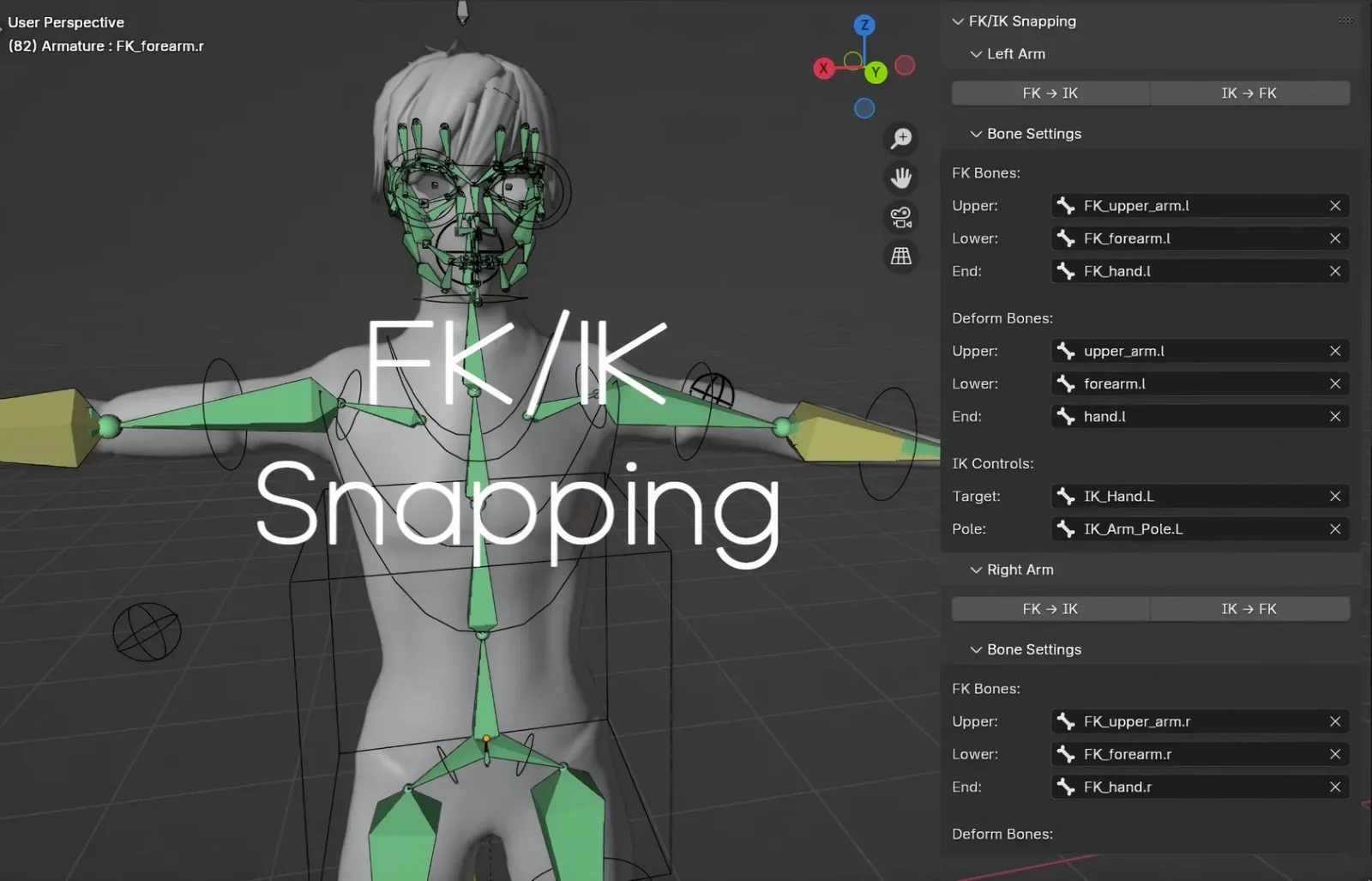
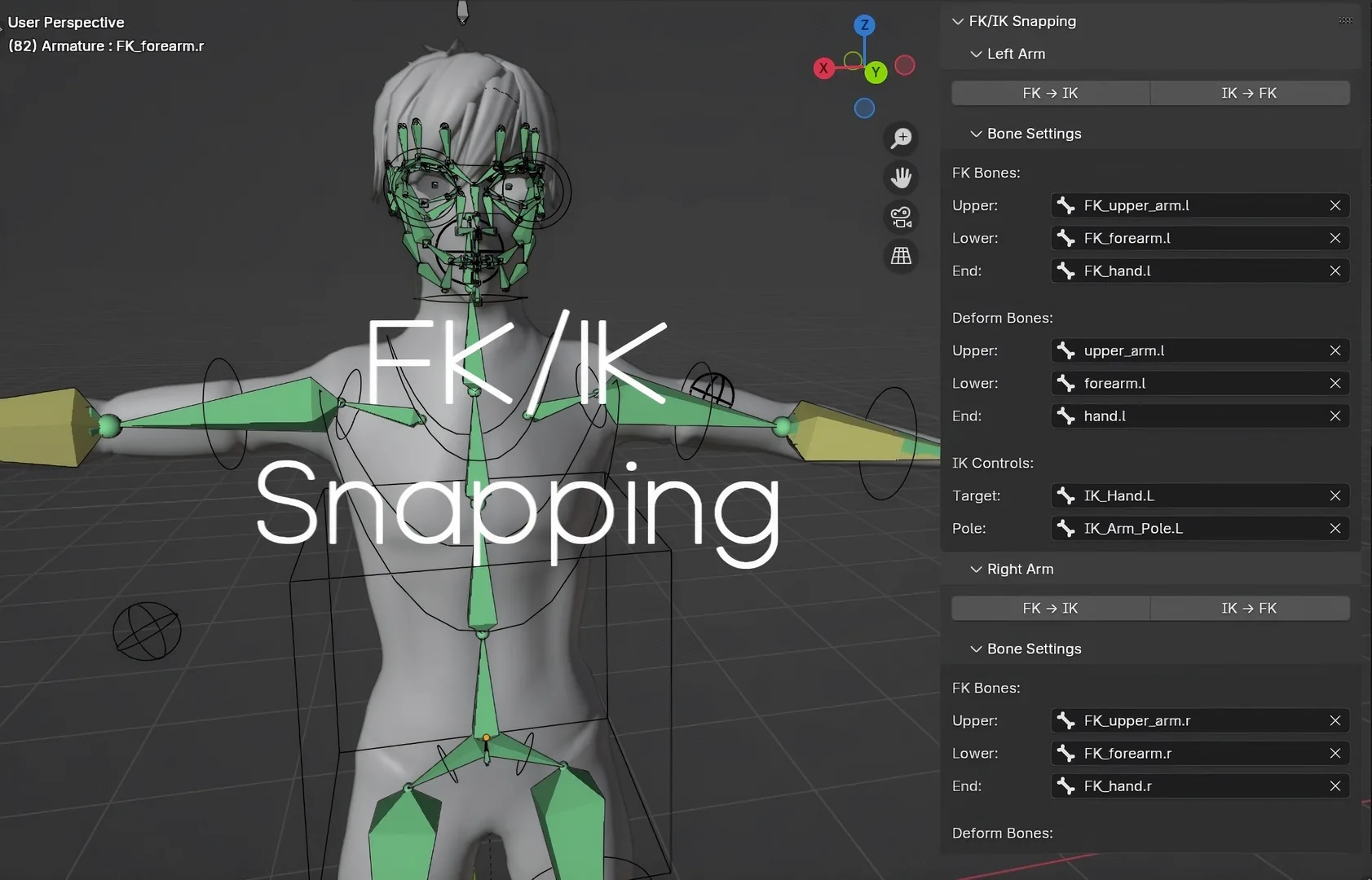
Find the add-on in Blender's Animation tab. Before snapping, open Bone Settings and assign the limb's deform bones, FK bones, IK pole and IK target to their corresponding fields. Set these assignments for each limb you plan to use.
Choose a snap direction
FK to IK: Click
FK -> IKto snap the IK bone to the FK bone's position.IK to FK: Click
IK -> FKto snap the FK bone to the IK bone's position.
The listing also notes that the IK side matches FK bone rotation when snapping. It does not name specific supported rig systems, so check that your rig has the corresponding bone controls and IK pole and target fields before setting it up.
Compatibility and release
The Blender Extensions listing provides the add-on and release details. AnyPlugins lists FK/IK Snapping Tools as free to download. For bug reports, the official listing links to the project issue tracker.