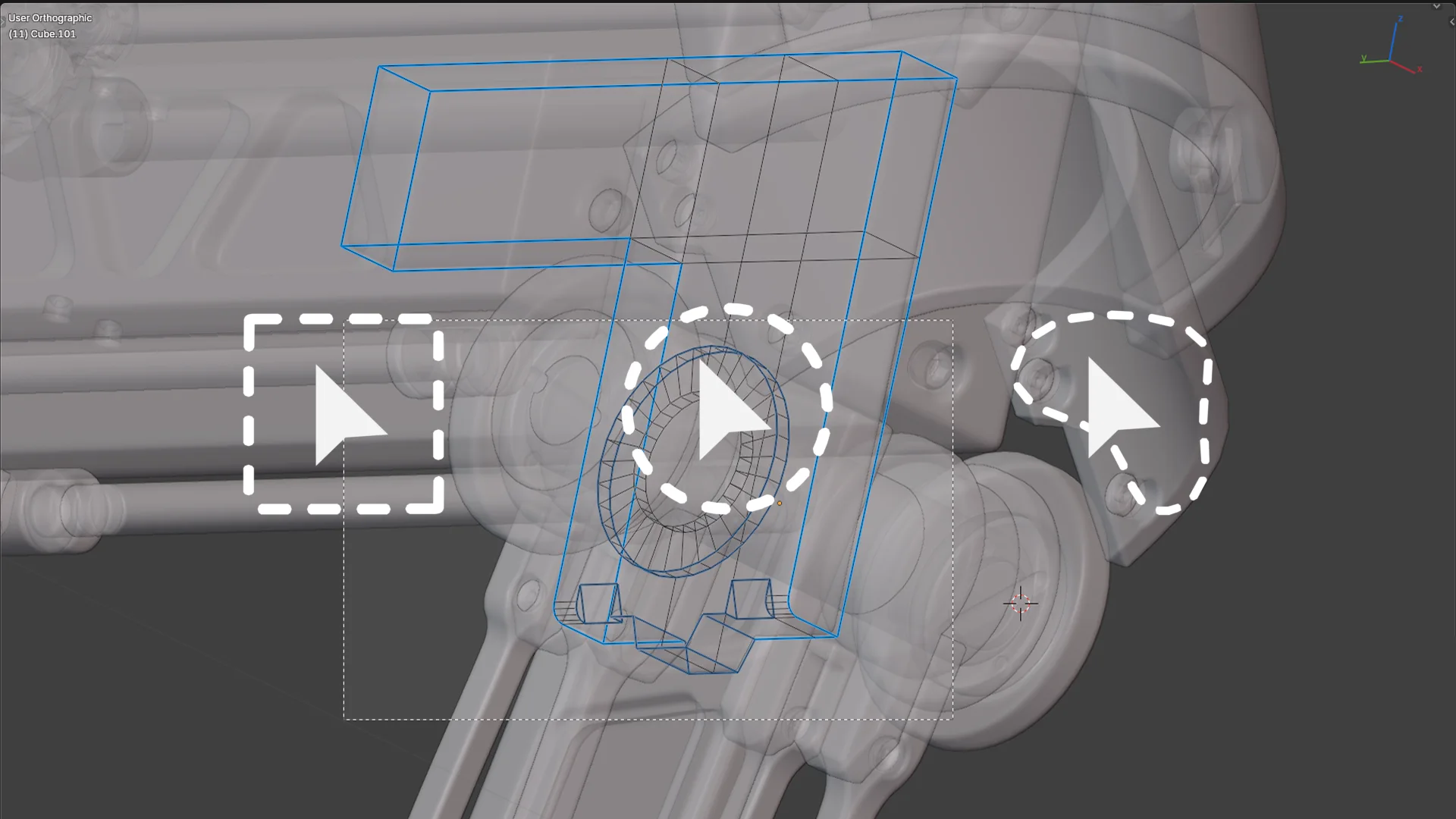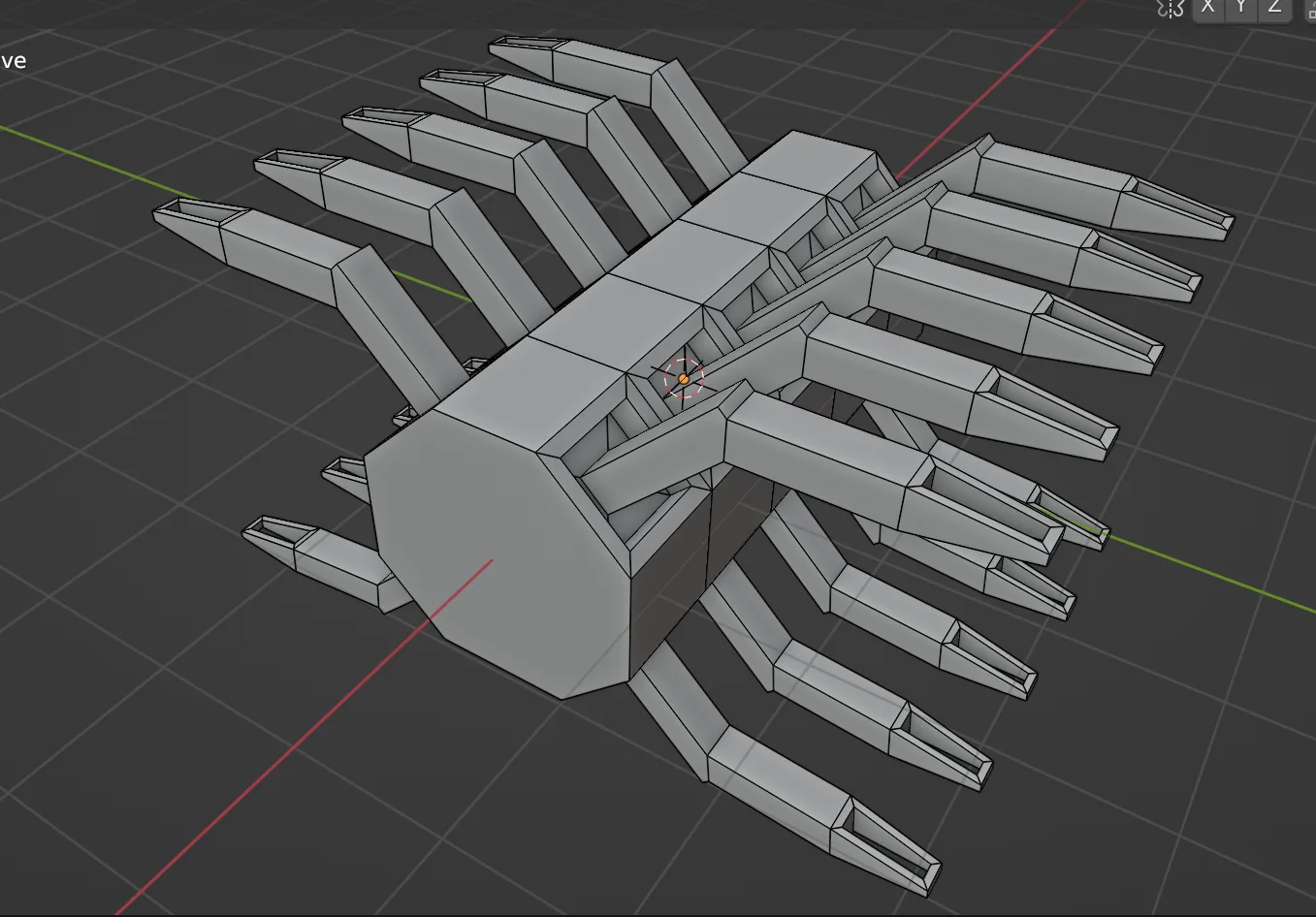
Flow Selection Pro is the paid Selection licence for CG Flow, a Blender add-on that installs and updates Flow modules. Box, Lasso and Circle stay on one selection button, while loops, rings and paths preview under the cursor in Edit Mode before you commit. The download is CG Flow. See the product listing for current licence details.
Selection tools and topology gestures
Flow Select adds its own gestures to the shared selection button.
What Lite includes and Pro adds
The free Lite tier includes Box, Lasso and Circle, cursor previews for loops, rings and paths, and Flow Select gestures. The paid Pro licence adds options for more involved mesh work. Pro adds loops through triangles and n-gons, Hard Loop, Fill, Offset, Follow Edge, Select Linked and Invert on a double click, plus Loop settings. The Pro licence includes every future version of Flow Selection.
Install CG Flow
Download CG Flow from the ZIP included with the purchase or from CG Flow's start page, then install it in Blender. Sign in with the email used for the Superhive purchase; Pro should link to the account automatically. If you use another email or have no Superhive account, enter the order number when sign-in asks for it. Install Selection from the CG Flow panel. The developer's system guide covers installation and accounts, and the Selection guide documents gestures and settings.
Compatibility and support
The Superhive listing shows Blender 4.2–5.2 compatibility. Check the current listing before installing on a different Blender release. For product questions or bug reports, use CG Flow support.