Flowcam V2 is a Blender camera add-on by Shift4cube. Its Studio UI groups tools for camera paths, orbit rigs, lens selection, focus and framing. You can use it to create a camera that follows a curve, set up a 360-degree orbit, or generate a Dolly Zoom move. The seller listing describes the V2 features, while its user documentation gives setup instructions and example workflows.
Camera paths and motion controls
Use New Path Cam to attach a camera to a selected curve. Flowcam's Live Offsets let you adjust the camera's height and side position relative to the path. Linear Speed switches between constant movement and smooth Bezier motion, and Follow Tilt adds banking through turns. The V2 listing also names Axis Control among the restored features.
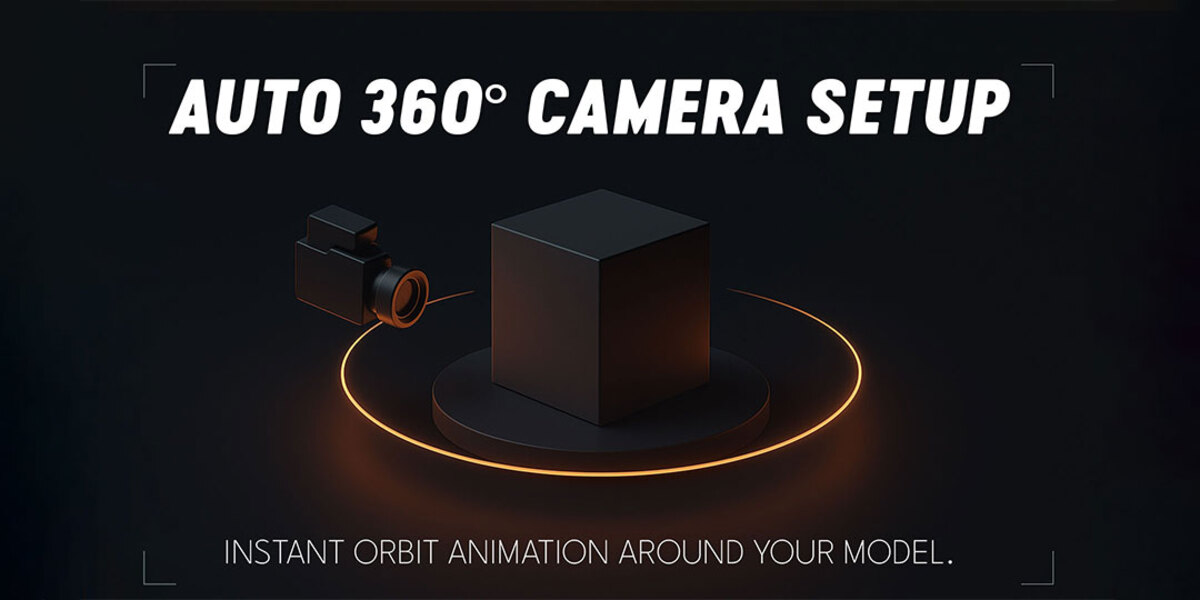
For orbit shots, New Orbit Cam creates a 360-degree camera rig around a selected object. The Dolly Zoom Generator animates the camera moving backward while zooming in, producing the Vertigo effect described in the manual.
Lens, focus and framing tools
The Lens Kit provides one-click choices of 24 mm, 35 mm, 50 mm and 85 mm focal lengths. Auto-Focus offers depth-of-field controls with target tracking strength, and the Smart Hero Light creates a rig that tracks the subject with the camera. A panel control toggles render motion blur. Composition Guides add Rule of Thirds or Center overlays, and Instant Resolutions switch between 16:9, 9:16 and 1:1 formats.
Installation and compatibility
The V2 manual says to install FlowCam_V2.zip or the .py file through Blender's Edit > Preferences > Add-ons menu, enable Camera: FlowCam V2 Master, then open the FlowCam tab in the 3D Viewport's N-panel. The seller listing reports Cycles and Eevee support and an MIT license.
There are two Blender version ranges on the seller's page: the V2 overview says Blender 4.0 and later, optimized for 4.2 and 4.3, while the Details field lists Blender 3.5 to 5.0. Check the current package notes with the seller to confirm support for your Blender version.