FlowCaster.live is a Premiere Pro panel by Drastic Technologies Ltd that connects an editor to a FlowCaster.live group review and approval session. It brings the same output video the group is watching into Premiere Pro, along with telestration and text or comment feedback. New comments and drawings can optionally become timeline markers. The panel also handles marker files without a live review session.
Review group feedback inside Premiere Pro
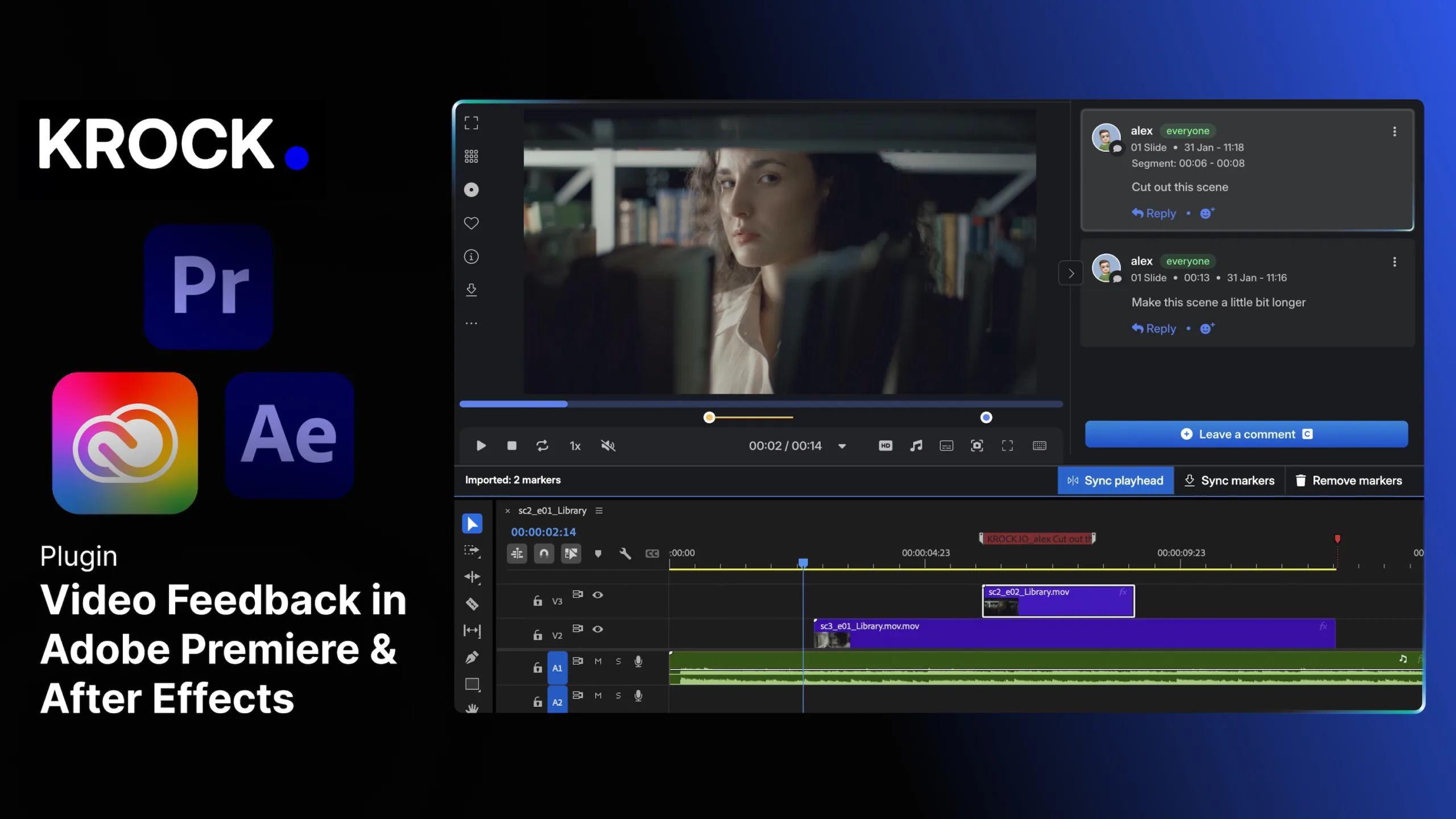
During a group session, the panel displays the Premiere output video being reviewed and shows the group's comments and telestration drawings alongside it. Editors can refer to that feedback in Premiere Pro while working through requested changes, rather than checking a separate window for each note.
Comments and drawings can optionally be added as markers on the timeline. This gives editors a way to carry selected review feedback into the sequence. When a session ends, it can be saved and reloaded so the editor can return to the group's suggestions later.
The live review workflow is suited to editors collaborating through FlowCaster.live group sessions. The panel connects Premiere Pro to those sessions; the supplied product information does not describe the review service's plans or account requirements.
Manage markers without a review session
FlowCaster.live also includes offline marker management that runs independently of the FlowCaster.live review and approval site. It can load and save Premiere CSV Markers, Avid XML Markers and Resolve EDLs, and clear existing sequence markers.
If your project depends on another marker format, check the developer listing for support.
Who FlowCaster.live may suit
FlowCaster.live may suit Premiere Pro editors who receive feedback in FlowCaster.live review sessions and want the group's video, comments and drawings visible in the editing panel. Its optional timeline markers can help carry selected feedback into the sequence.
It may also suit editors whose task is limited to loading, saving or clearing markers. Those functions are described as standalone, so they do not depend on joining a live review session.
Version and compatibility
The catalog record lists version 1.3.0 and compatibility with Premiere Pro 8.0 and later. It lists FlowCaster.live as free to download. Before installing, check the Adobe Exchange listing for the current version, Premiere Pro compatibility, and licensing terms.