Fluffy Clouds Planes is a Blender add-on by Besa_Art for building cloud sea scenes with 2D cloud planes. Its categorized library, shader controls, and animation options sit together in one panel. The product listing says the thin planes require far less computer performance.
Cloud planes, shaders, and animation
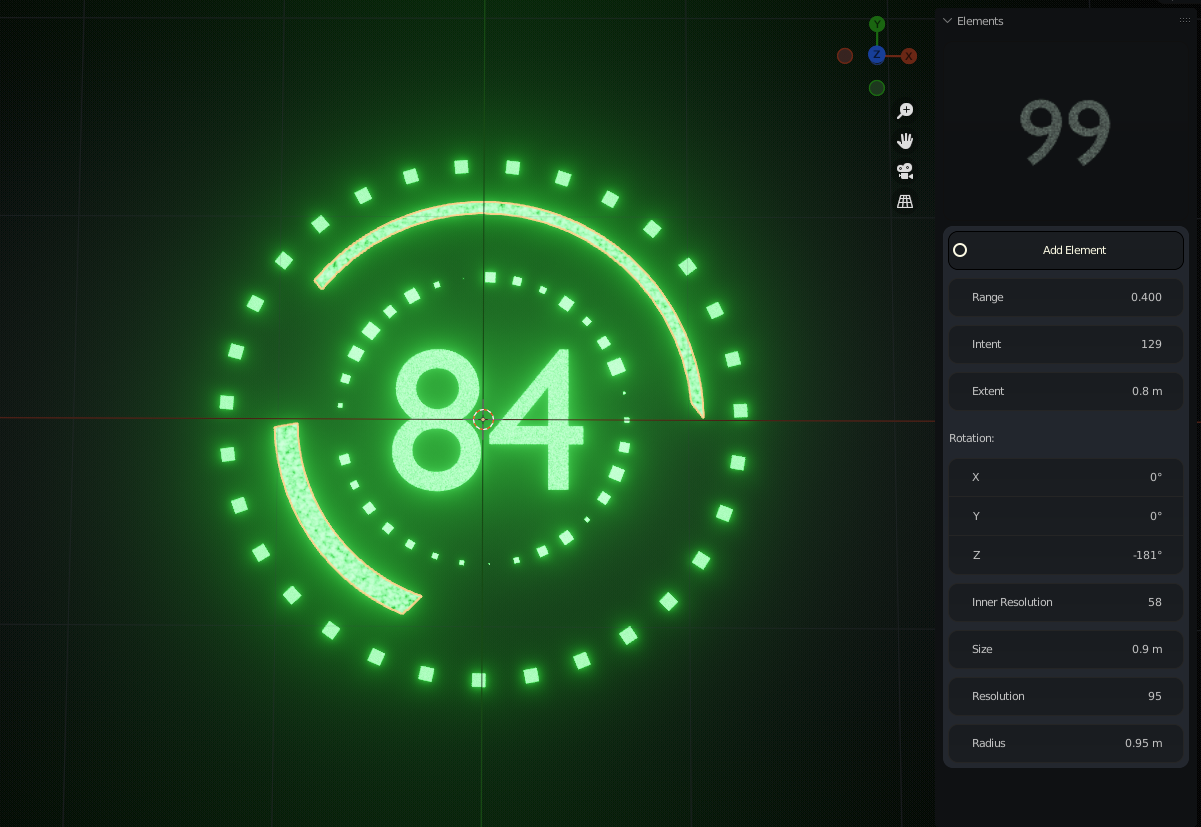
The clouds use 2D textures that are subdivided and finished with modifiers. Moving the planes creates a motion effect. You can adjust their color, brightness, and appearance in the add-on panel, then keyframe shader changes for animation. A connected shadow cloud adds a shadow element to the main cloud.
When a camera view becomes crowded with detailed planes, proxy clouds provide a simpler view option. The library also shows which cloud you are working with, and its controls do not require a separate workspace window.
The included cloud library
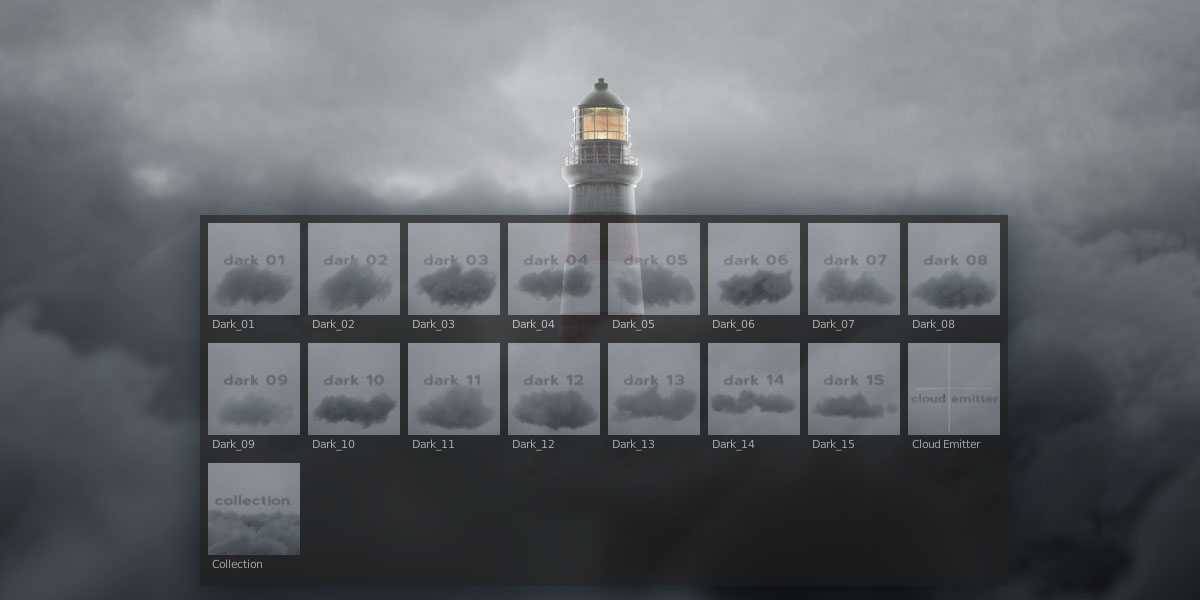
The add-on includes one Dark Clouds mood pack with 15 categorized cloud shapes. Other mood packs are available separately. You can switch between clouds in the library while building a scene.
Compatibility and visual limits
The product listing gives compatibility as Blender 3.0 through 4.5, names Cycles and Eevee as supported render engines, and lists the license as GPL. Check the listing for current product details.
These planes are not a replacement for ultra realistic VDB clouds. Their flat shape can show when the camera angle reveals the thin edge. The creator recommends fitting the camera angle to the plane angle. This approach suits shots that can be framed around the planes; scenes that need volumetric clouds may call for a different method.
Install the add-on
- Download the ZIP file, then open Blender and go to Edit > Preferences > Add-ons.
- Select Install in the top bar, choose the ZIP file, and select Install add-on.
- Search for Fluffy Clouds, enable the add-on, and save preferences.
- Select the folder where you placed the pack folder.
See the installation instructions.