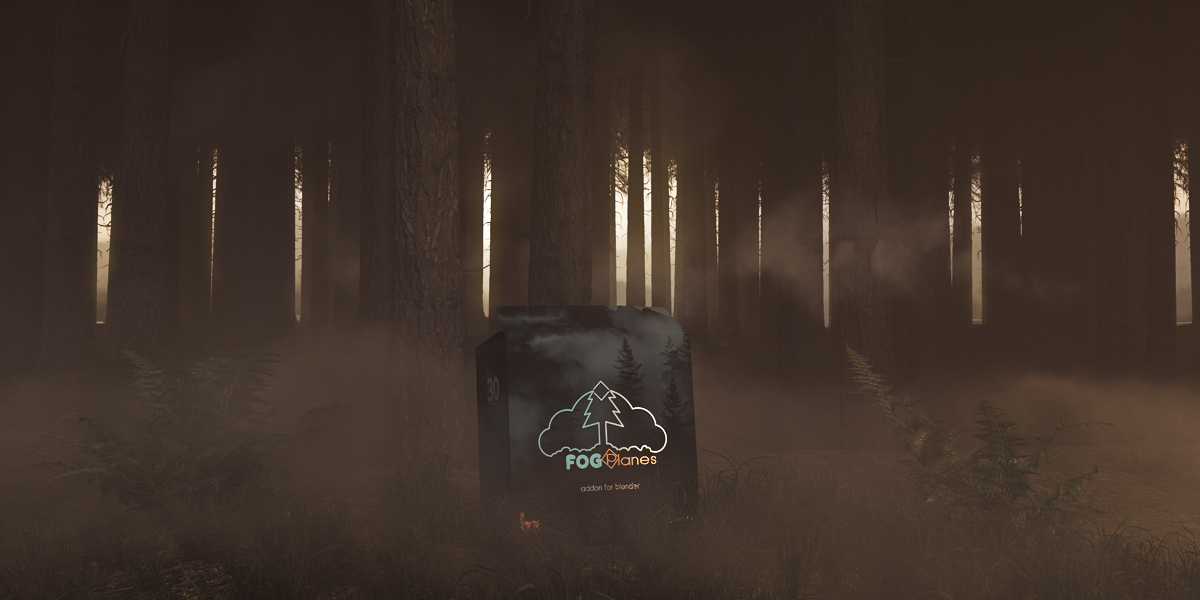
Fog Planes Addon by Besa_Art adds adjustable fog to Blender scenes using a library of thin, plane-based textures. The product page lists 30 fog planes and Blender versions 3.0 to 4.5, with Cycles and Eevee as the supported render engines.
What the fog plane library includes
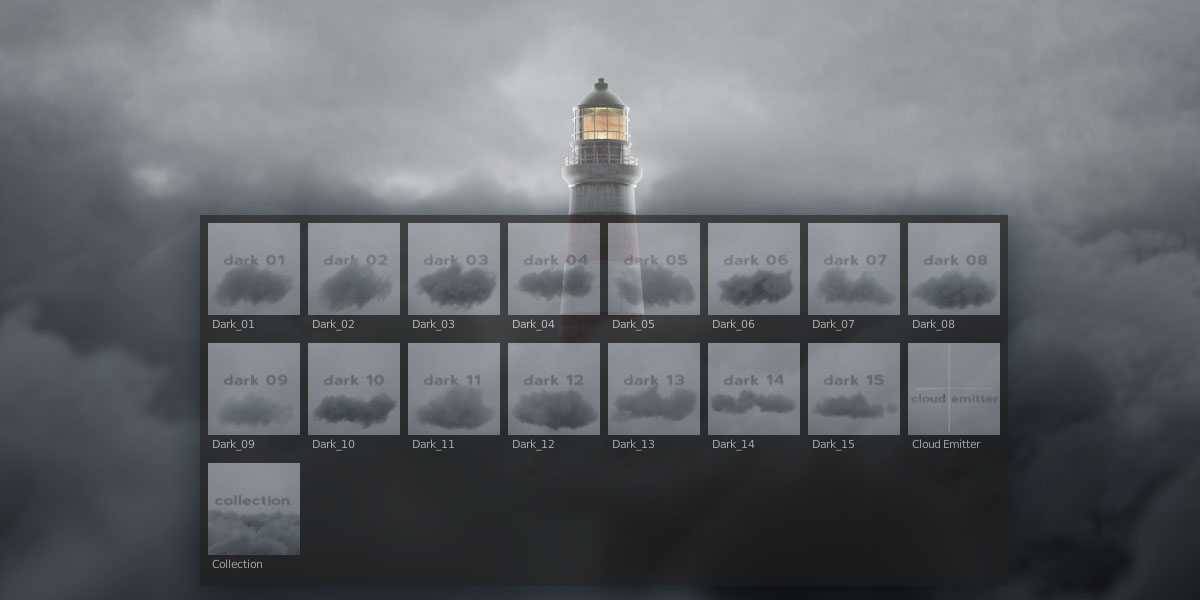
The planes are grouped by area of use, so you can choose a category and switch between its options from the addon. The fog node shader is integrated into the addon panel, keeping its controls in the same workspace as the library.
- 30 categorized fog planes, including 10 described as new realistic additions.
- 2D generated textures subdivided and completed with modifiers to add depth and a sense of motion when moved.
- An advanced shader for changing the planes’ appearance, with changes available for keyframing.
- A fog emitter for manual movement or looping.
Use it for stills and animation
The addon is aimed at 3D environment artists adding atmosphere to nature scenes. Place a plane in the scene, choose its visibility and color, then adjust fog noise or fade it out. For animation, keyframe shader changes or use the emitter for manual motion and loops.
The creator describes the thin planes as requiring fewer machine resources than heavier fog approaches and says they do not unnecessarily increase rendering time. The supplied product information includes no performance benchmark, so treat this as the creator’s description rather than a measured result.
Install the addon and add a plane
The documentation gives this installation path in Blender:
- Download the addon ZIP file, then open Edit and Preferences.
- Choose Add-ons and click Install in the top bar.
- Select the downloaded ZIP and install the addon.
- Search for Fog Planes, enable it, then save preferences.
After installation, choose a category and fog plane, then add it to the scene. The documentation also covers changing visibility and color, adding fog noise, fading the fog, setting animation keyframes, and using the fog emitter.
Understand the plane-based limitation
Fog Planes is not a replacement for ultra-realistic VDB fog, according to the creator. The planes use 2D textures, so their thin edge can reveal the flat shape when the camera angle exposes it. Adjust the camera angle relative to the plane to keep that edge out of view.