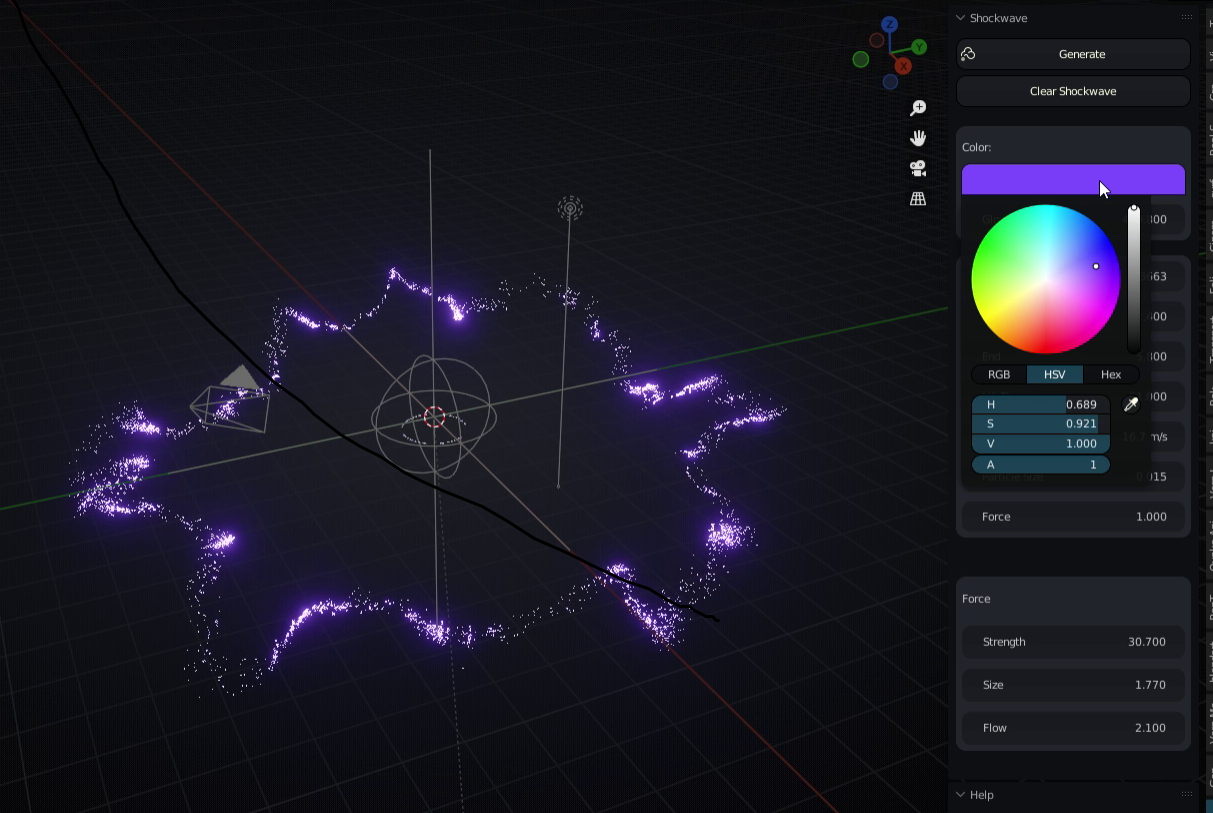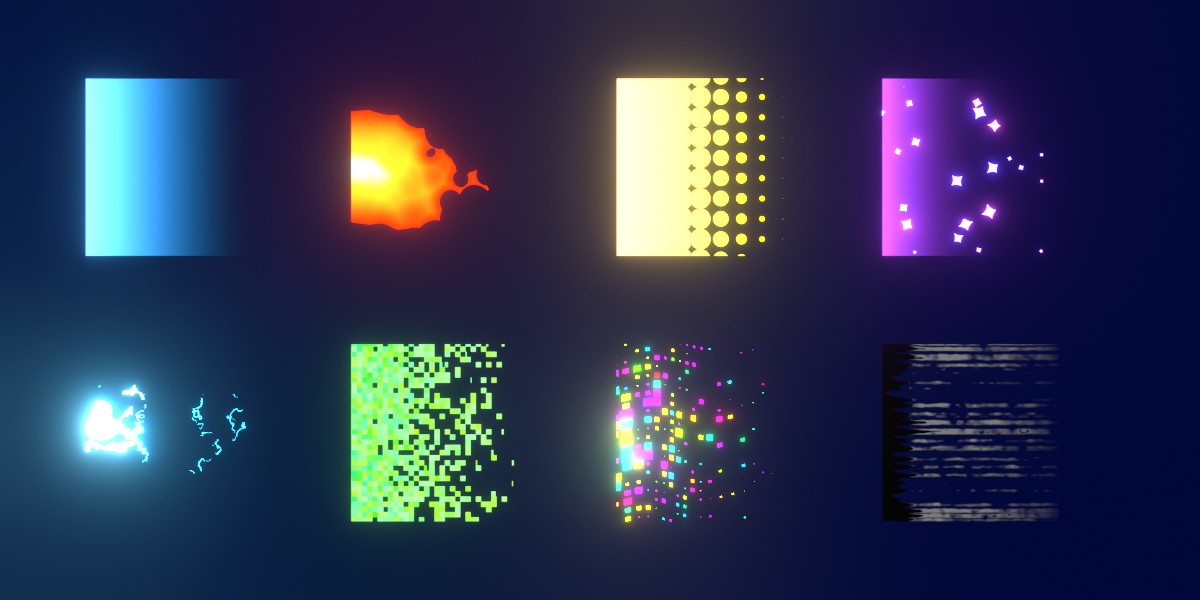
Flux Particle Engine by R Animation Studios combines Flux Particle Studio, a browser-based particle simulator, with a Blender add-on for bringing effects into a scene. Artists can shape and preview particle systems in the studio, then export them for Blender.
Flux is aimed at 3D artists, VFX artists creating effects such as fire, dust, sparks, smoke, or magic, motion designers, and freelancers or studios working on deadlines.
Shape and animate particle systems
Flux includes point, line, ring, disc, sphere, box, hemisphere, and spline emitters. Forces include gravity, wind, attractors, vortices, turbulence, drag, and curl wind. Plane, sphere, and box colliders are available.
Drivers can control particle size, opacity, and color using values such as lifetime, speed, distance, height, scene time, or noise. You can keyframe parameters with different interpolation methods and use multiple emitters with independent settings. The editable presets include Nature & Weather, Fire, and Arcane packs.
Export effects to Blender
The Flux documentation describes a ZIP export workflow. The product listing describes a one-click Send to Blender bridge. In the documented ZIP route, click Export in Flux, set Frames, FPS, and Particle Cap, then download the ZIP. After baking completes, use Import ZIP in Blender’s Flux panel. The add-on unpacks the export, sets up Geometry Nodes and shaders, and makes the effect available in the viewport. In the Geometry Node editor, you can replace the Instance Object with a custom mesh.
Flux also supports live sync through its spline emitter: draw a curve in Blender and it updates in Flux. The storefront lists Cycles and Eevee as supported render engines.
Setup and purchase details
The documentation requires Blender 4.5 or newer, Windows, macOS, or Linux, a modern browser, and an internet connection. Chrome is recommended. The storefront's compatibility field lists Blender 4.5–5.1, so check its current details for your installed version.
Flux Particle Studio is free to explore in the browser. Exporting to Blender is a paid feature. The Superhive listing describes a one-time purchase for one machine, activated with a license key, and lifetime updates; it identifies the add-on license as GPL. Check the current listing for its price and license terms. The license-claim FAQ explains how to claim a key after purchase. Confirm the current terms before installing on multiple machines or distributing the add-on.