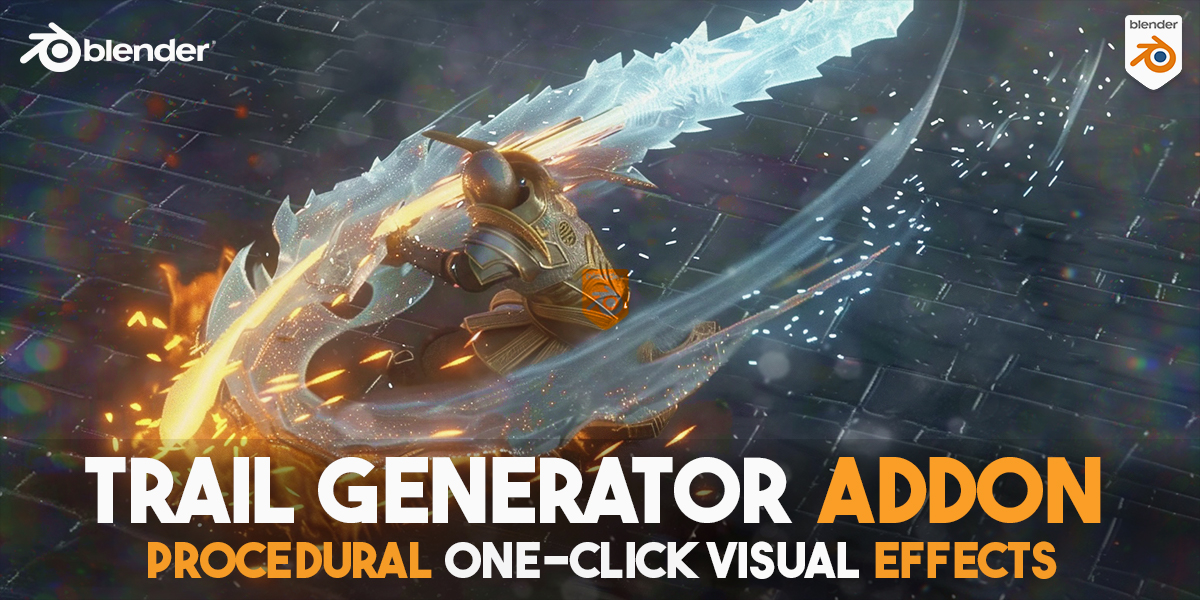
Magic Trails is a Blender add-on that calculates and renders trails in the 3D Viewport as you work. Animate a trail controller or parent it to an animated prop, then adjust the result before baking it. The Superhive listing identifies Kolupsy as the creator.
Version 2.3.0 overhauled the simulation setup and calculation, added customizable trail length and a Follower component, and updated the interface and baking process.
Create and manage a trail
- In Blender's 3D View, press N to open the sidebar and select the Magic Trails panel.
- Choose New Trail and set its name, length, mesh generation, and whether to use a preset material. You can also add a trail from the Shift+A menu.
- Animate the controller or parent it to an animated object. Length controls the trail segments and the frames needed for the last segment to catch up with the controller.
The Magic Trails documentation describes the Controller, Mesh, and Follower components and their settings. The panel lists components and their dependencies so you can manage them in the scene.
Choose materials and follower motion
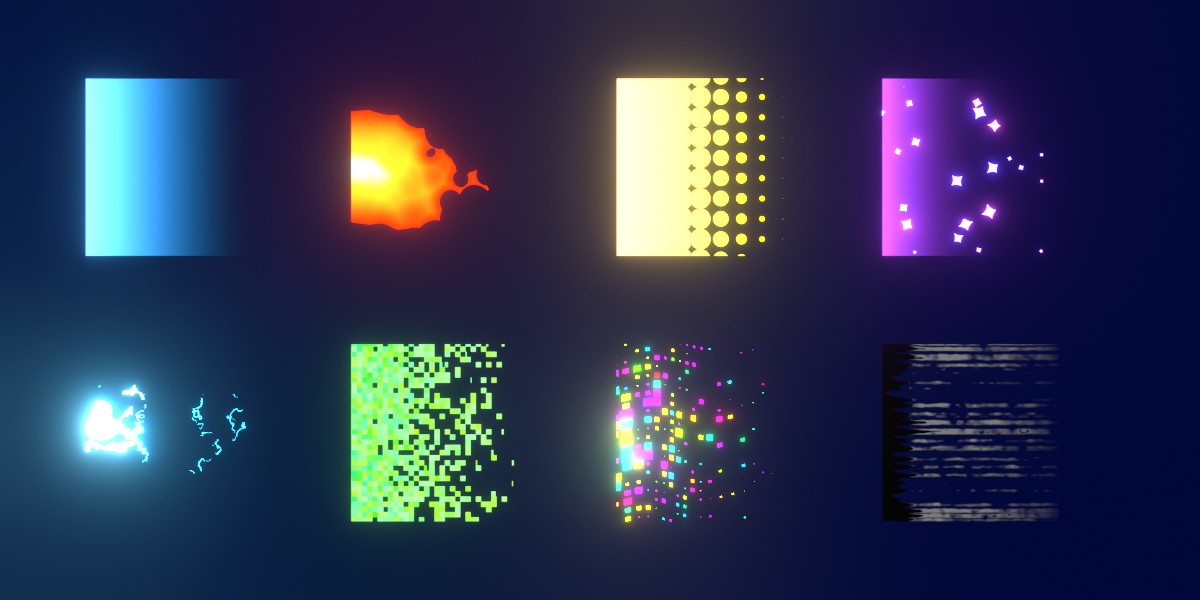
Magic Trails supports any type of material and shader. Its animated presets are made for Eevee and Cycles and include gradients, smears, fire, and lightning. To expose controls for a custom trail shader in the panel, group its nodes in a node group labeled MTRAIL_GROUP, expose the properties as inputs, and prefix each input name with a colon. The documentation recommends using a UV Map node as a basis for the effect.
Followers add secondary motion. Offset and Follow-Through use a frame offset; Follow-Through also overshoots the controller once when it stops. Wiggle uses inertia and overshoots when the controller stops, while Lerp eases the follower toward it. Velocity mode uses the controller's direction as rotation and its current speed as scale. Real-time Velocity mode is similar but reports current speed in units per second rather than per frame.
Bake for rendering or export
Trail meshes are calculated in real time. Bake a mesh before rendering: Magic Trails creates a hidden armature to control its motion. Reveal that armature in the Outliner and use it when exporting. Controller baking is usually needed only when its motion comes from another simulation, such as a controller parented to another Magic Trails component.
Magic Trails can be used for game-engine exports after baking, with a material limitation: its preset shaders are Blender-specific, so recreate or replace them in the target engine. The product FAQ covers this export workflow.
Compatibility and simulation limits
The listing names Blender 2.93, 3.0, and 3.1. It does not confirm compatibility with later versions, so check the current product page before using a newer Blender release. Geometry Nodes can instance Magic Trails components, but instances do not each receive an independent simulation; each uniquely simulated trail needs its own component.