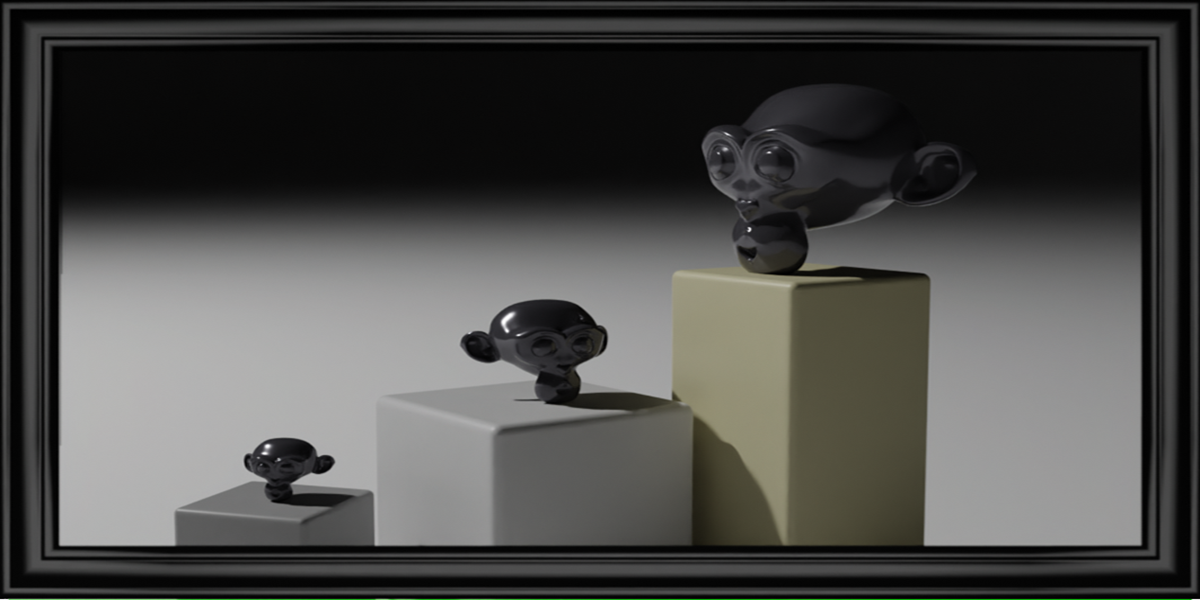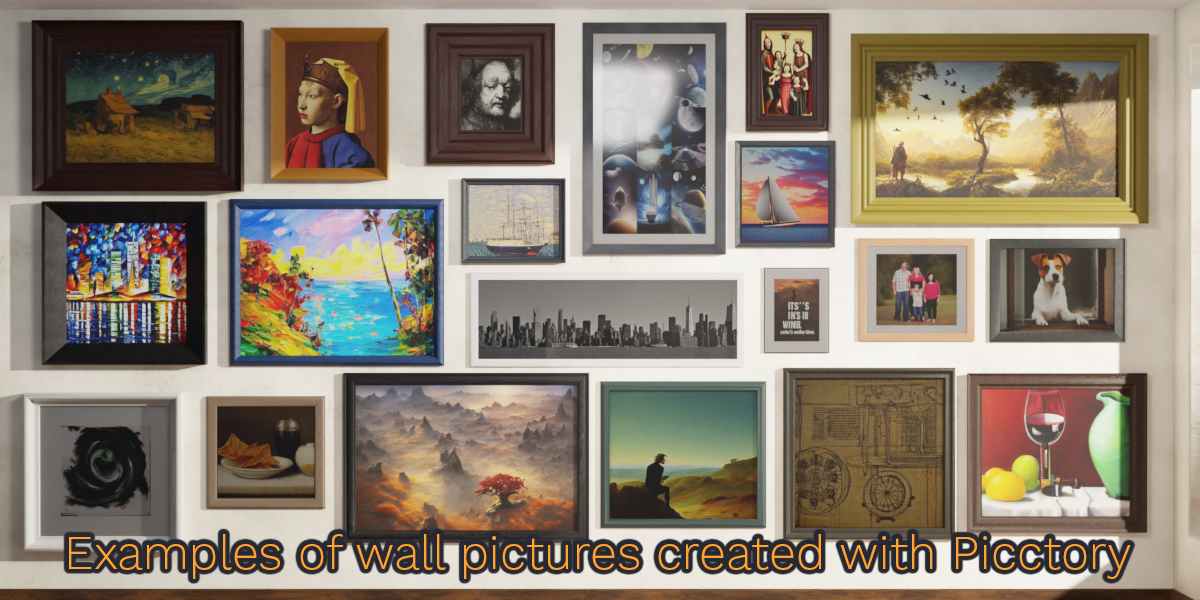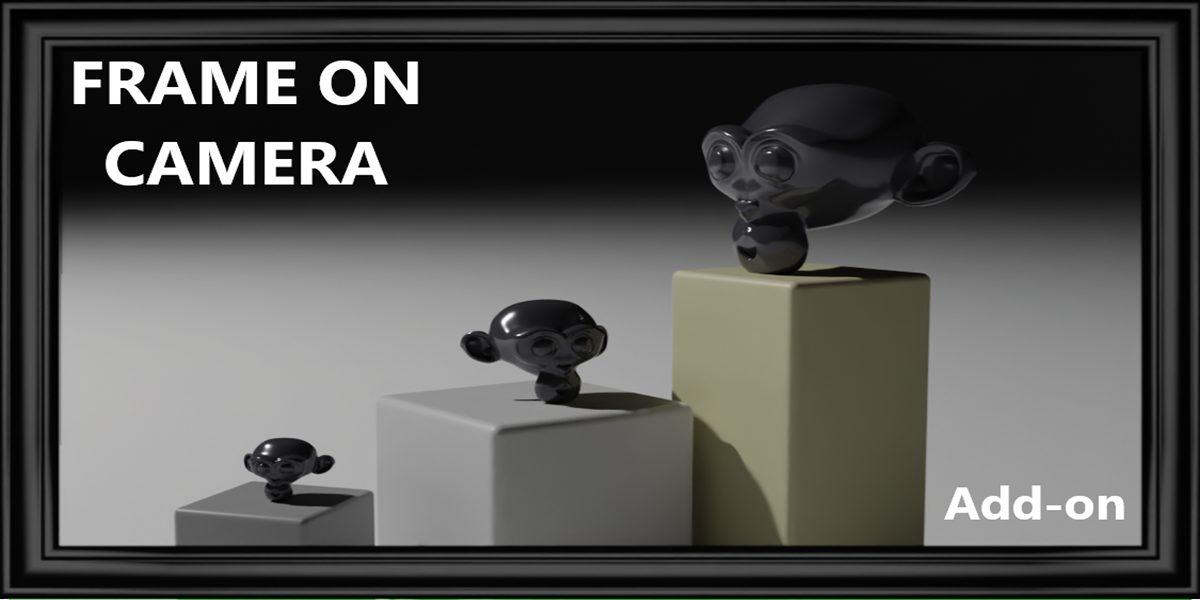
Frame On Camera is a Blender add-on for placing a border or image in front of a camera lens. The selected overlay stays attached as the camera moves, rotates, or shifts, so it remains in place for the render. The Superhive product listing describes five frame options, look-through images, and support for custom images.
Frames and look-through images
Choose from five picture-frame borders to make a render appear inside a frame. For a different view, select a look-through image that suggests a keyhole, binoculars, a rifle scope, an open window, or a car window. The product documentation says you can switch the selected look-through image at any time.
Use overlays across cameras
More than one camera can have an overlay. Each can use a border, a look-through filter, or a custom transparent image.
Add a custom image
The product documentation explains that you can set a folder path for your images and select a PNG. The image should have transparency. This lets you use your own framing artwork or viewfinder shape alongside the supplied choices.
Compatibility and license
Superhive lists compatibility with Blender 4.3 through 5.2 and identifies the add-on as Blender Extension Compatible. Its changelog says version 1.0 was initially released for Blender 4.3, with version 1.1 updated for Blender 5.0 and later. The listing names Blender-Internal, Cycles, and Eevee as render engines, and identifies the license as GPL. Check the developer's listing for current compatibility if you use a Blender version outside the stated range.