How Frequency Shifter changes the sound
Frequency Shifter moves every frequency in incoming audio up or down, disrupting the input's harmonic content and producing a dissonant sound. Use it in sound design when you want to change a source's harmonic character.
Using Frequency Shifter as a plugin or Snapin
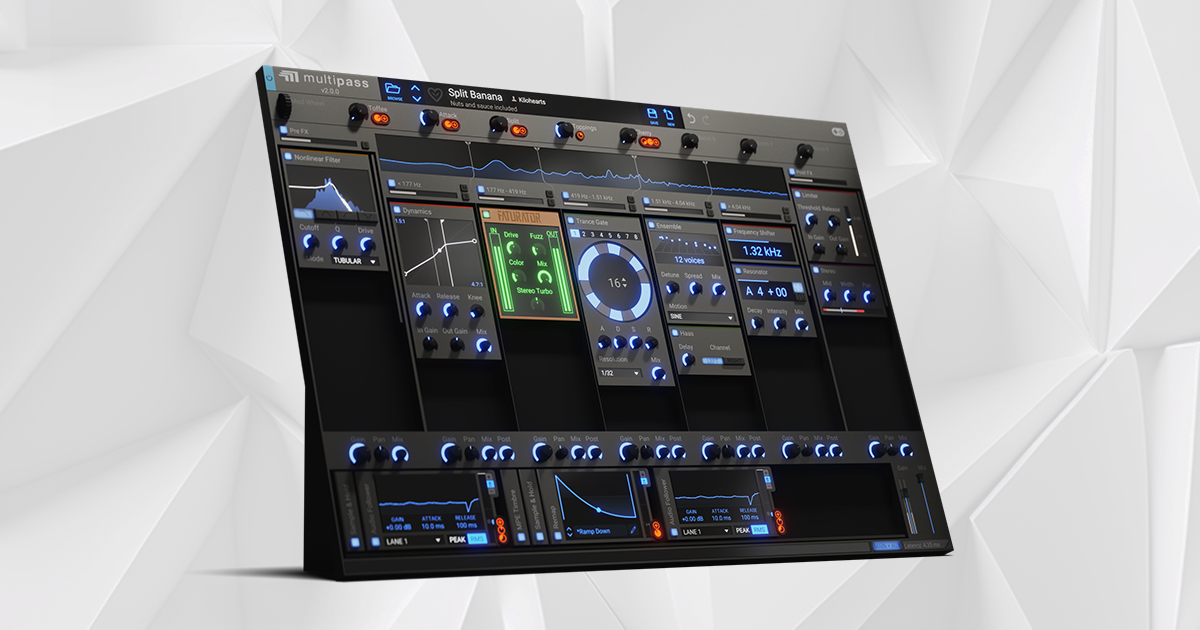
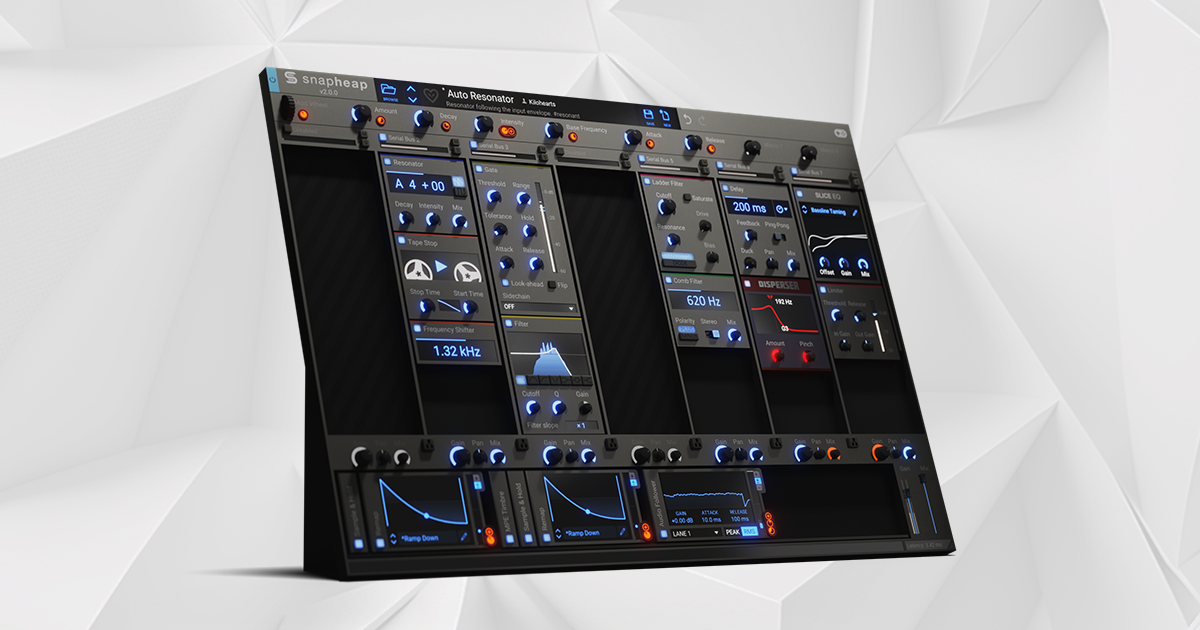
Load Frequency Shifter as a regular plugin in a DAW or as a Snapin inside Phase Plant, Multipass, or Snap Heap. In those hosts, it can be combined with and modulated alongside other Snapins as one stage in a larger patch. The Shift control sets the amount of frequency movement.
Frequency shifting and pitch adjustment
For pitch changes measured in semitones, use Kilohearts' separate Pitch Shifter.
Account access and compatibility
Kilohearts lists Frequency Shifter as free with an account and includes it in Kilohearts Essentials, a free effects collection. Its effects can run as regular plugins in a DAW or as Snapins inside a Kilohearts Snapin Host.
Kilohearts' minimum recommended system requirements call for a 64-bit x86 processor with SSE3, or an Apple M processor on macOS, and a DAW that supports VST2, VST3, AAX, or Audio Unit. Kilohearts lists no licensing hardware requirement for its plugins, except versions installed through Slate Digital installers, which require an iLok (USB dongle or iLok Cloud) and a valid Slate Digital license. Kilohearts does not support operating system versions no longer supported by their manufacturers and recommends using the free trial to check compatibility on older systems. Many plugin instances or a lot of Snapins in one patch can increase CPU use, and meeting minimum recommended requirements does not guarantee flawless operation in every use case. See the system requirements for details.