Fresh Trim is an After Effects panel for trimming and repositioning layers against timeline references. Its commands cover workflows where layer boundaries follow animation, markers, linked layers, selections, or composition timing.
Trim to animation and layer relationships
- Animation: Trim to Keys uses the first and last keyframes on selected layers. Trim to Zero uses the first and last opacity or scale keyframes with a value of zero. Trim to Markers uses the layer's first and last markers.
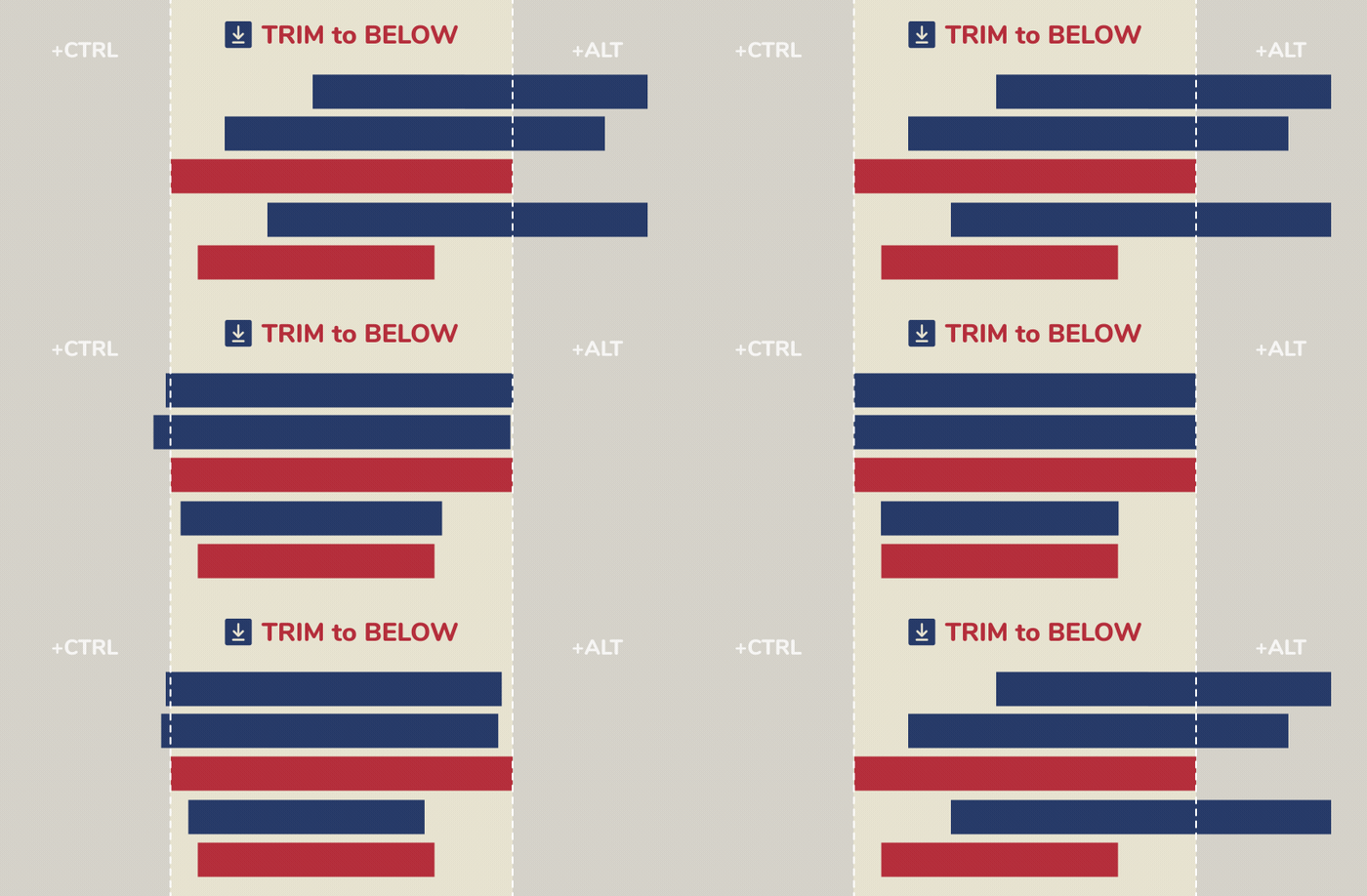
- Parent, matte, and adjacent layers: Trim to Parent adjusts selected child layers to the parent layer. Trim to Children adjusts selected parent layers to the first and last in-points of their child layers. Trim to Matte adjusts selected layers to the matte layer, while Trim to Matted adjusts selected matte layers to the first and last in-points of the matted layers. Trim to Above matches a selected layer to the layer above it, and Trim to Below matches it to the layer below. Each requires a single selected layer.
- Selections and timeline boundaries: Trim to Selection uses the last-selected layer and the first and last in-points of the other selected layers. Trim Selection to CTI trims selected layers to the current-time indicator while maintaining their offsets, or adds frames at both ends together. Other commands trim selected layers to the composition or work area, set the work area to the selection, or trim the composition to the selection. With no layers selected, Trim Comp to Selection uses the length of all layers in the composition.
Move layers and adjust the panel
Move and shift controls can reposition a full layer or move only its in-point or out-point while keeping the opposite end fixed. Eleven of the fifteen move modes include options to align layers by different attributes while preserving their relative spacing. When moving layers to the current-time indicator, settings can use the selected layer's in-point or out-point, or prompt each time.
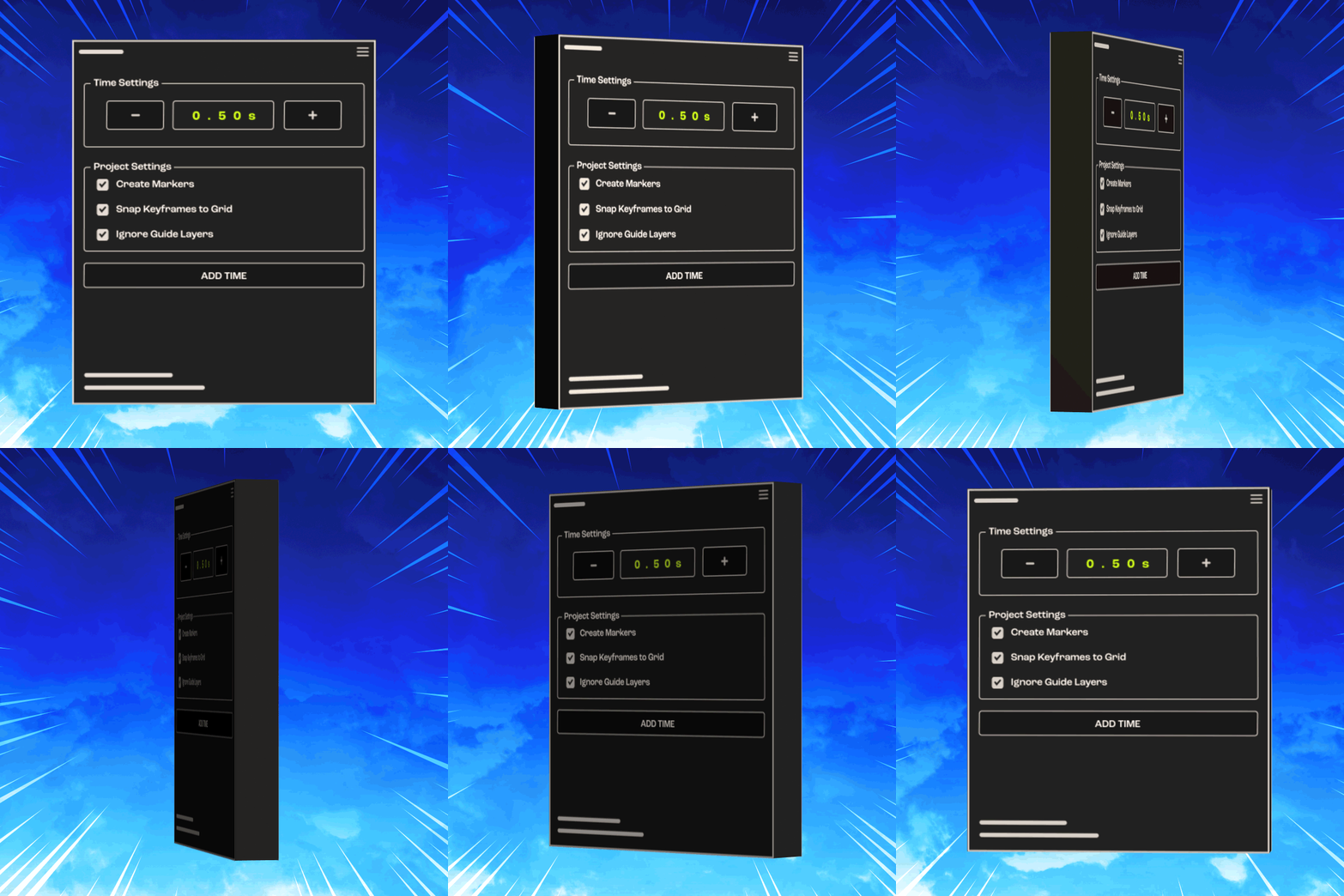
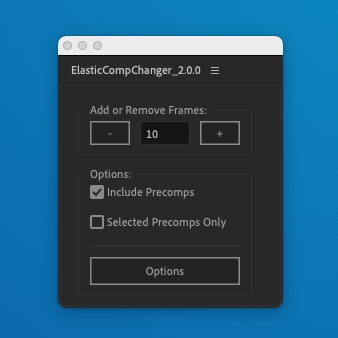
You can set the number of panel rows and remove buttons you do not use. KBar support lets you access Fresh Trim actions from a KBar setup.
Compatibility and license
The listing names After Effects 2023, 2024, 2025, and 2026, and includes a free trial. Its EULA permits one copy on one computer at a time, plus one archival copy stored on a medium other than a hard drive. Use by additional users or on additional computers requires an appropriate license for each user and copy.