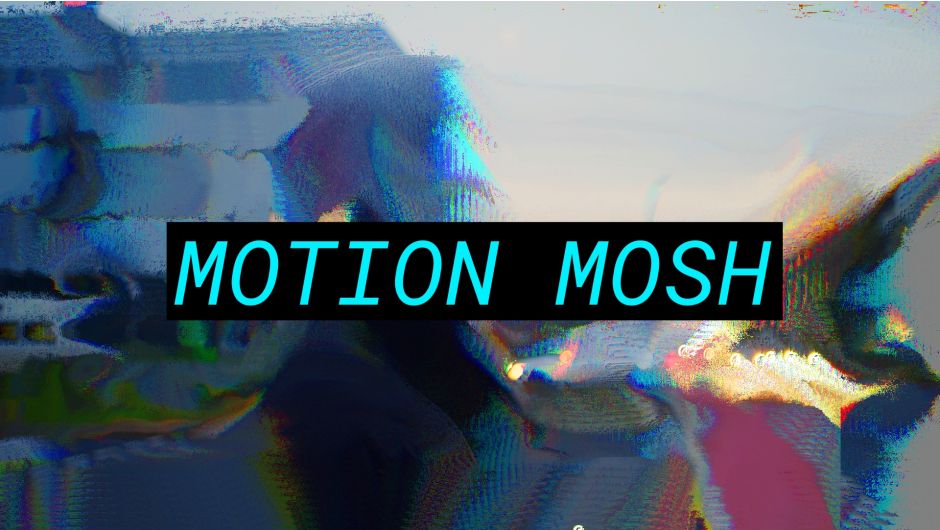
FX Trippy DCTL is a distortion effect for DaVinci Resolve Studio that creates cyberpunk silhouette glitches, VHS-like tearing and mirage effects. It uses the footage’s contrast and luminance to drive distortion, and its generated line patterns can act as animated displacement maps. Editors can build reactive effects without manually creating a displacement map for each shot.
Made by Nikita Petrovich, the DCTL can be used on the Edit, Color and Fusion pages. Its controls suit stylized shots, titles, transitions and backgrounds where the image itself should shape the distortion.
Distortion and line controls
- Generate animated line patterns that interact with the subject and drive displacement. For a static image or locked-off shot, adjusting the line parameters can create animation without keyframes.
- Control the direction of the lines separately from the displacement direction. Horizontal lines, for example, can drive vertical displacement.
- Combine lines and displacement with blend modes. HSV controls and Harsh Grain add color adjustments and texture.
- Use randomization controls for changing looks, including Rndm Every X Frame and Flickering in version 1.1.0.
Version and compatibility
Version 1.1.0, released June 25, 2026, added Rndm Every X Frame, Flickering, Transparent and Protect Input Mask. It also improved Harsh Grain randomization and fixed alpha channel behavior for isolating objects. The compatibility list names DaVinci Resolve 21, 20 and 19; the system requirements specify DaVinci Resolve Studio 19.1 or newer. Check the product page for the latest compatibility details.
Masking and workflow notes
FX Trippy DCTL respects alpha channels, so Magic Mask or Power Windows can limit distortion to selected subjects. Protect Input Mask prevents displacement from moving the input mask, although new opaque pixels may still be added. On the Edit page, Transparent can make the source transparent or opaque where Threshold removes lines.
In Fusion, the developer recommends routing a mask through a MatteControl node instead of connecting it directly to Trippy DCTL. Set Combine to “Combine Alpha” and Combine Op to “Copy.” For a transition, the product notes suggest applying the DCTL to an adjustment layer over a cut, then keyframing or randomizing the effect.
Performance and trial
FX Trippy DCTL requires an NVIDIA or Apple Silicon GPU. The developer recommends setting Harsh Grain to 0.0 to improve performance on a lower-end workstation or a very high-resolution timeline. A free demo is available, but demo output includes watermarks. Check the product page for current purchase and trial details.