Correct a cast, then shape the lighting
FxFactory Auto Balancer is a color-correction plug-in for editors who want to remove unwanted color casts and adjust lighting inside their video editor. Its workflow separates two jobs: first balance the image toward neutral lighting, then use temperature and tint controls to create the lighting you want.
Choose how to find reference points
Automatic balancing can extract white and black reference points from the full frame, or use an AI-assisted method that prioritizes the subject or background. To use a trackable region, set Selection to Automatic and choose Trackable Region as the analysis method; Auto Balancer then extracts white and black reference points only from the tracked object or person.
Rapidly changing light can make automatic correction harder. The Normalize control reduces the algorithm's sensitivity to lights and shadows; increasing it can smooth results from clips with sudden lighting changes, though the correction may become harsher. If no Normalize value gives a satisfactory result, switch to Manual and choose reference white and black points from a suitable frame. Setup can display a swatch with suggested points while you work. Turn Setup off before rendering so the swatch does not appear in the output.
Refine the look and match the timeline
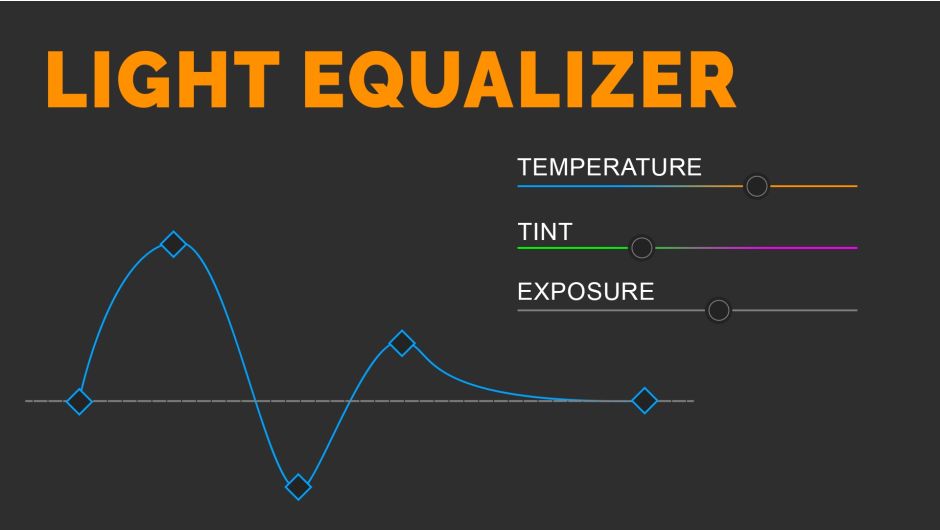
After white-point balancing, adjust temperature and tint to change the apparent lighting. Tint can shift colors toward green or purple. Vibrance, Exposure and Gamma are secondary corrections applied after the primary color adjustments.
DaVinci Resolve users can set Auto Balancer's Timeline color space to match the project or timeline. That control is not available or needed in Apple's and Adobe's video apps, where the plug-in can match the working color space automatically.
Compatibility and requirements
The plug-in works in Final Cut Pro, Motion, Premiere, After Effects and DaVinci Resolve. Auto Balancer 1.0.1 was the first version to support DaVinci Resolve 20 and later. Auto Balancer requires FxFactory, which runs only on macOS; the version 1.0 entry specifies FxFactory 8.0.13 or later. Check FxFactory's current system requirements for the host app and Mac you plan to use.