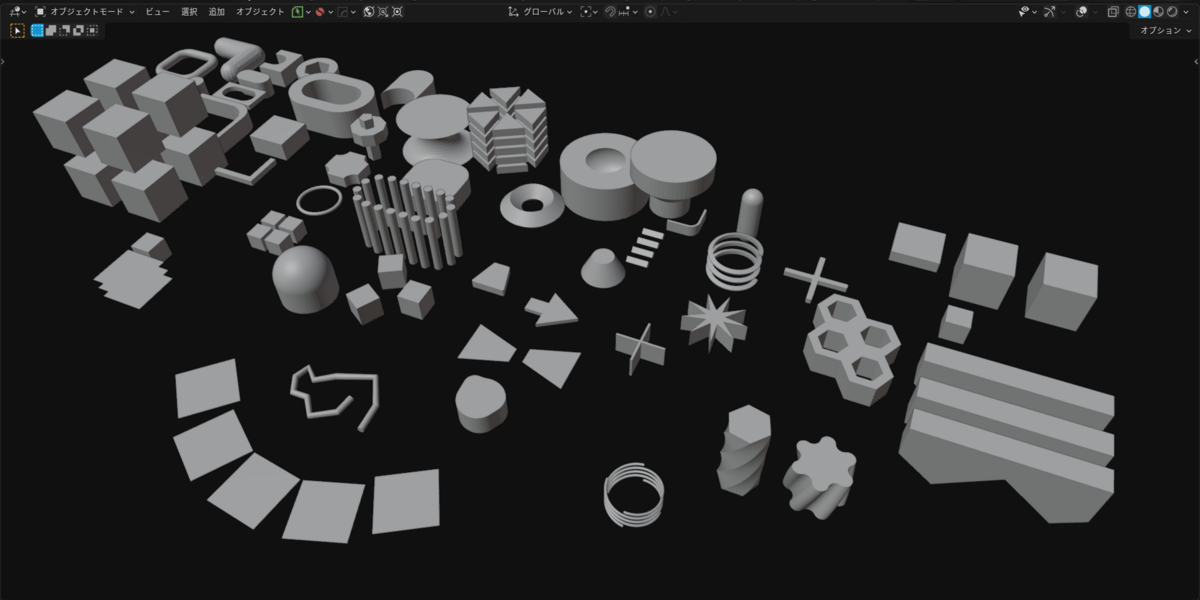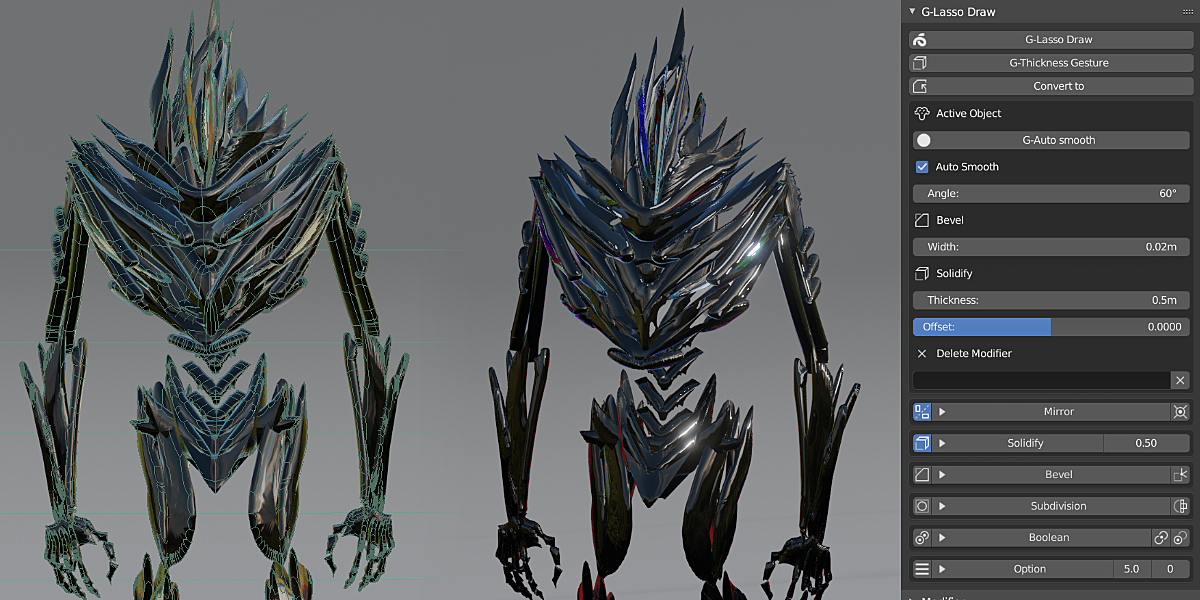
G-Lasso Draw is a Blender add-on for drawing quick polygons with Grease Pencil strokes. It is intended for rough modeling and idea exploration. G-Lasso Draw also supports camera shake compensation and square and circle drawing options.
Draw and adjust polygon shapes
G-Lasso Draw creates a polygon from a lasso stroke. A modifier shapes the resulting mesh, and you can adjust that shape after creating it. This keeps the form editable during early modeling, when you may still be trying different silhouettes.
Modifier gestures and Boolean tools
The G-Thickness Gesture opens auxiliary tools for modifier changes, object conversion, and add-on settings. Its listed modifier actions include Mirror, Solidify, Skin, Smooth, Bevel, Array, applying or removing modifiers, and scrolling through modifiers.
G-Lasso Draw also includes Smart Boolean operations driven by Grease Pencil. The listed modes are Difference, Union, Slice, Intersect, and Knife. You can scroll through Boolean objects and modifiers as well.
Keyboard shortcuts
- Shift + V: G-Lasso Draw
- Ctrl + V: Boolean Union
- Alt + V: Boolean Difference
- Ctrl + Alt + V: Boolean Slice
- Ctrl + Shift + V: G-Thickness Gesture
- Ctrl + Shift + Alt + V: popup menu
Compatibility and documentation
The product listing shows Blender versions 2.79 through 5.1 and identifies the license as GPL. Its documentation has a separate version note for Blender 2.8 and Blender 2.79, with add-on version 1.0 only for the latter. Check the product documentation and BlenderArtists release discussion for details relevant to your Blender build. The documentation also lists a known issue: the keymap cannot be disabled in the add-on filter.
For current product details, see the G-Lasso Draw listing.