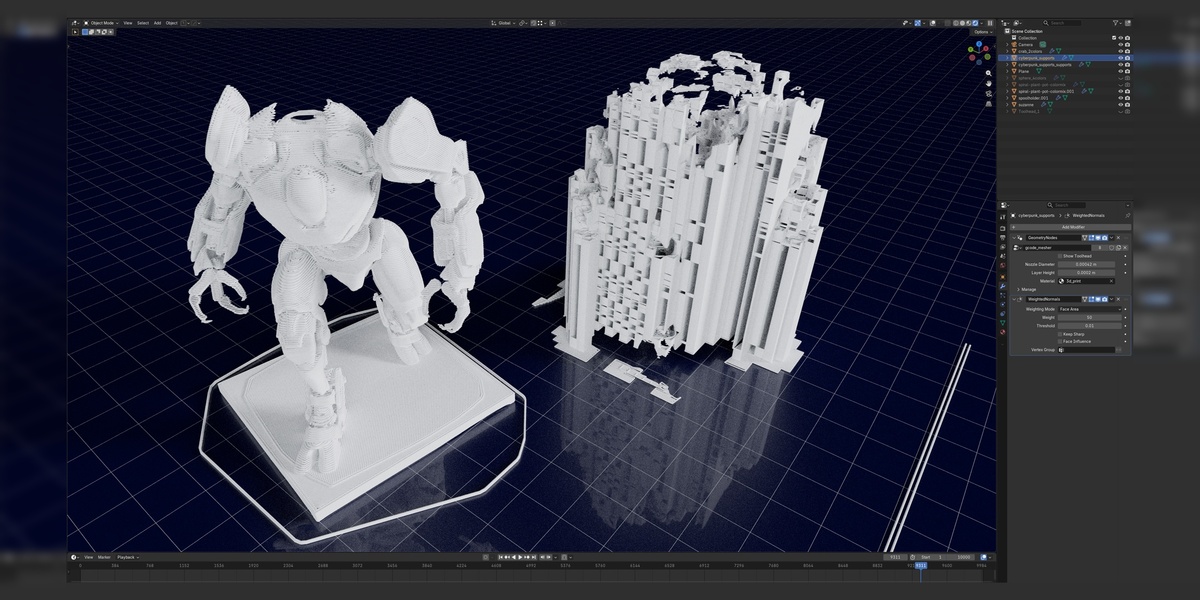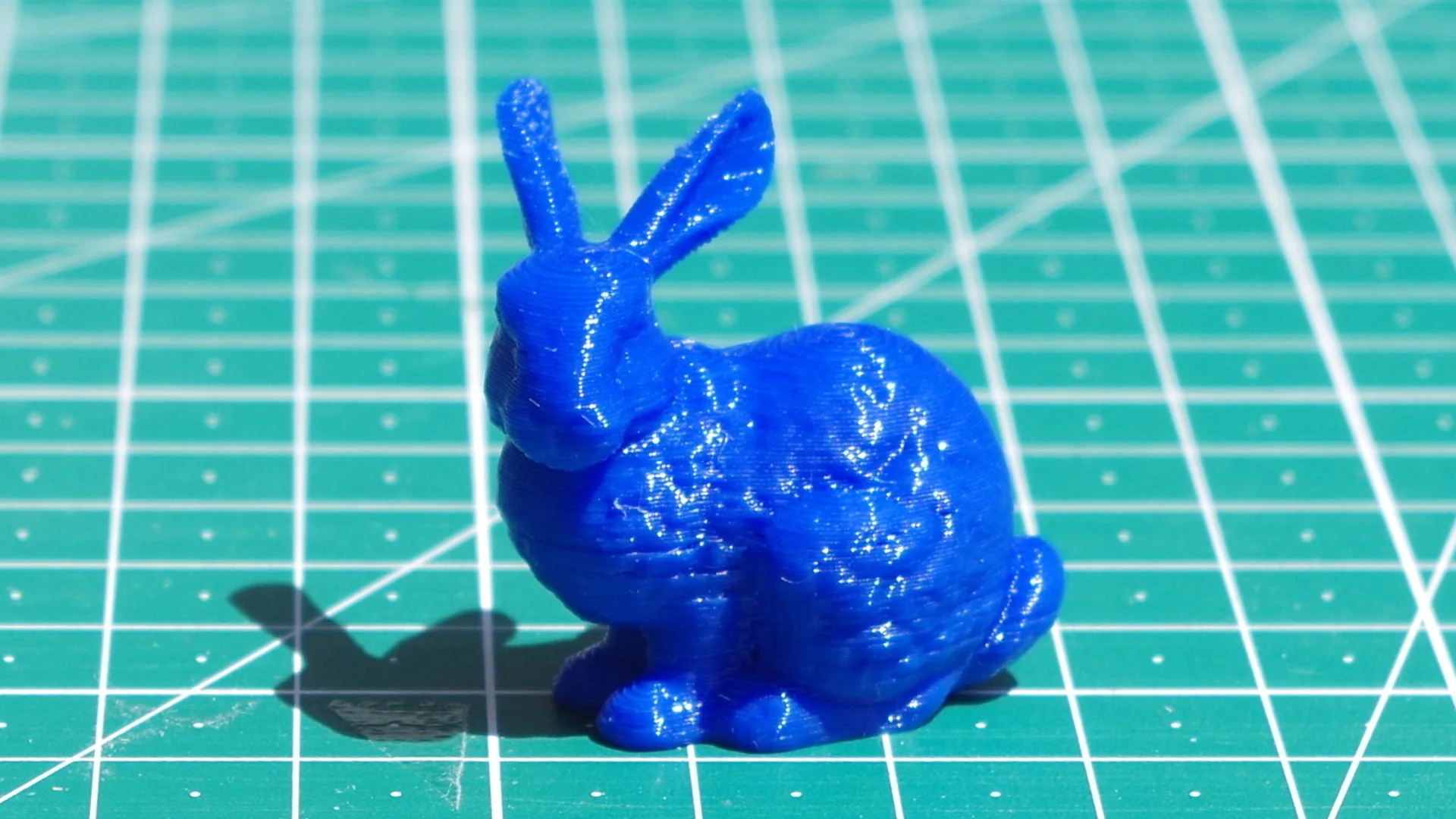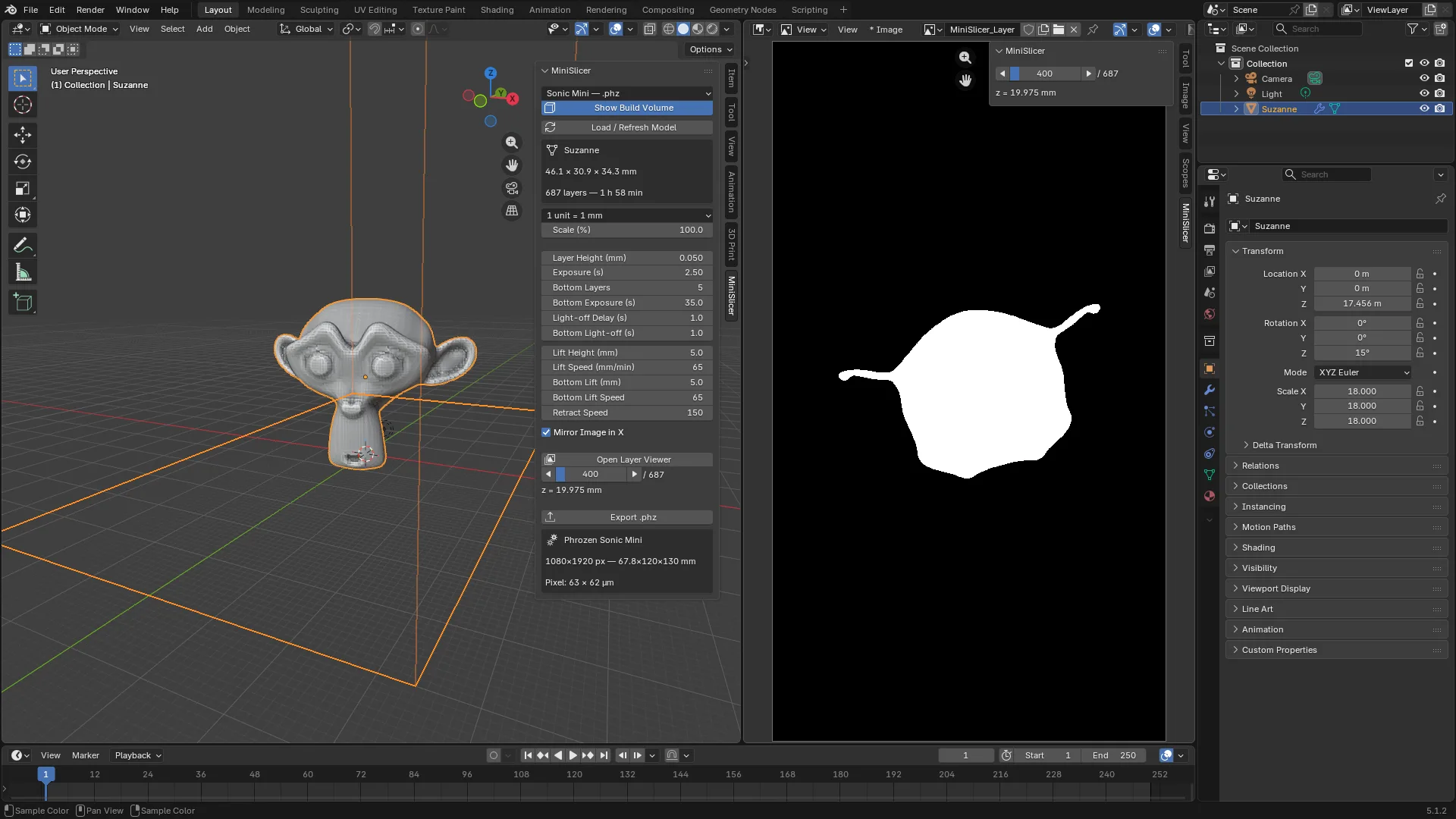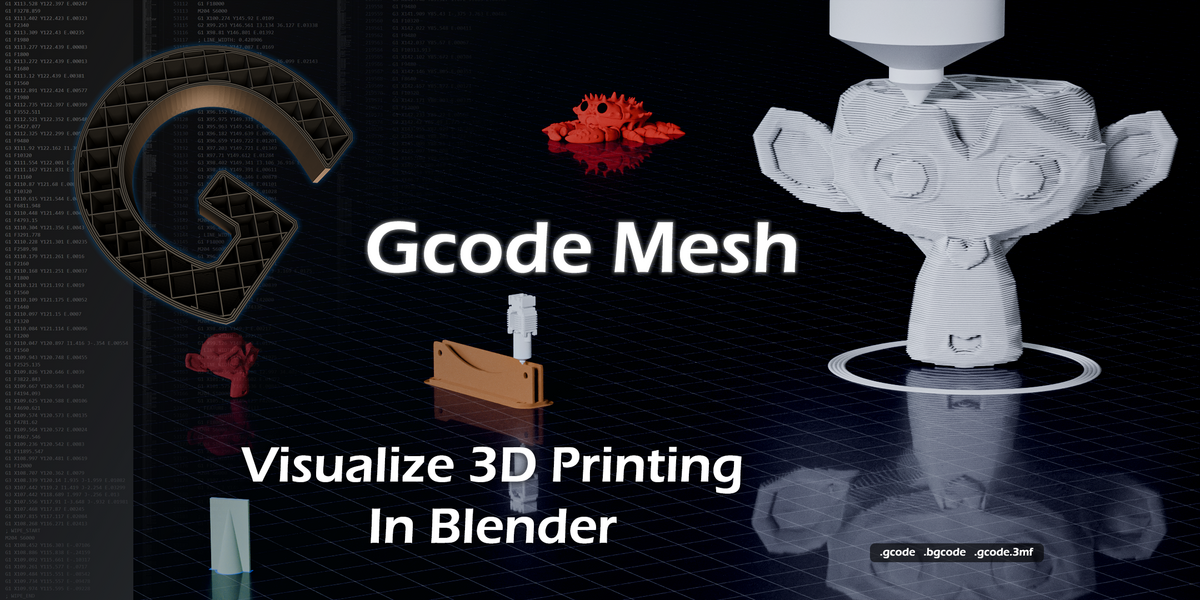
Gcode Mesh is a Blender add-on by Alaa CG for visualizing 3D printer toolpaths as meshes and creating print animations and timelapses. It imports .gcode, .bgcode and .gcode.3mf files. See the product listing and documentation for its features and controls.
Import a print file
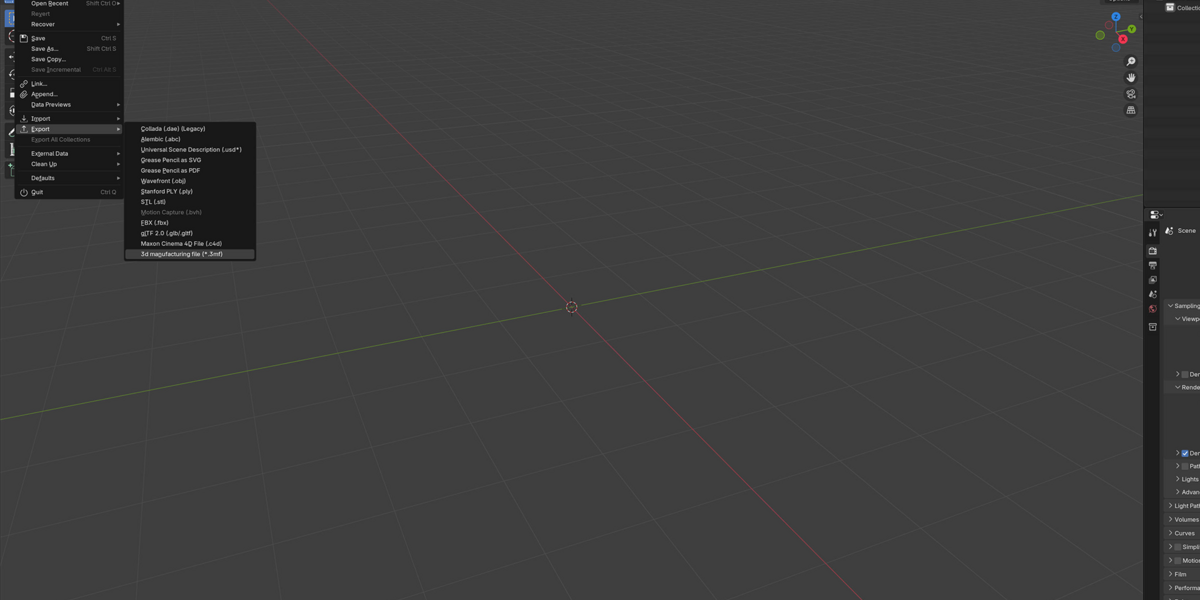
Bring a file into Blender through the Import menu or by dragging it into the viewport. The importer exposes options when you select a file. After import, the object's Modifiers tab provides controls for animation, layer height, nozzle diameter and material.
Create a print animation
Enable the animation option to add a printing sequence that follows the G-code. Set its duration from the object's Modifiers tab. Gcode Mesh also creates an animation toolhead object that you can edit manually to change its shape or material.
A tutorial is available from the product page.
Adjust geometry and color
Gcode Mesh includes controls to separate support geometry or ignore it, along with a bevel control for sharp corners. Its multi-color support is basic; the listing says it needs feedback for improvement.
Compatibility and release status
The product Details field lists Blender 4.2 through 5.3. Its FAQ describes version-specific files in the download and says support extends from Blender 4.2 “up to the latest.” Check the current download instructions if you use a release newer than 5.3. The listing identifies this as version 0.1, and Alaa CG invites users to share feedback.
The product FAQ says to extract the ZIP download and install the file for your Blender version. The listing identifies the license as GPL.