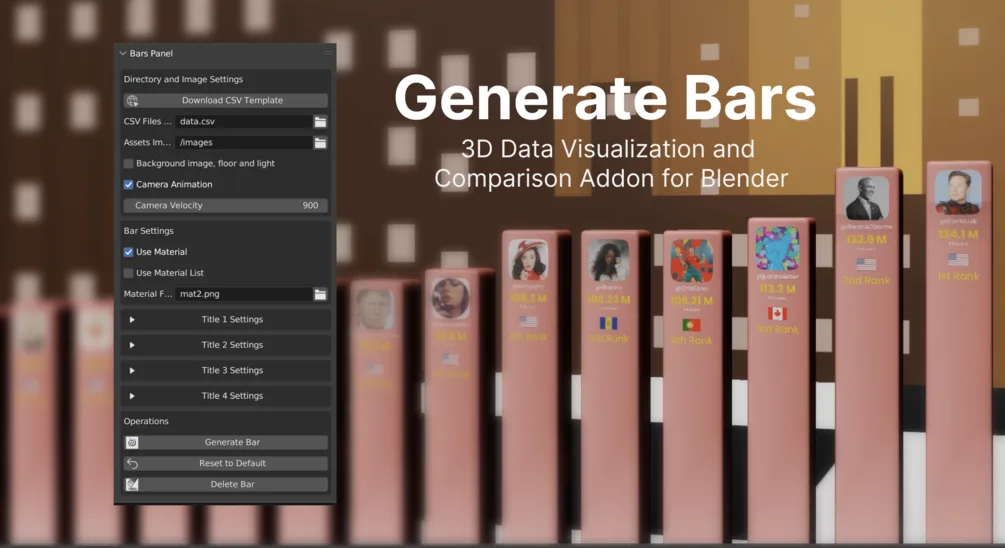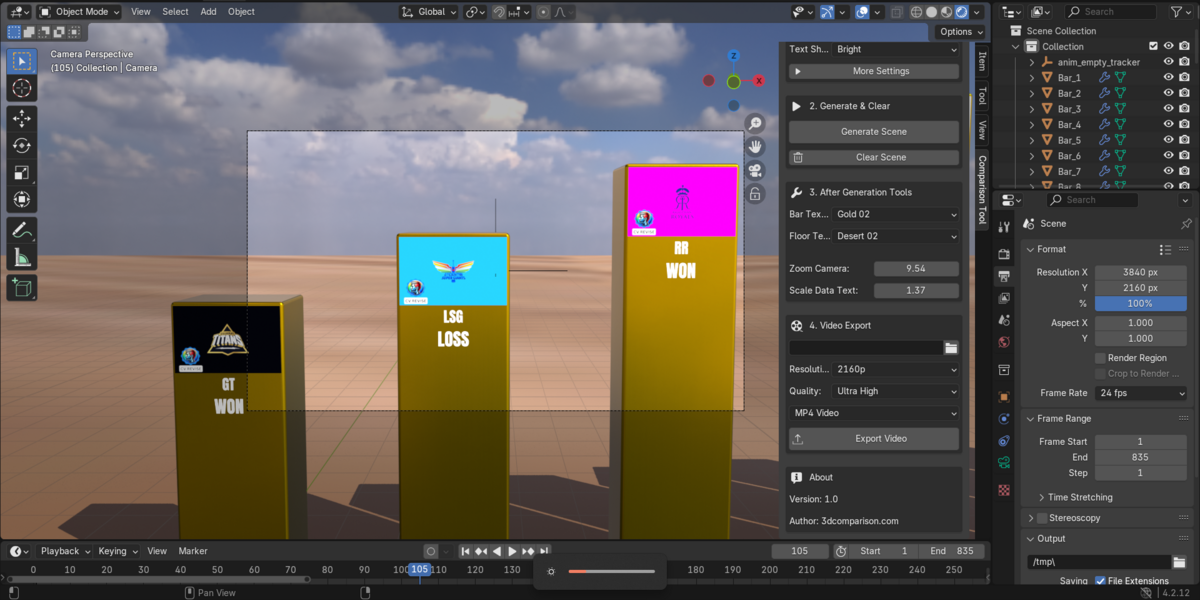
Generate Bars is a Blender add-on by Data4People for making 3D data comparison videos from CSV files. It creates bars in Blender’s 3D view, with controls for scaling, labels, materials and the surrounding scene. The marketplace listing describes both free and Pro versions; it does not specify which features are exclusive to Pro.
Turn CSV data into 3D bars
The add-on imports custom data from a CSV file and can generate bars in the 3D view with one click. Bar size follows the data values, while normalization helps keep the scale consistent across a visualization.
CSV fields can also supply filenames for image textures on the bars. The listing describes country names or other two-word titles, along with custom title fields such as company names or revenue figures. The product listing includes an instructional video.
Style labels, bars and the scene
Text labels can use different fonts, sizes and colors. For the bars, users can choose from listed materials or specify a material file. Background images, floor textures and lighting setups can also be customized, so the comparison can be arranged to suit the intended video.
Animate and revise the comparison
Camera animation moves through the scene, and the generated bars remain interactive in Blender’s viewport. The add-on includes options to delete generated bars or reset its settings to their defaults, which helps when revising a scene or starting another comparison.
Compatibility and version details
The product listing names Blender 3.0, 3.1, 3.2, 3.3, 3.4, 3.5, 3.6 and 4.0. It lists the license as MIT. The listing describes a basic free version and an advanced Pro version, but the product page displays a $10 price for the Pro listing and does not identify which features are exclusive to Pro. Confirm compatibility and version terms on the product listing before choosing a version.
Generate Bars may suit Blender users who want to build a data comparison video in a 3D scene and control its labels, appearance and camera movement within Blender.