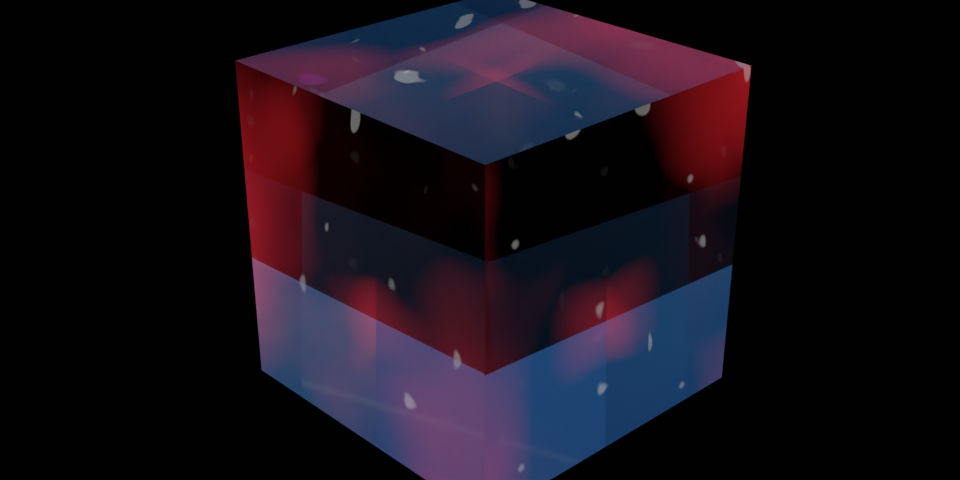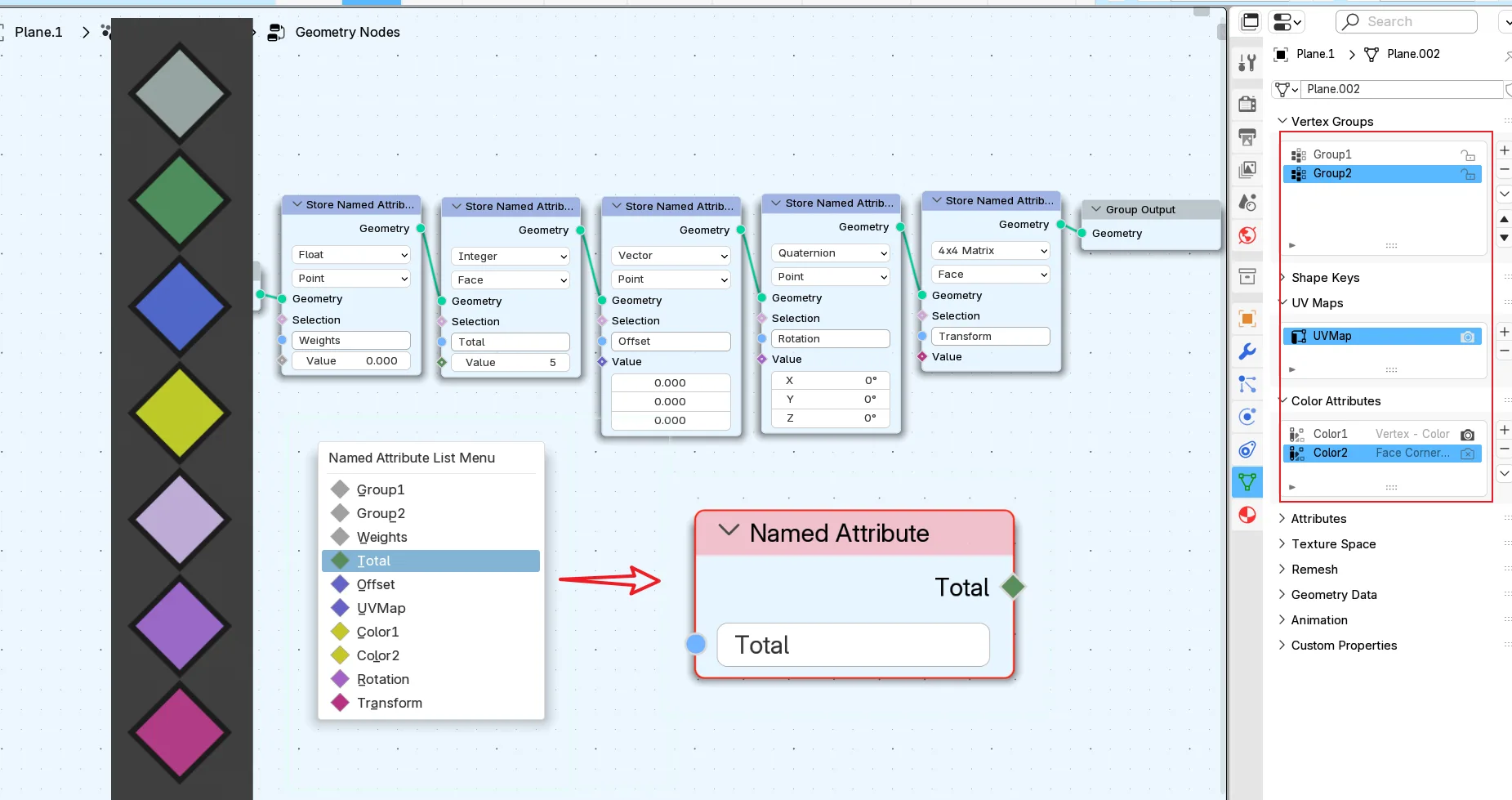
Geoshader is a Blender add-on for connecting procedural effects from Geometry Nodes to materials in the Shader Editor. It creates a distance attribute that can drive masks, gradients and material blends, and it can copy an existing material's node tree into the active shader graph. The Superhive listing names the product GeoShader Tools.
What Geoshader adds to Blender
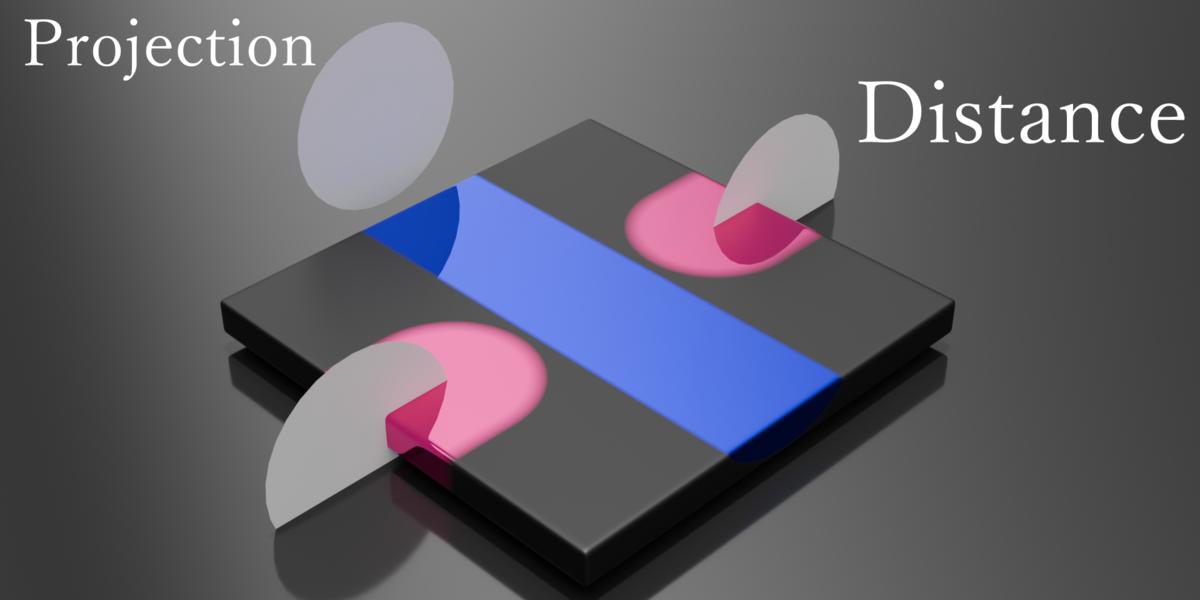
The add-on provides controls in the Geometry Node Editor and Shader Editor. In Geometry Nodes, it creates a preconfigured group that makes a named attribute from an object's distance to a target. In the Shader Editor, it can create and connect an Attribute node and a Mix Shader to use that data.
- Create a distance attribute for proximity masks, gradients and effects.
- Set up Attribute and Mix Shader nodes to use the generated data in a material.
- Drag a material from the Asset Browser or Outliner into the Material Drop zone to copy its node tree into the active shader graph.
- Use Frame All Nodes to bring the copied nodes into view.
How the Geometry Nodes to Shader Nodes workflow works
- In the Geometry Node Editor, open the GeoShader tab and create a Distance Attribute Group.
- Connect a target object, such as an Empty, to the group's Object input, then adjust the parameters.
- In the Shader Editor, use Create Attribute + Mix to set up nodes that read the generated attribute.
- Connect those nodes to the material. To reuse another material, drop it into the Material Drop zone and frame the copied nodes if they are off-screen.
Effects and artists it suits
Geoshader is suited to Blender artists who want object proximity or geometry relationships to influence a material. Examples on the product listing include wet-looking ground around a character's feet, walls that glow as an object approaches, and moss or rust blended onto surfaces. The add-on prepares node groups and shader connections; you still choose the target, adjust parameters and connect the nodes to the material you are building.
The listing identifies Cycles as the render engine. It lists Blender 4.5 and marks the add-on as Blender Extension compatible. AnyPlugins lists Geoshader as free, and the Superhive listing identifies its license as GPL. Before installing, check the Superhive product page for changes to its listed Blender compatibility.