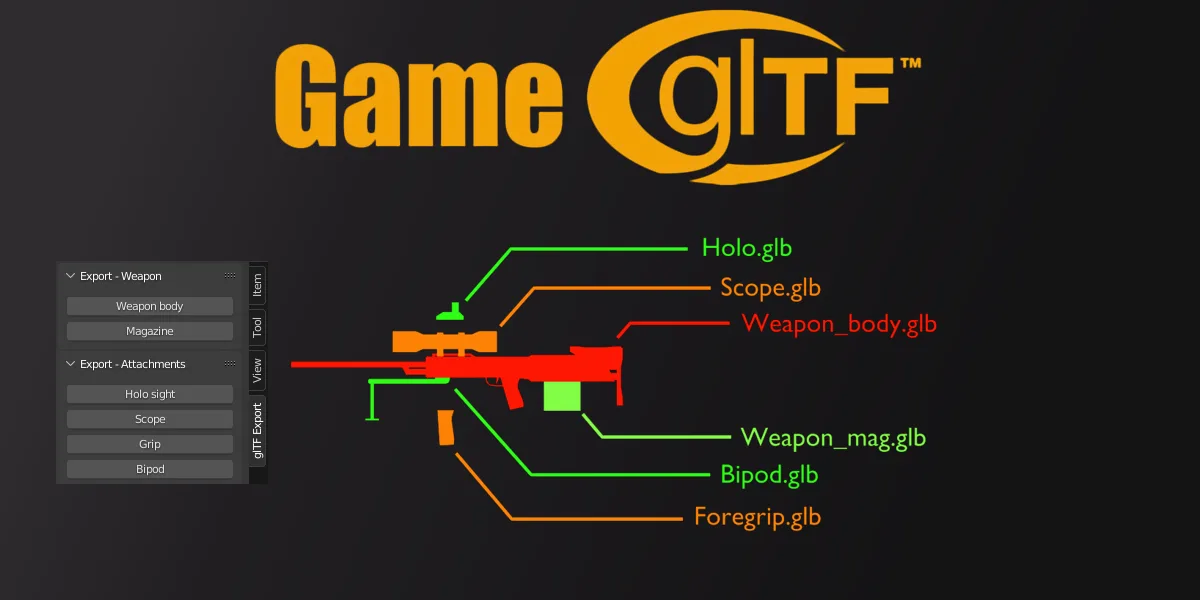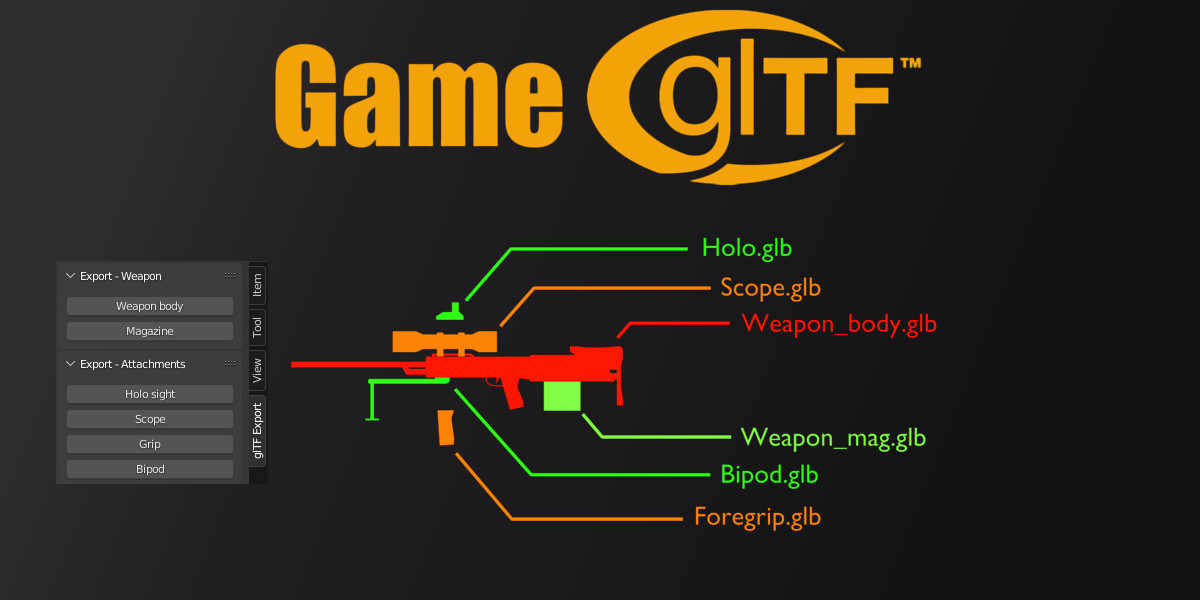
Ggltf is a Blender add-on for exporting assets to game engines in glTF format. Its additive workflow starts with nothing and lets you add the objects and data you need. Ggltf provides an export library that handles much of the work, plus buttons to run code outside the text editor and shorten the time between exporting and seeing changes in a game engine.
The creator recommends the default glTF exporter if you do not need Ggltf's specialized workflow.
Build exports around your assets
Ggltf can merge meshes non-destructively, split a complex scene into smaller files, and include hierarchies, collections, or individual objects. It can also remove objects through filters and blacklists. For armatures, filters can strip bones; Rigify workflows can exclude control bones and trim bone prefixes.
Animation can be baked from timeline markers, manually selected frame ranges, or NLA tracks. You can group NLA tracks into animations and force stepped interpolation. Ggltf does not require a glTF scene, which can suit asset libraries containing only meshes.
Check data support and export limits
The product listing marks animation, scene, node, mesh, and skin data as supported. It lists materials, textures, images, cameras, and lights as unsupported. Meshes retain their material slots, but the materials themselves are not exported.
Ggltf works with Blender meshes, not curves or NURBS. Each mesh must belong to an object in the scene; base meshes on their own cannot be exported. When merging meshes, the UV map, vertex color, and shape key names must match.
Compatibility and setup
The Superhive product listing names Blender 3.3, 3.4, 3.5, and 3.6 and identifies the license as MIT. It also describes Ggltf as a work in progress. Check the developer's getting-started documentation for setup details, and confirm compatibility there if you use another Blender release.