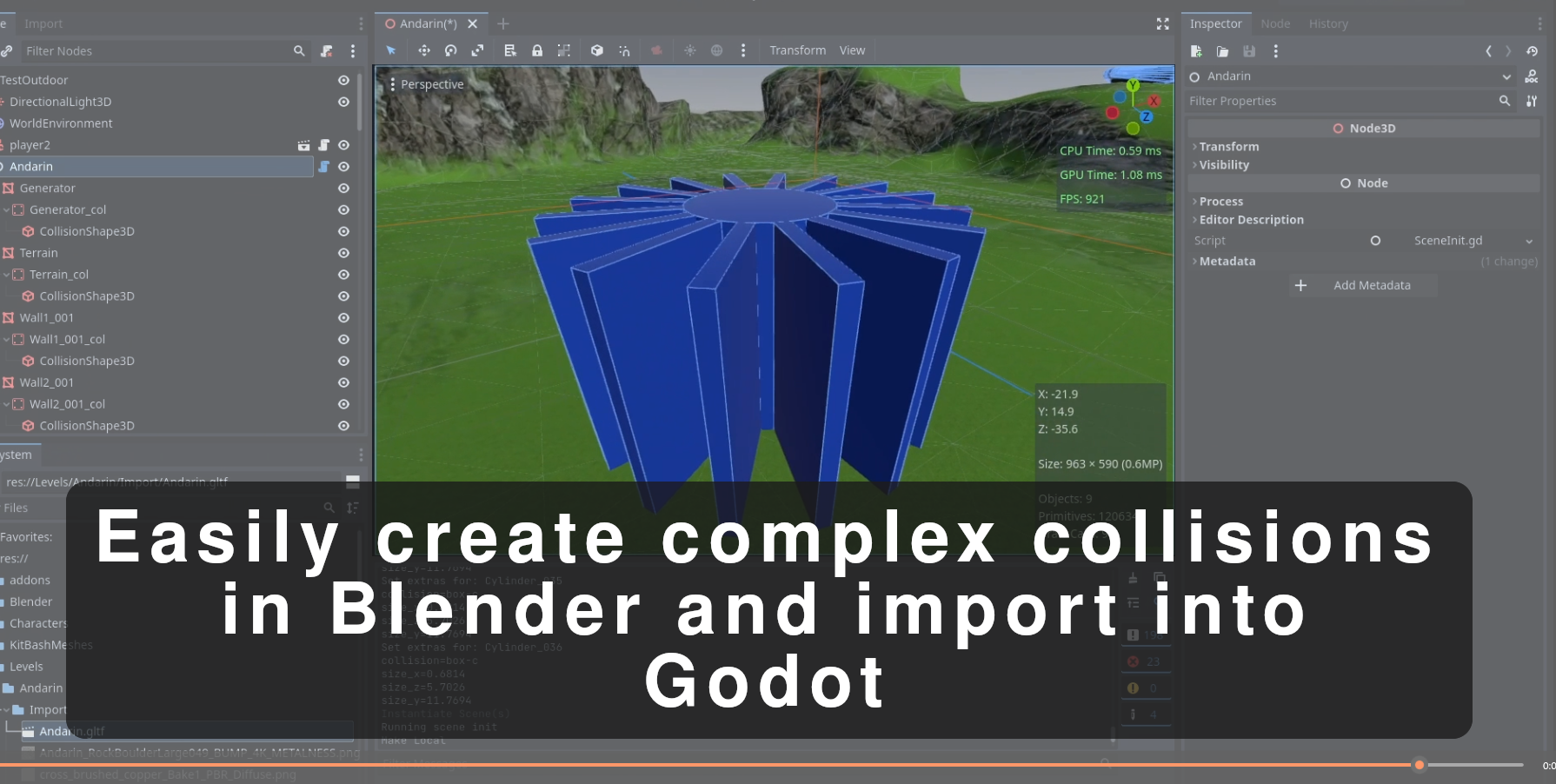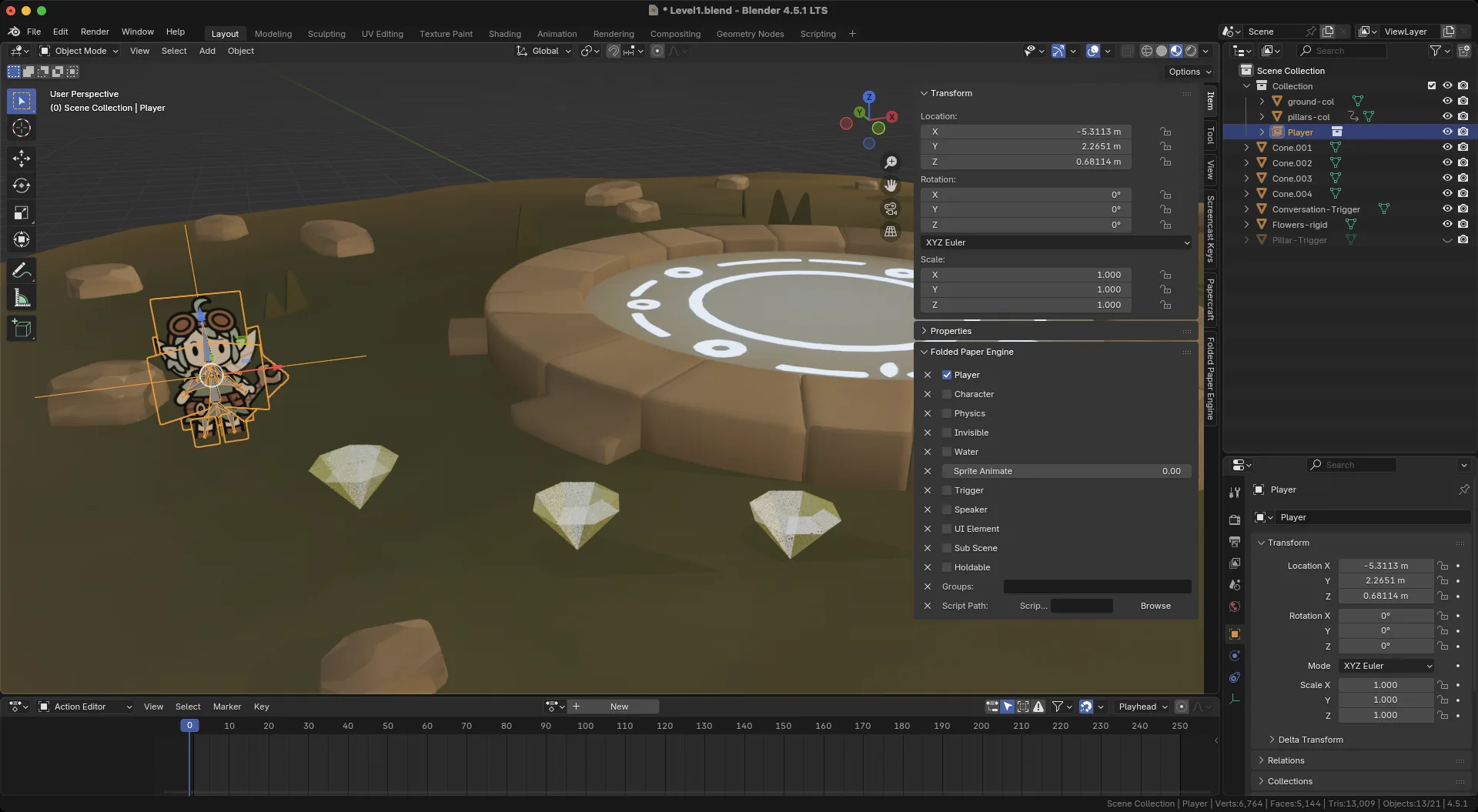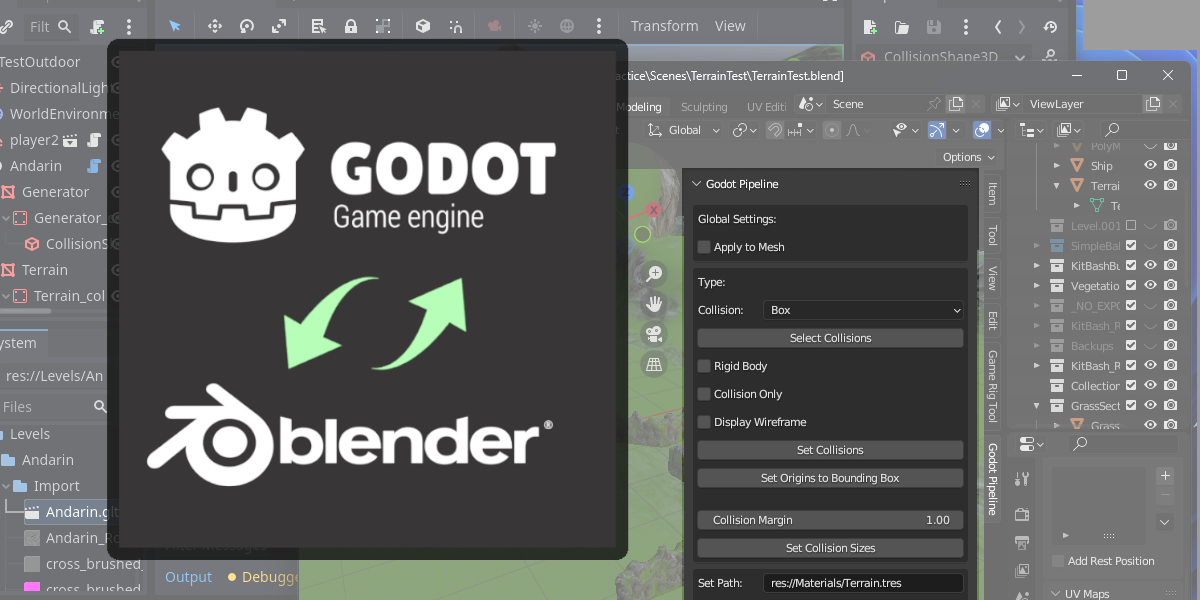
The Blender To Godot 4 Pipeline Addon, by Michael Jared, prepares Godot import instructions in Blender. You can assign collision settings, physics body types, scripts, materials, navigation meshes and multimesh data before exporting a 3D scene. The companion Godot importer reads those settings from a GLTF file and applies them during import.
How the pipeline works
- Install the Blender add-on using the package for your Blender version.
- Install the matching Blender-Godot Pipeline add-on in your Godot project from the Godot Asset Library. The Superhive product page also points Godot 4.7+ users to the matching add-on in the Godot Asset Store. The Blender package also includes the GDScript files, including
GLTFImporter.gd, if the library is unavailable. - In Godot, assign
GLTFImporter.gdto the GLTF file as its import script, or set it as the default scene import script for the project. - Configure the object properties in Blender, export a GLTF file, then import it into Godot and add it to your scene.
The product documentation explains the importer setup and Blender controls. Exporting again can trigger a reimport; keep the scene containing the imported GLTF open while doing so.
What you can configure
For collisions, choose primitive shapes such as boxes, cylinders, spheres or capsules, whose dimensions are calculated from the object when you apply the settings. Trimesh and convex collision options pass instructions to Godot for conversion. You can select a physics body type, set a collision margin, or discard the mesh while keeping the physics setup. Press Set Collisions again after changing the collider settings or shape.
The path controls let you assign Godot resources such as scripts, materials, navigation meshes, multimeshes, physics materials and packed scenes. A Property String can set node properties directly, such as a collision layer. The Preserve Origin option supports primitive colliders on objects whose origins are away from their centers. Individual Packed Resources can export each Blender object as a separate packed resource.
Compatibility and installation
The Superhive product page lists version 2.5.5 with Godot 4.1 through 4.6-stable support. The matching Godot Asset Store listing separately gives a minimum Godot version of 4.1 and a maximum of 4.7.1, and marks that asset version unstable. For Blender 5.0 and 4.2 through 4.5, install the Python file named godot_pipeline_vXYZ_blender42+.py. For Blender 3.6, 4.0 and 4.1, use the ZIP file named godot_pipeline_vXYZ_blender41-.zip. The 2.5.5 release notes say this version fixed an Invalid Owner issue and stabilized the Blender Python add-on.
Use GLTF for the documented import workflow. The documentation says direct .blend importing is no longer supported, although an older release note mentions that feature.
Known limitations
The developer advises against using the pipeline for animated skeleton meshes because Godot's reparenting can break animation links. Some parent and child arrangements involving multiple meshes and collision shapes may also change during import. The documented workaround for colliders that need a particular parent is to duplicate the objects, convert the duplicates to raw collision shapes, and parent them to the desired body in Blender. For setup questions and troubleshooting, see the product FAQ ; report issues with either add-on in the GitHub issue tracker.