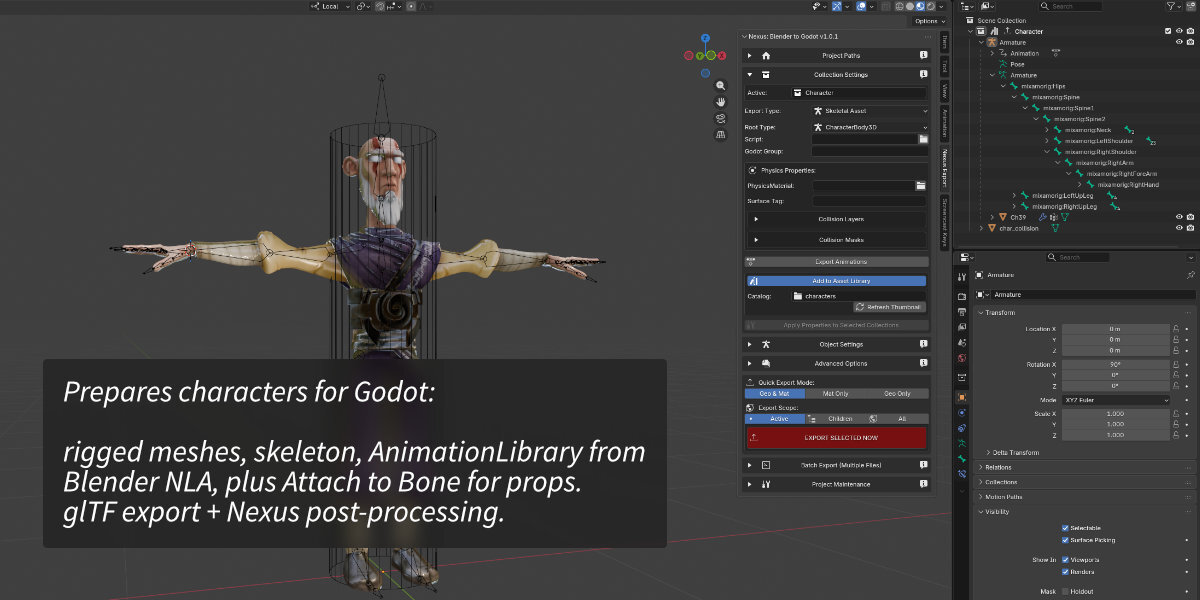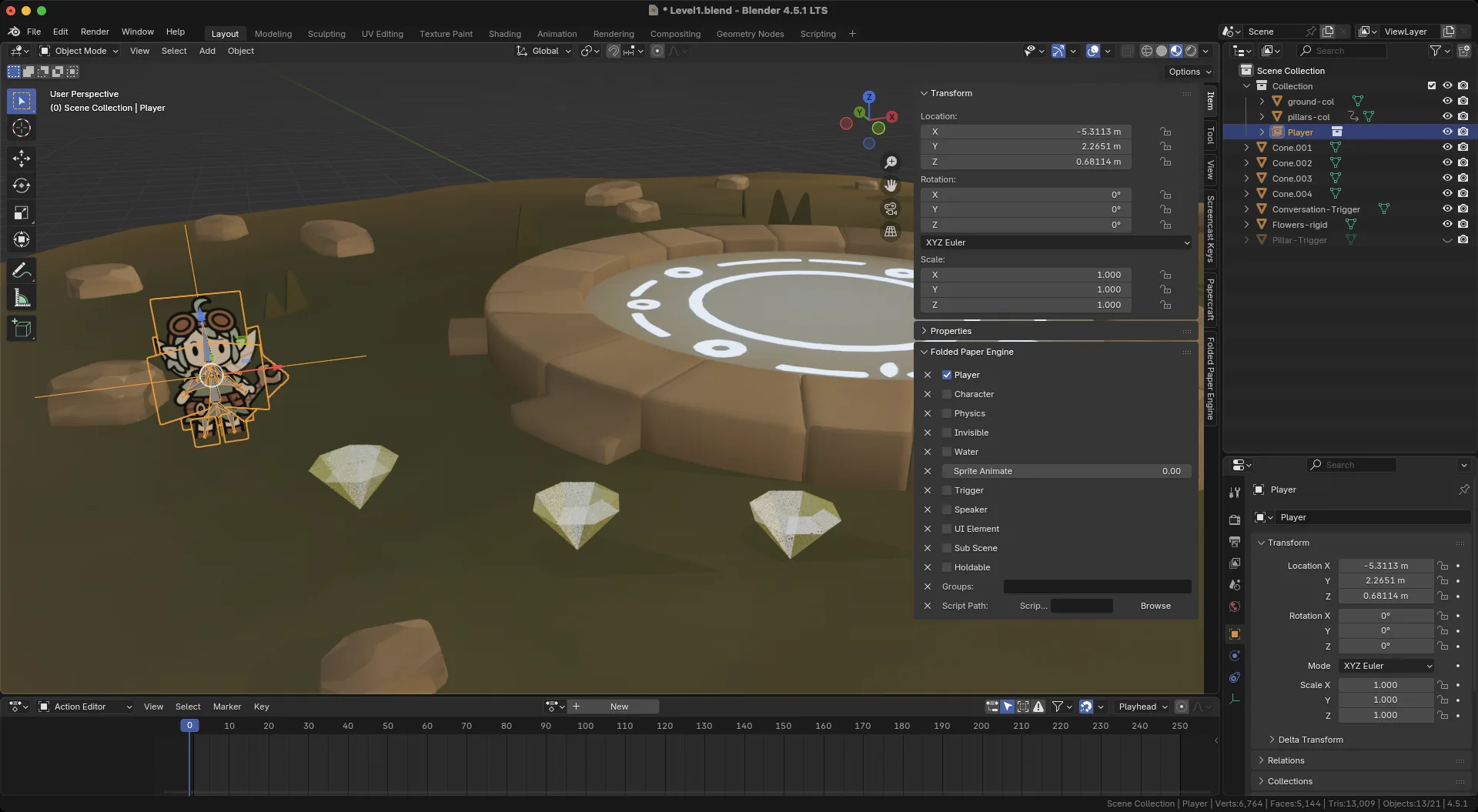
Nexus Godot Pipeline is a Blender extension paired with a Godot importer. It lets you set up game assets and scene data in Blender, then export them for import into Godot with settings such as physics, materials and metadata carried through. The Superhive product listing credits Michael Kulzer as its creator.
How the Blender to Godot workflow works
Install the Blender extension and the Nexus importer for Godot, then point the Blender panel to the project root, source folder and Godot target folder. Nexus uses Blender Collections as export units, so a collection can represent an asset, character, level or other supported type. You can use relative or absolute paths.
- Choose an export type for each collection and set its Godot root type where applicable.
- Configure collection and object properties, including collision, scripts, groups, metadata and materials.
- Export selected content with Quick Export, or use Batch Export for files in a folder.
- Let the Godot importer apply the export settings, or run its Reimport Assets tool.
The setup and export guide describes the available collection types and import options. Scene style can be set to Wrapper or Inherited, and the importer can resolve placeholders used in level assembly.
What Nexus carries across
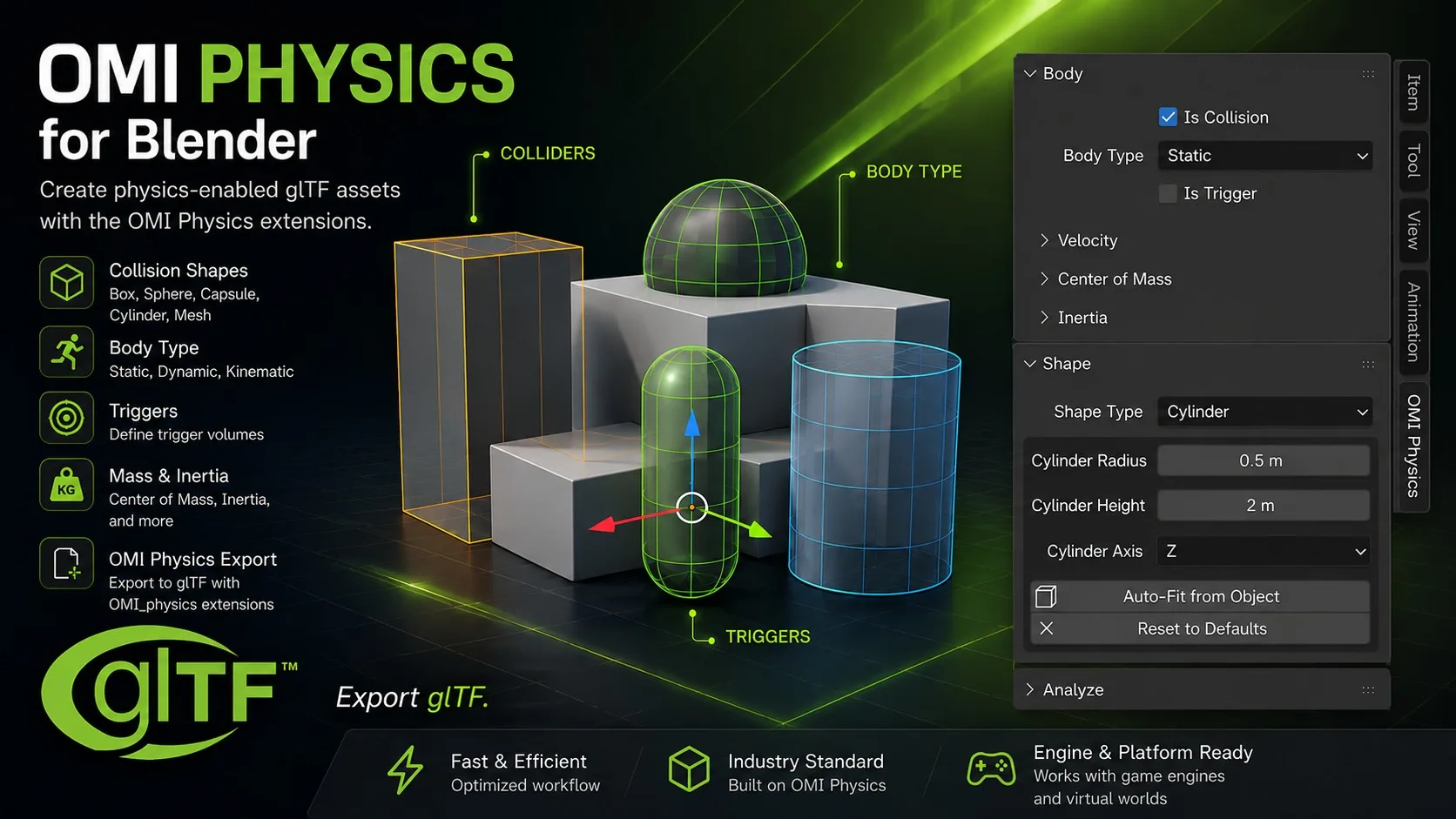
- Gameplay and physics: Configure body types, collision shapes, navigation regions, Area3D triggers, metadata, scripts and groups in Blender before export.
- Materials and textures: Convert supported Blender shader setups, pack occlusion, roughness and metallic maps into an ORM texture, ingest external textures, or reference existing Godot
.tresmaterials. - Levels and repeated geometry: Assemble levels from linked collection instances, use MultiMesh for instancing, and set custom LOD visibility ranges with mesh-name suffixes such as
_LOD1.
The material index tracks shared materials with content hashes. Hash-based export can skip unchanged assets, while Smart Batch can skip unchanged Blender files. Parallel workers are an optional Batch Export setting. Exports can use glTF or GLB, including a single-file GLB option.
Who may find it useful
Nexus is aimed at artists and developers who build game assets or levels in Blender and iterate on them in Godot. It is most relevant when the handoff includes more than mesh geometry, such as collision, materials, scripts or reusable level assets. The workflow still depends on setting collection types and project paths correctly; check the documentation for the scene structure that fits your project.
Version support, price and license
Superhive lists release 2.2.0, Blender 4.2–5.2 and Godot 4.6–4.7, with Blender 5.2 and Godot 4.7 called out in the listing headline. The linked documentation identifies itself as version 2.0.1, so check the product page and changelog if you need instructions for a feature added after that documentation release. The seller listing labels the license GPL; review its current terms if redistribution or packaging is relevant.