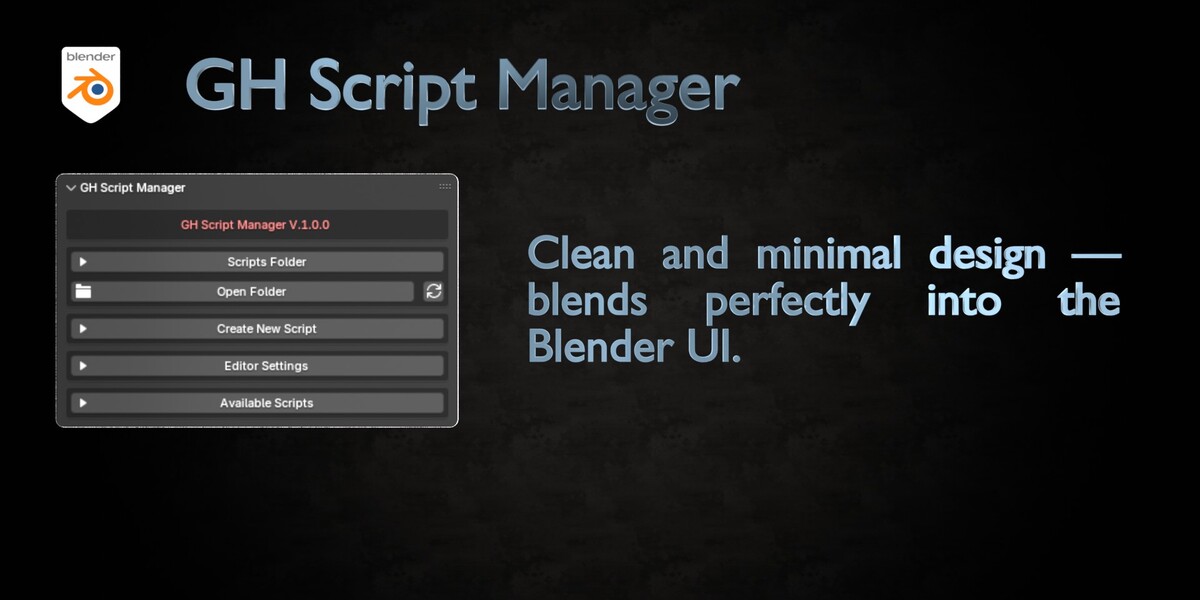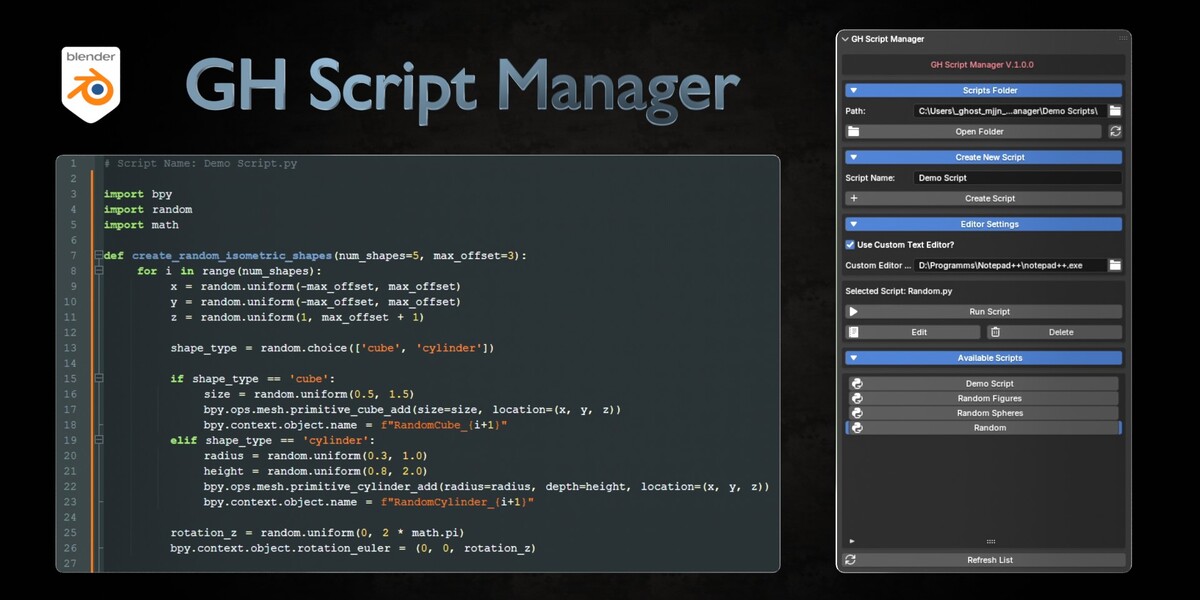
Gh Script Manager is a Blender add-on by ghostWDFR for creating, managing, and running Python scripts from Blender's sidebar, with an option to open scripts in an external editor. Its panel appears in the N-panel under the GH Tools tab. The workflow may suit technical artists, add-on developers, and automation users who keep scripts they reuse. See the product listing.
Create and run scripts from the panel
Enter a name and use Create Script to make a new .py file in the selected script folder. The panel lists scripts with actions to run them in Blender, open them in the assigned editor, or delete them. Deleting a script removes its file permanently. You can also open the script folder from Blender and refresh the list on demand.
Set a script folder and external editor
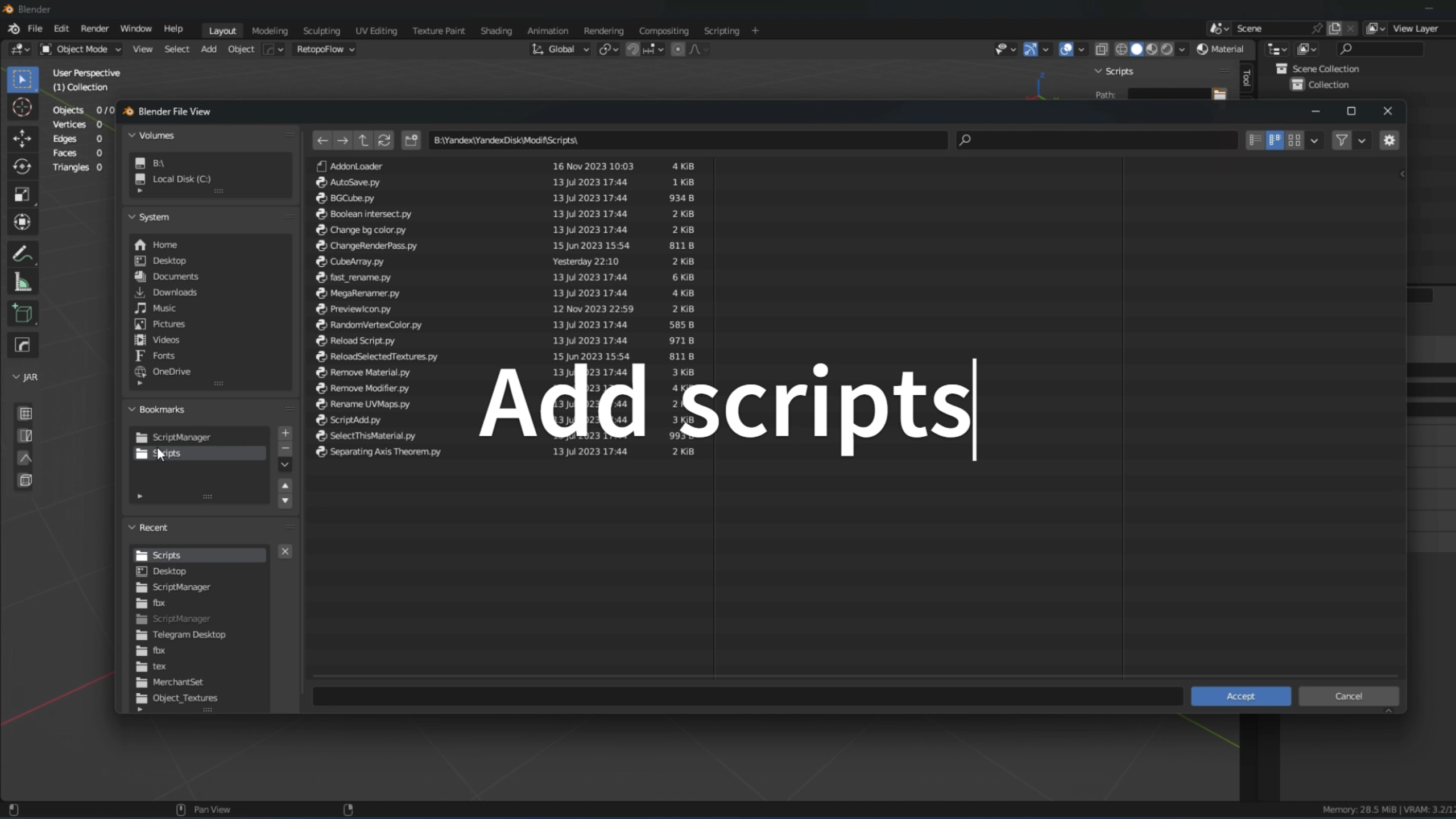
The add-on starts with an internal scripts folder. You can choose a custom folder, which the add-on uses for created and launched scripts. To edit a script outside Blender, enable Use Custom Text Editor in the add-on settings and enter the full path to an editor executable. The documentation names VS Code and Notepad++ as examples.
Gh Script Manager saves the custom editor setting and path in config.txt, and the selected scripts folder path in saved_path.txt. If you add or remove script files directly in the folder, use Refresh List to update what appears in the panel. Read the installation and usage documentation.
Install the Blender add-on
- Download the GH Script Manager.zip archive.
- Drag the archive into the Blender window and confirm installation, or open Edit > Preferences > Add-ons, choose Install, and select the ZIP file.
- Enable the add-on, then open the N-panel and select the GH Tools tab.
The product listing describes support for Windows, macOS, and Linux. It gives Blender compatibility as 3.6 to 5.2+ in the description, while the version detail field says 3.6 to 5.2. That difference leaves support for builds later than 5.2 unclear. The listing identifies the license as GPL. Check the product FAQ for additional usage notes.