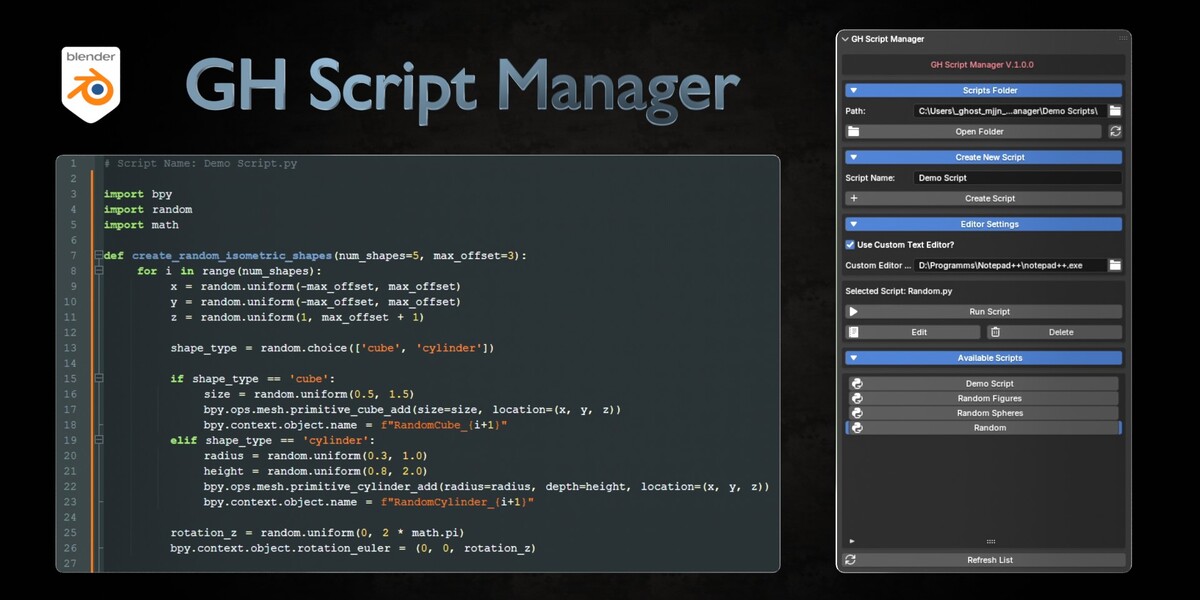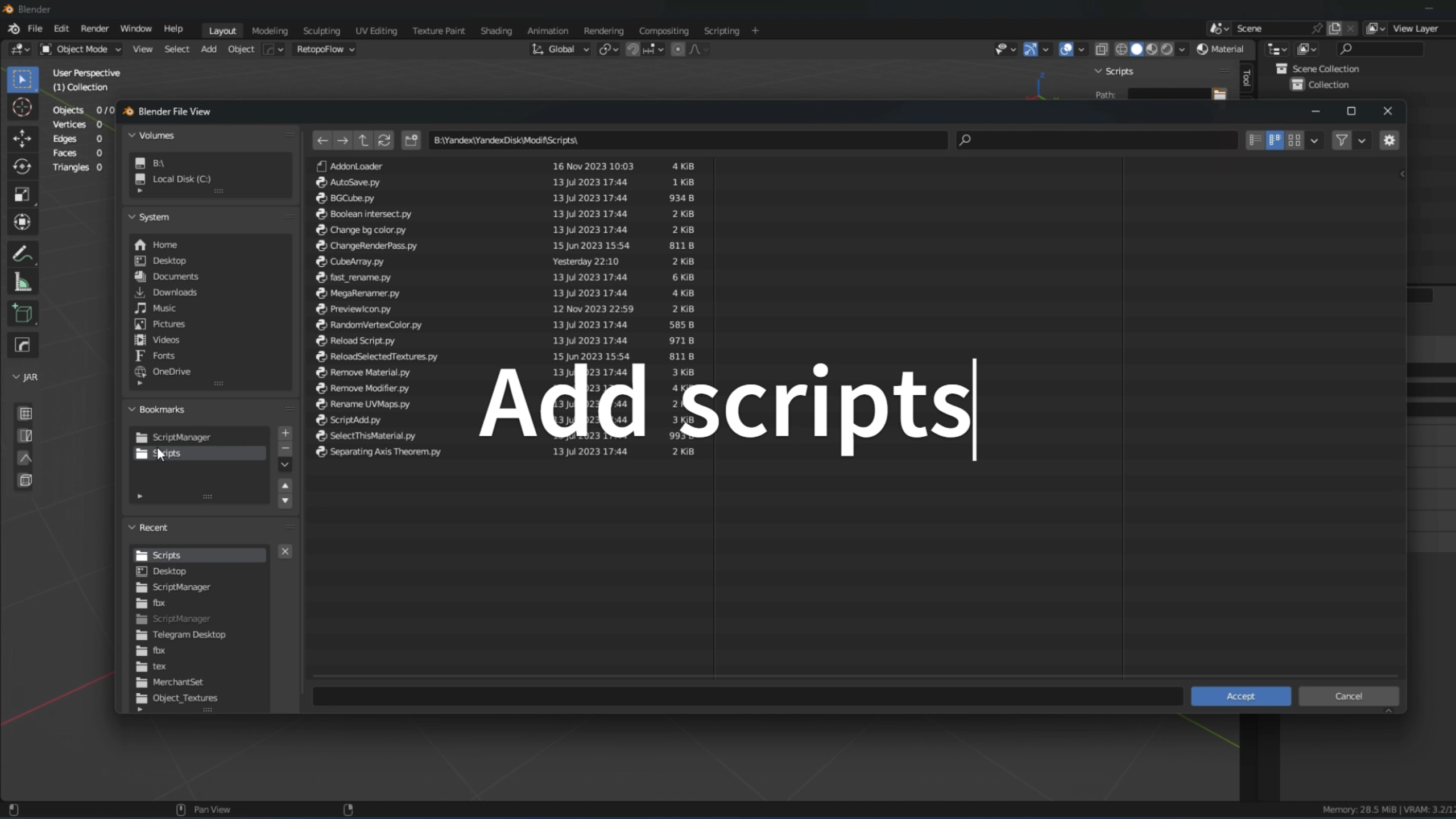
Script Manager is a Blender add-on by Eugene Trunin that keeps scripts accessible from Blender's toolbar. Its Scripts icon opens a menu where you can enter script paths, add multiple scripts, and test their functionality.
Manage scripts from the toolbar
After adding scripts by path, they appear in the Scripts window as buttons. The product documentation says you can click a button to run a script. A supplementary menu lets you reorder entries, delete or locate a script, and open it in an editor. Changes take effect instantly.
This setup suits Blender users who keep scripts as files and want to reach them from the toolbar. For a short list, entering paths and using the buttons gives each script a direct place in the Blender interface. The reorder and locate options help when you maintain several entries.
Create and rename scripts
Version 1.1.0 adds options to create scripts and rename existing ones. New scripts are saved automatically in the same folder where Script Manager is installed. Renaming is useful when you keep several script variations or want to change an existing name.
Personalized script examples
Eugene Trunin's personalized scripts include:
AutoVertexColorapplies vertex colors from a texture using UV coordinates and manages UV seams for selected mesh objects.RandomVertexColorapplies random colors to vertices of selected mesh objects.ReloadSelectedTexturesrefreshes image textures in material nodes for selected objects.RenderNotificationdisplays a system notification with the scene name when a render finishes.SelectThisMaterialselects mesh objects that share the active object's material.UVMap_renamerenames the first UV map on each selected mesh object toUVMap.
Blender compatibility and license
The product listing names Blender versions from 2.8 through 4.1 and identifies the license as GPL. To check compatibility with Blender releases newer than 4.1, see the developer's listing before installing.