Goblend: Export to Godot is a Blender add-on for sending scenes into a Godot project from Blender. It lets artists configure materials and collision shapes in Blender and include existing Godot scenes in an export. The Blender Extensions listing shows its 2.2.1 release with a minimum Blender version of 4.5.7.
What Goblend can export
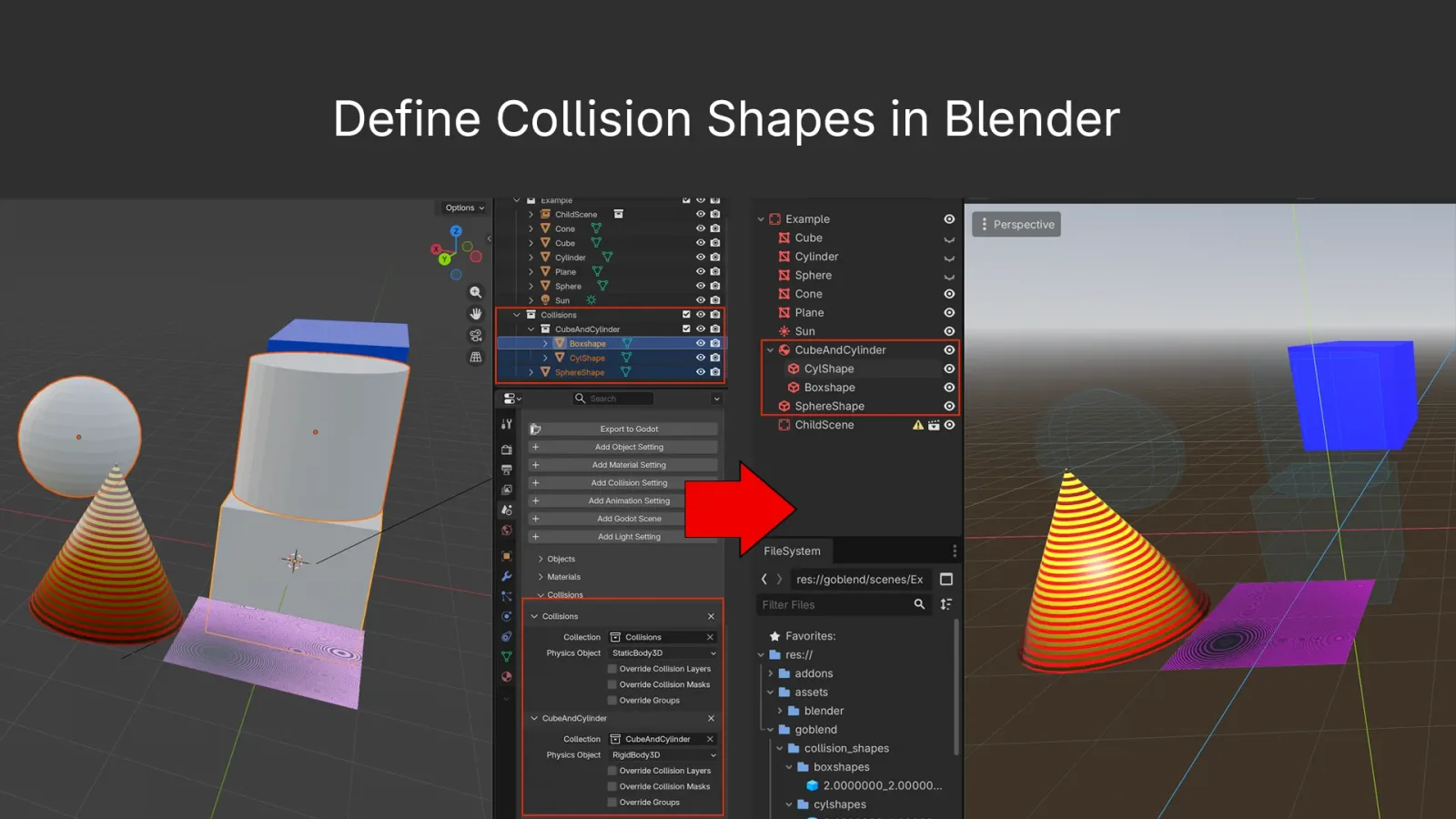
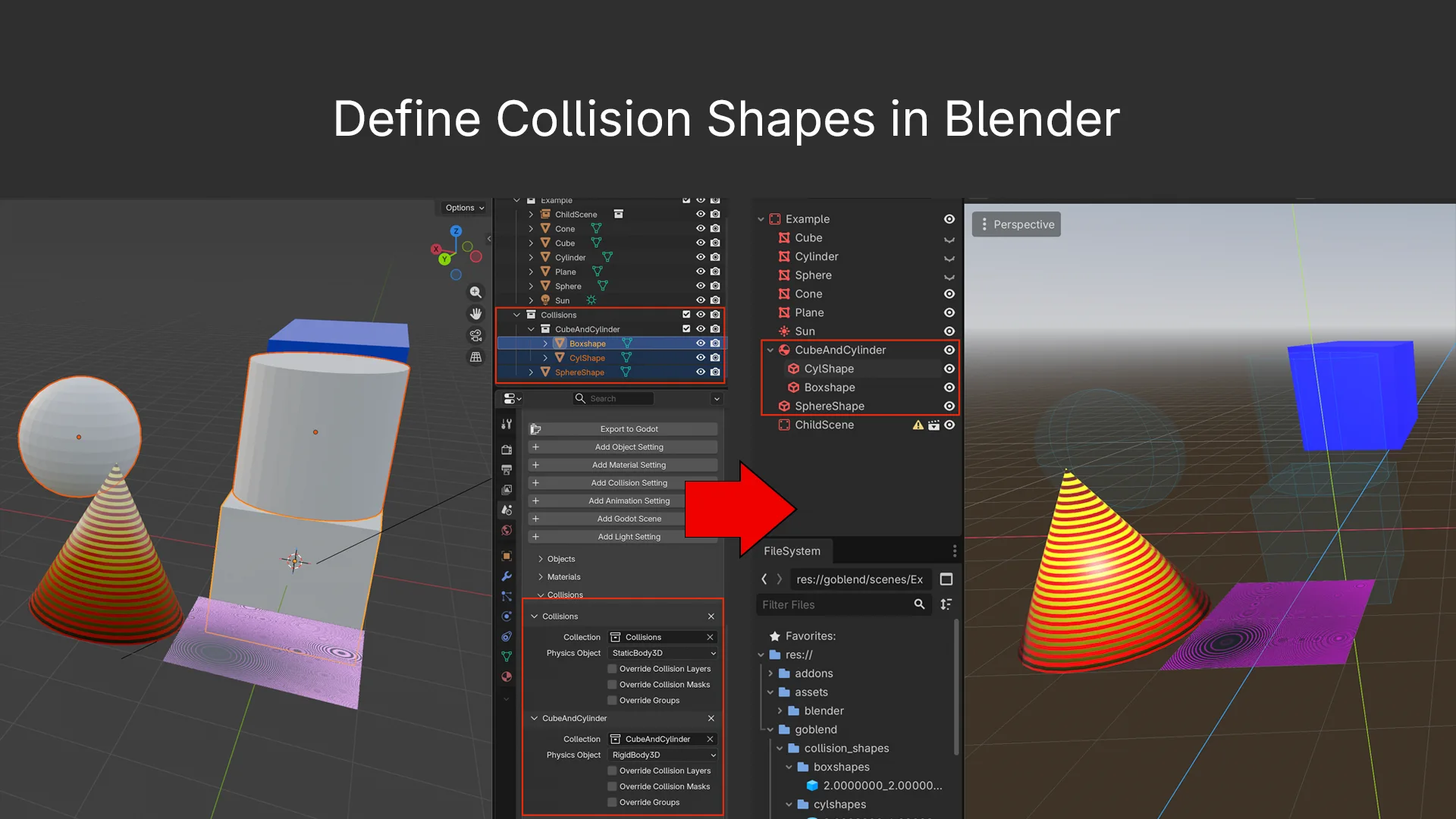
Goblend can bake Blender materials to textures for use in Godot, or convert supported material node setups into Godot shader code. Shader conversion covers basic setups; the developer notes that not every shader node is supported. For collisions, objects in a top-level collection named Collisions become collision shapes in Godot. The add-on can also instance existing Godot scenes in an export, take lighting information from those scenes, export curves as Curve3D objects with Path3D nodes, and handle basic material animations.
A configuration file can provide defaults for a project, while Blender-side settings include options such as transparency, culling and groups.
Set up the Blender and Godot project
Goblend has a Blender extension and a Godot add-on, so install and enable both. The Blender file must be saved inside an existing Godot project, either beside project.godot or in one of its subdirectories. Set the Godot executable path in Blender's add-on settings, then enable Goblend in the Godot project's Plugins settings. The installation and setup guide covers these steps.
Some features depend on exact top-level collection names. Use Collisions for geometry that should become collision shapes, and GodotScenes for objects that should be replaced with existing Godot scenes. The export includes the whole scene: hiding an object does not exclude it. To leave an object out, disable it in renders. During export Blender may appear to freeze; the documentation describes this as normal and points to goblend.log in the project root for progress details.
Who it suits
Goblend fits Blender-to-Godot workflows that need scene structure, materials and collisions prepared as part of the export. It gives you control over how those resources are organized, but the results depend on following the documented collection conventions and checking which material nodes are supported. Review the setup guide before using it on a project with an established Godot directory structure.