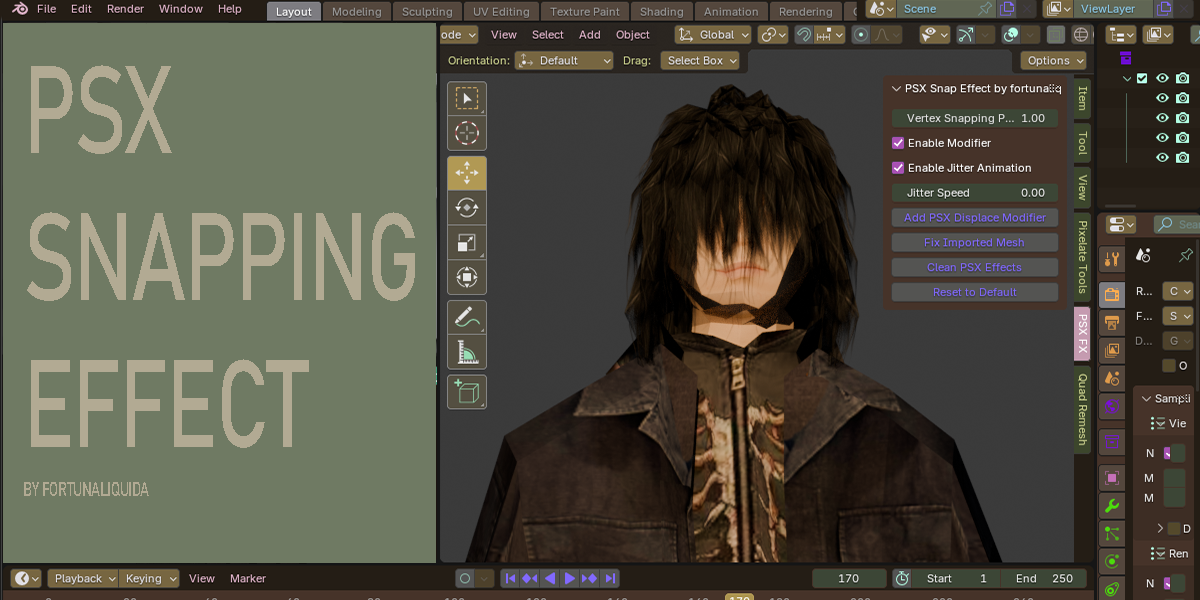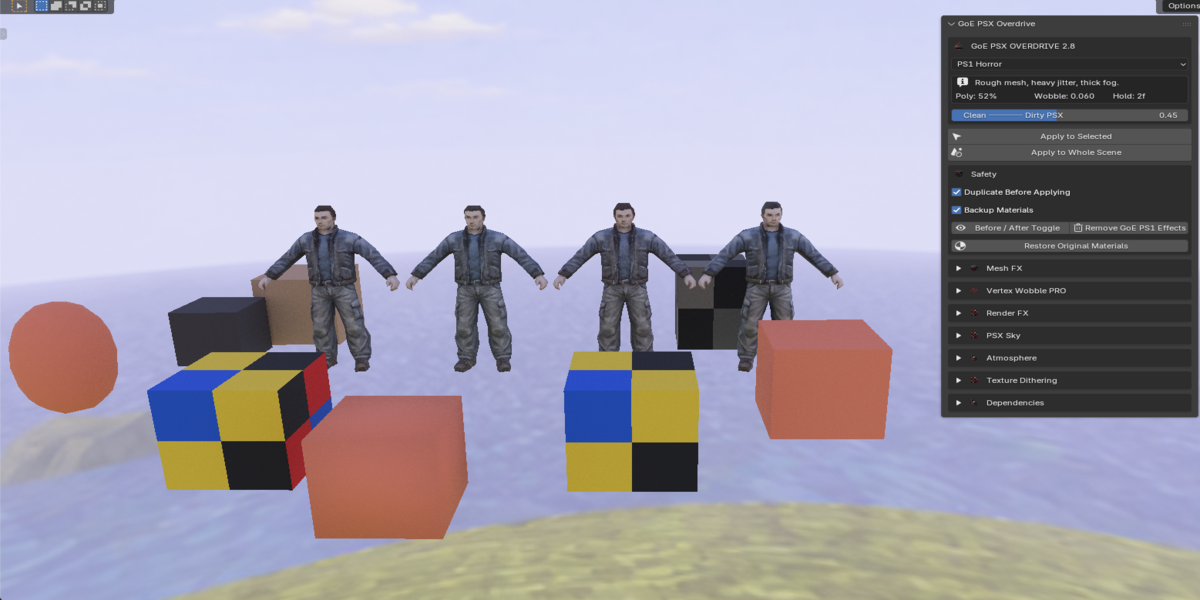
GoE PSX Overdrive Toolkit is a Blender add-on for creating PS1- and PSX-inspired renders. It combines geometry and shading changes, animated vertex wobble, texture dithering, skies, atmosphere presets and render controls in one N-Panel workflow. It is designed for characters, props, environments and other mesh objects, with EEVEE and Cycles listed as supported render engines.
Build a look from presets
The ten style presets include PS1 Horror, Silent Hill Fog, Resident Evil, Retro Anime, Low Poly Arcade, Dungeon Crawler, Dark Fantasy, VHS Dirty, CRT Monitor and Dreamcast Clean. Each preset adjusts geometry reduction, vertex wobble, flat shading, triangulation and overall PSX intensity. An authenticity slider lets you adjust the effect from subtle stylization to heavier degradation.
Adjust motion, texture and atmosphere
GeoNodes Vertex Wobble PRO adds animated vertex jitter. Its controls include amplitude, frequency, hold frames, Z, XYZ or custom axis modes, seed control and a manual override after applying a preset. Texture dithering has three methods: Ordered Grid, Error Diffuse and Scatter Lite, for color reduction and pixel banding.
For scene mood, the add-on includes 12 atmosphere presets and 10 PSX sky HDRs that can be applied as environment textures. Render FX includes low-resolution presets, low-resolution shadow mode, a disable-shadows option, a 5-bit color depth effect, a denoising toggle and low filter settings.
Experiment with scene safeguards
Tools include duplicate-before-applying, apply-to-selected and apply-to-whole-scene options, a before-and-after toggle, material backup, material restoration and effect removal. These controls let you compare the stylized result and restore backed-up materials when needed.
Compatibility and included files
The package includes a Blender add-on ZIP, style and atmosphere presets, sky HDRs, the Vertex Wobble PRO and dithering systems, Render FX tools and a PDF Quick Start Guide. Superhive lists the license as GPL. AnyPlugins lists the add-on as free. The Superhive description says Blender 4.2+ and 5.x, but its Details section lists Blender 3.6–5.1. Check the current listing or ask the developer to confirm support for your Blender release before installing.