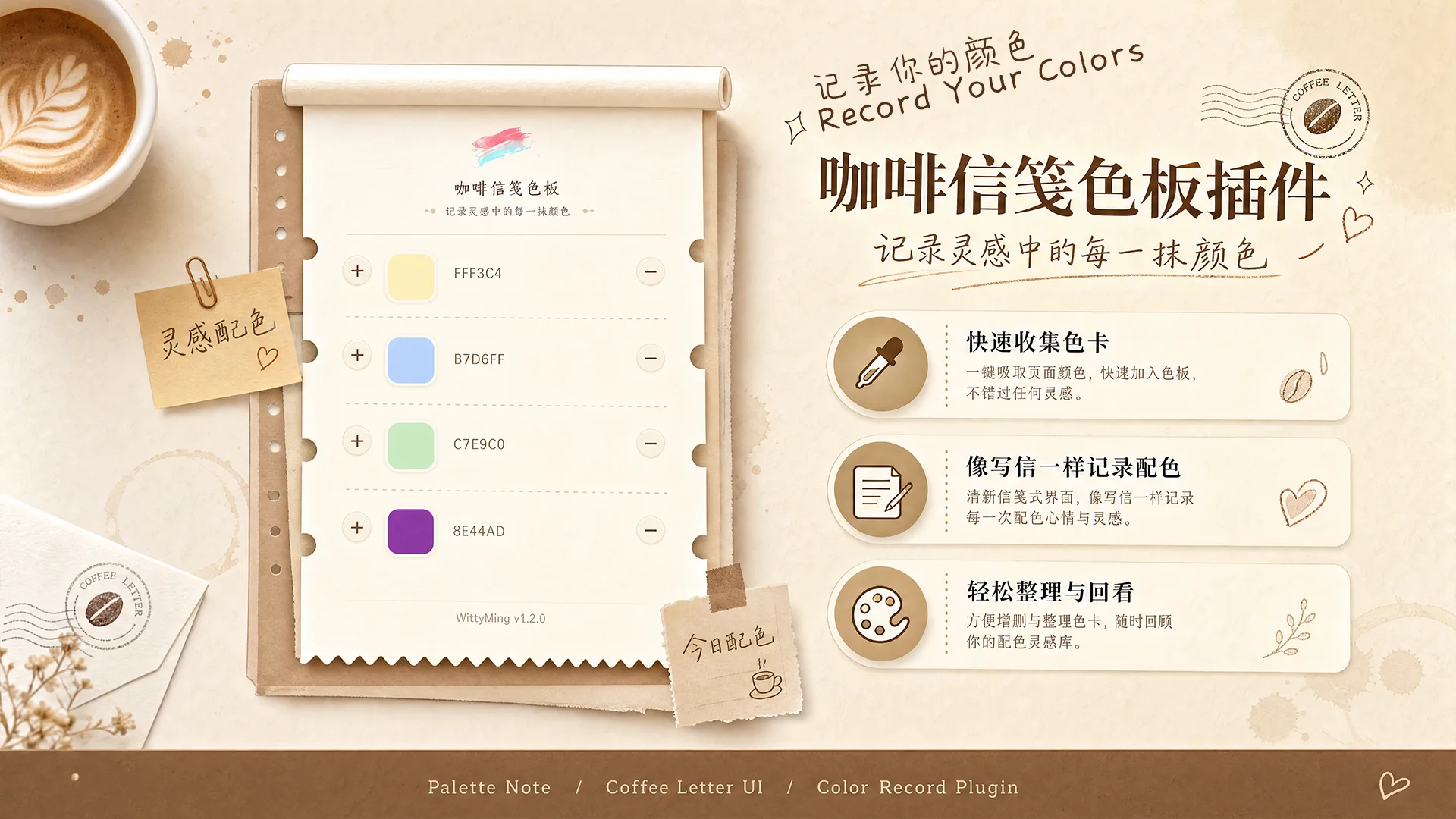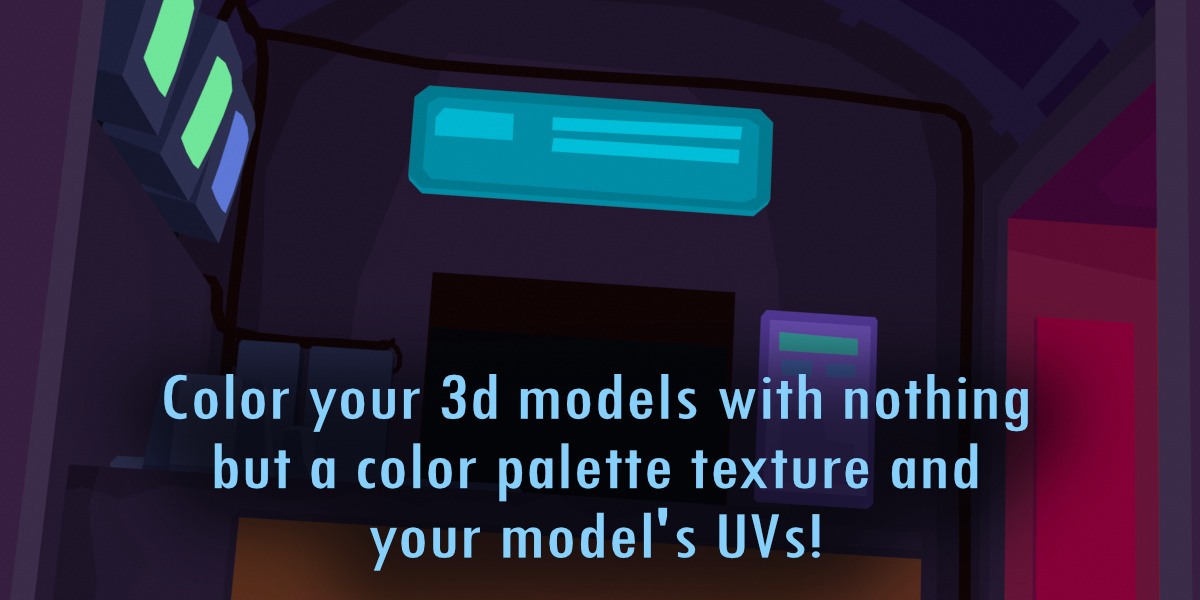
Stylized Toolkit: Atlas is a Blender add-on for coloring 3D models with a color palette texture and the model’s UVs. Define swatch grids on materials, then quantize selected UVs to those grids. The workflow is intended for retro and other non-photoreal styles.
Place UVs on palette swatches
After defining a swatch grid on a material, you can move UVs within the grid through Atlas’s interface. The add-on also lets you copy and paste UV positions on the texture swatch grid. For face-based work, select faces and move their UVs to the swatch used by the last-selected face.
Select UVs across objects
Atlas can select UVs from contiguous or non-contiguous swatches, on one object or across multiple objects. Its controls appear in both Blender’s 3D View Panel and Material Properties Panel.
Who may find Atlas useful
Atlas is a fit for Blender artists who color models from a palette texture and want to work with the texture’s swatches through UVs. Its multi-object selection and UV copy-and-paste tools may also suit projects where palette positions are reused across meshes. The product listing names Cycles and Eevee as supported render engines.
Compatibility and license
The Superhive listing gives a Blender compatibility range of 3.4 through 5.3 and marks the add-on as Blender Extension compatible. Its latest changelog entry, dated November 17, 2026, says version 1.0.4 was updated for Blender 5.3. Check the product listing for later release or compatibility changes.
The add-on itself is licensed under the GPL. The listing separately states that artwork created with it can be used for commercial, personal, and educational purposes. The developer’s Atlas documentation covers the tool’s workflow and setup.