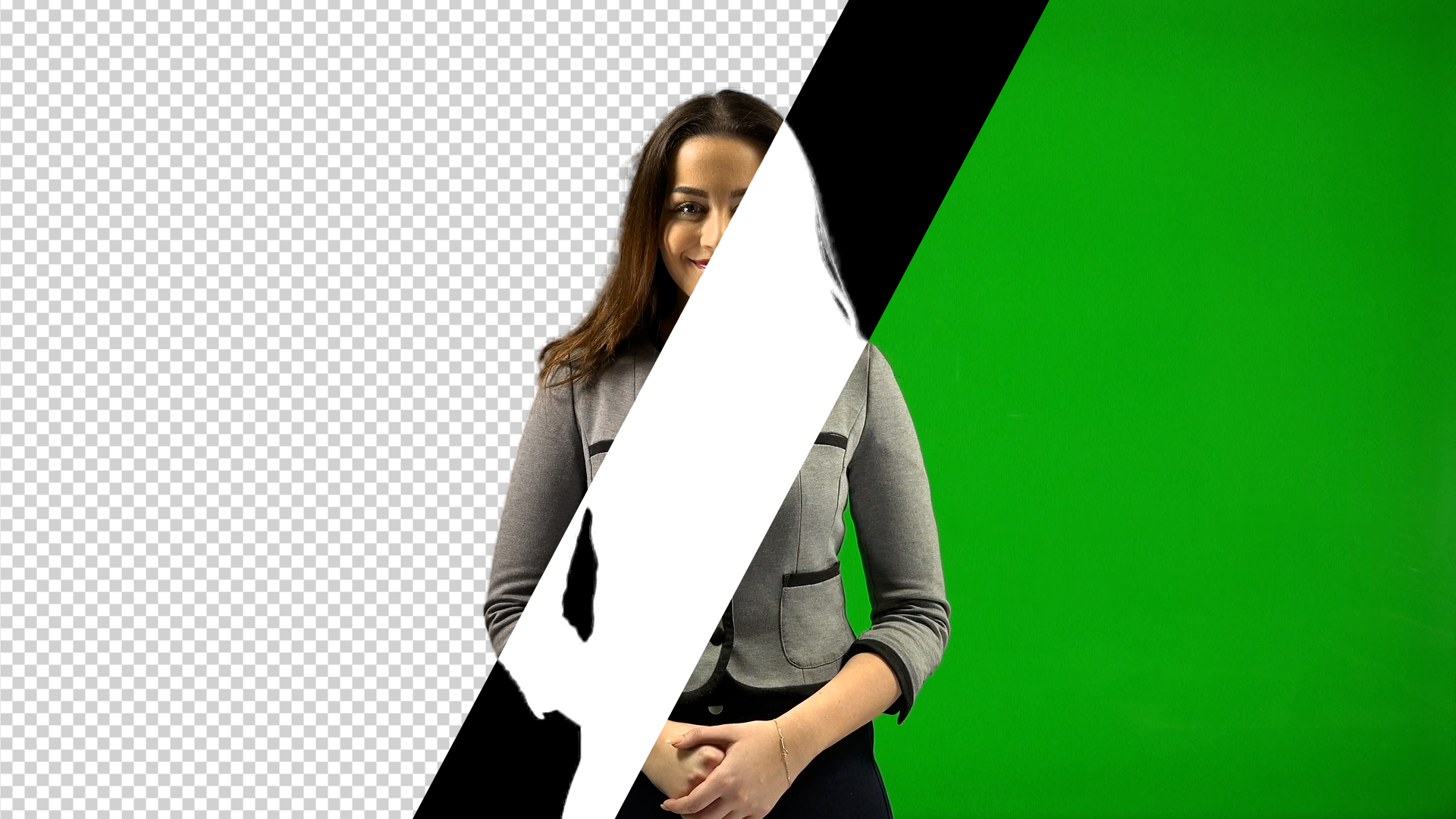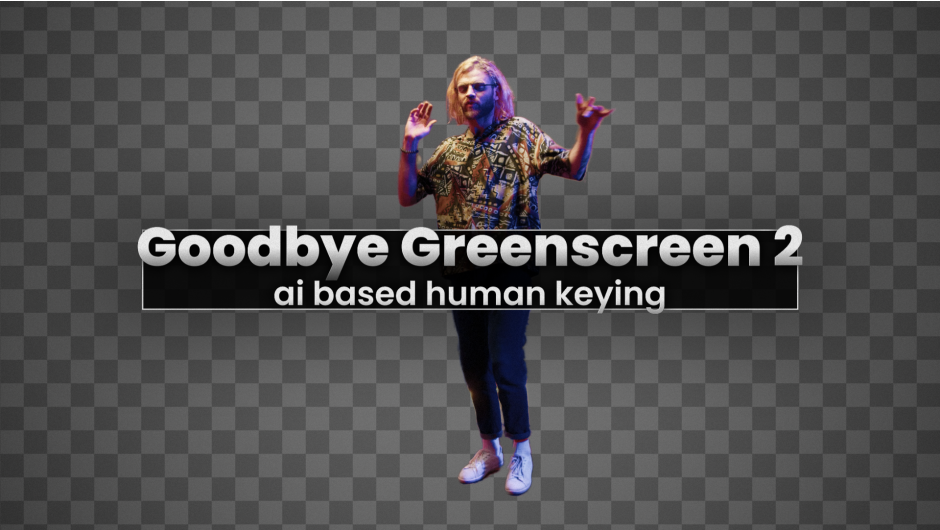
Goodbye Greenscreen 2 is an AI matting and keying effect for Adobe After Effects and Premiere Pro. It creates mattes for people, including portrait and full-body shots, and supports footage with groups. Its automatic matting workflow is designed to avoid drawing masks or keyframing them by hand. Blace says processing runs locally on your machine.
Choose a matting workflow
- Automasking: Use this for people when you do not have a green screen or clean background plate. The product listing describes optimizations for long hair and challenging backgrounds, and says you can choose among seven AI models, including BiRefNet.
- Clean-plate matting: Provide the shot with its subject and a still image of the empty scene. The manual recommends keeping lighting similar between the shot and plate and avoiding the subject's colors in the plate. If the camera position changed, Match Perspective can align the layers when the scene has enough visible detail, such as patterns or high-contrast features.
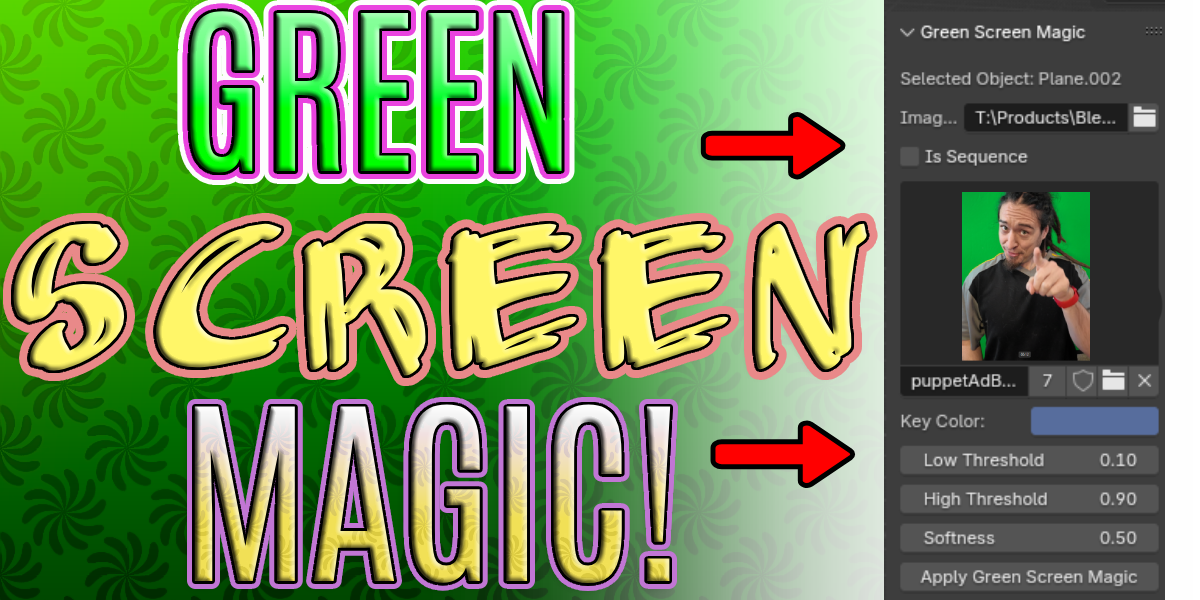
- Color keying: Select a color to key when the background is uniform and does not need a separate plate.
Refine the matte
The manual documents an optional edge-refinement pass. Filter Width adjusts corrections around uneven edges, while high-resolution refinement uses more VRAM.
Check compatibility and hardware
The listing names After Effects 2026, 2025, 2024 and 2023, plus Premiere Pro 2024, 2023 and 2022. Its listed Windows requirements specify a GPU with at least 8 GB for both NVIDIA and non-NVIDIA systems; non-NVIDIA Windows systems are limited to the Generic 2022 and Human 2024 models. On Mac, the listing supports Apple Silicon with macOS Sequoia or newer and at least 16 GB of RAM. It lists other macOS systems as unsupported.
Trial and license
The product listing offers a trial. The EULA grants one copy for use on one computer at a time. Multiuser or multi-computer use requires an appropriate license for each user and copy.