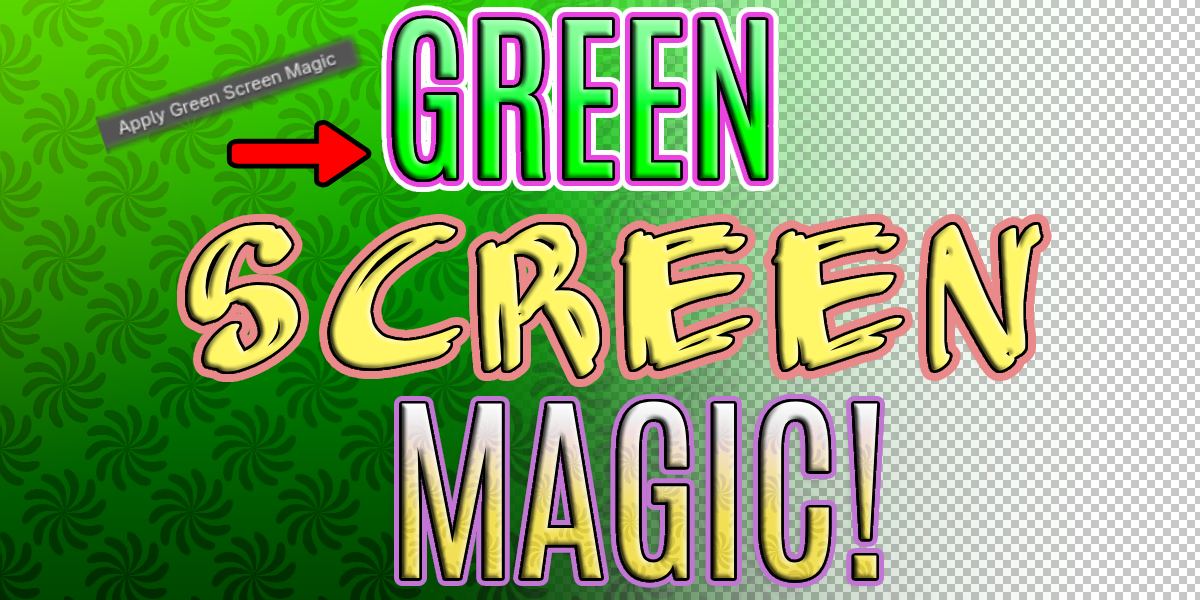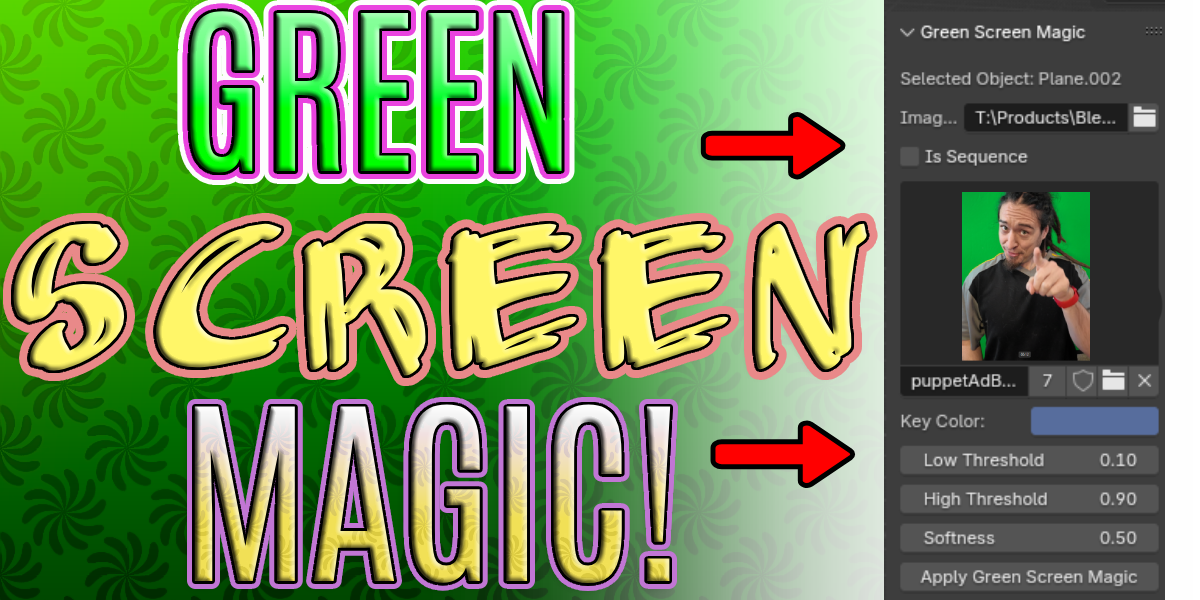
Green Screen Magic is a Blender add-on for removing a chosen background color from images, video, or image sequences. It puts color-keying controls in Blender’s View3D tool shelf, so you can prepare footage for a composite in the same application. The Superhive product listing describes live previews as you adjust the settings.
Keying options
You can choose any color to key out, not only green. The controls include low and high thresholds and softness. For video, the listing names MP4, AVI, and MOV as supported popular formats. An image-sequence mode recognizes and processes sequences automatically.
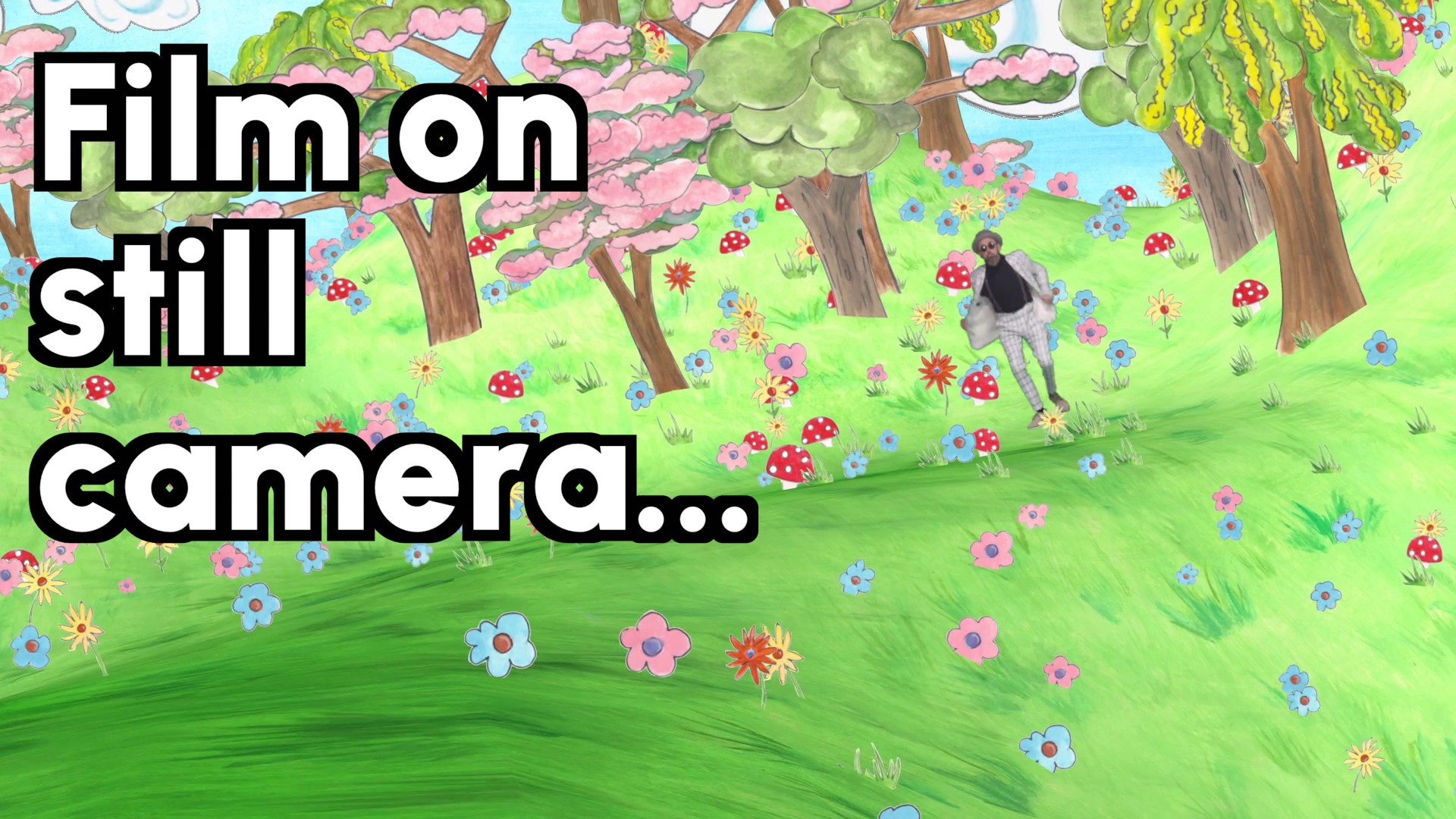
Video editors can use Green Screen Magic to key footage for cinematic visuals or product presentations. Blender compositors can use the keyed footage alongside 3D assets.
Set up a key in Blender
- In the View3D area, open the toolbar or sidebar with N, then find Green Screen Magic in the Tool Shelf.
- Load an image or movie. For an image sequence, select the sequence option.
- Use the color picker on the preview to select the background color, then click Apply.
- Adjust the low and high thresholds while watching the preview. The product documentation recommends starting with softness at 0, then experimenting with that setting.
Compatibility and license
The Superhive listing identifies version 2.1.0, a GPL license, and Blender versions 3.6, 4.0, 4.1, 4.2, and 4.3. It says lifetime updates are included for future compatibility, but its version list does not name releases beyond 4.3. If your Blender version is outside that list, check with Digital DiLeo before relying on compatibility.