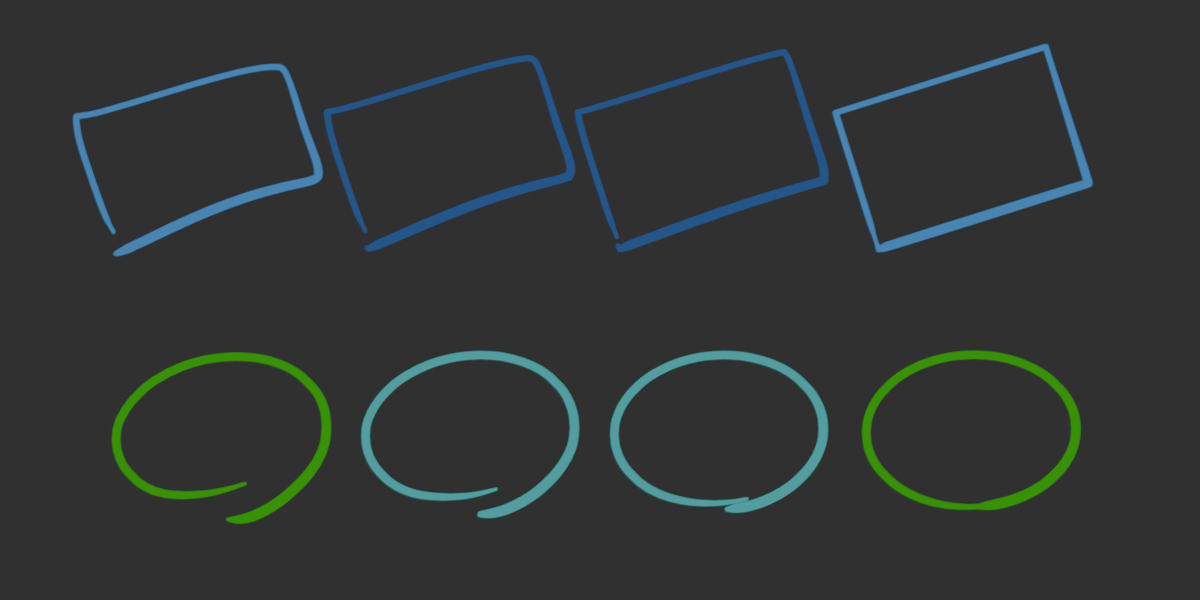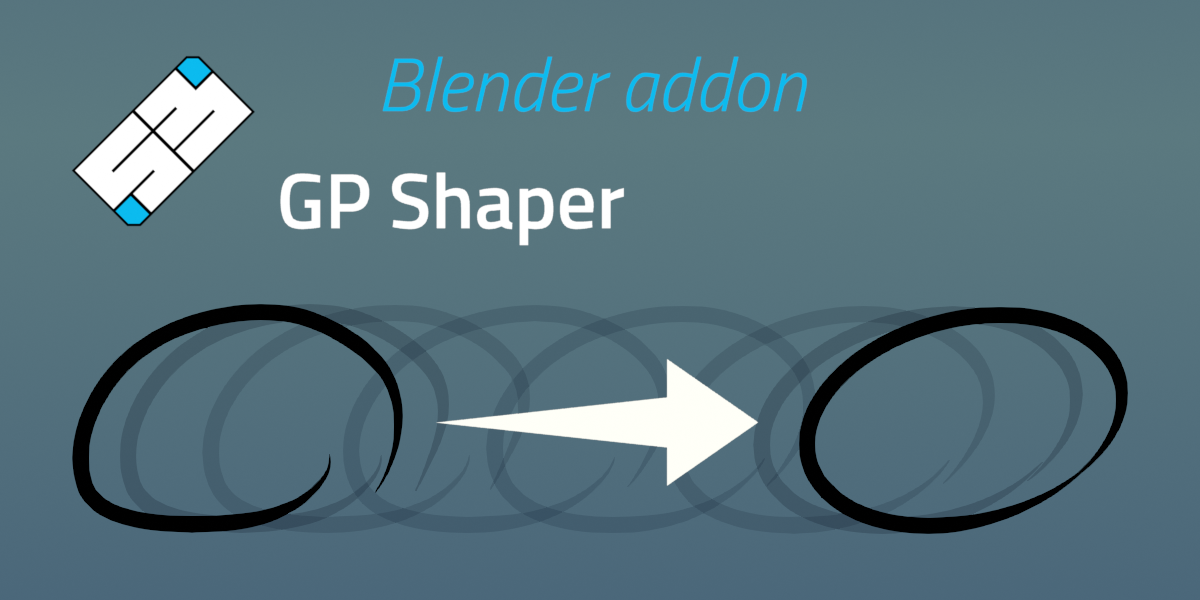
Gp Shaper converts a single Grease Pencil stroke into a clean shape while you work in Blender’s draw mode. Hover over the stroke and use a shortcut to create an ellipse or circle, an arc, a rectangle or square, a polyline, or a line. Arcs are partial ellipses, not parabolic curves.
Choose a shape with a shortcut
- C converts the stroke to the target shape. Alt + C opens a pie menu to choose the shape.
- V converts with 15° angle snapping. Alt + V opens the shape menu with the same snapping.
- Press C or V twice quickly over the same stroke to equalize its axes. This turns a rectangle into a square or an ellipse into a circle.
Adjust the result and shortcut behavior
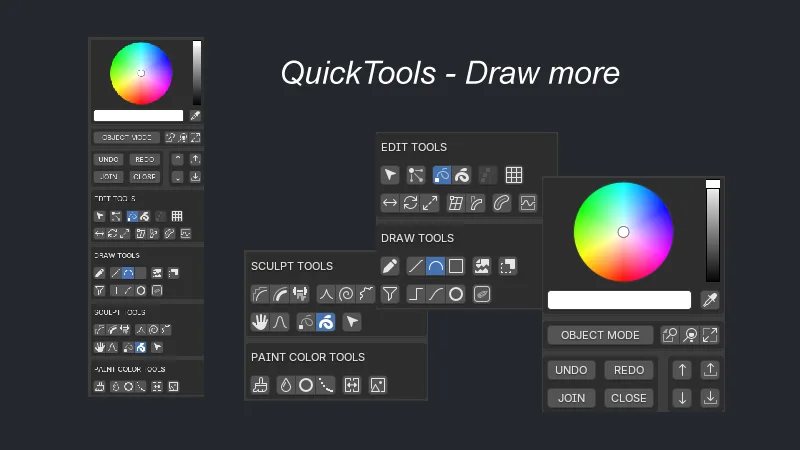
After conversion, use Blender’s Redo panel to tweak the shape. Find it at the bottom right of the screen, or press F9 to open it as a popup. In draw mode, Gp Shaper’s popover at the upper right of the 3D viewport shows the shortcuts and lets you change the behavior of the single “to Shape” shortcut. That shortcut defaults to auto-detect. The popover also links to preferences, where you can customize the keymap.
Check stroke detection when a shortcut misses
The stroke needs to lie on the drawing plane set by the current Grease Pencil settings. Check that it appears on the canvas with Grease Pencil overlays enabled. If Gp Shaper picks the wrong stroke, unlock its layer if needed and check whether the stroke has enough points; detection uses points rather than edges. If every stroke becomes the same shape, check whether Force Shape mode is active and switch back to auto-detect using the magic-wand control. If the shortcut cannot resolve the shape, open the Redo panel with F9 and check for a warning.
Compatibility and license
The Superhive listing describes compatibility as Blender 4.3 through the latest release, while its details field lists Blender 4.3–5.0. Check the current Gp Shaper listing for the version you use. The listing credits pullup as the creator and identifies the license as GPL. Its documentation covers the shortcuts and troubleshooting.