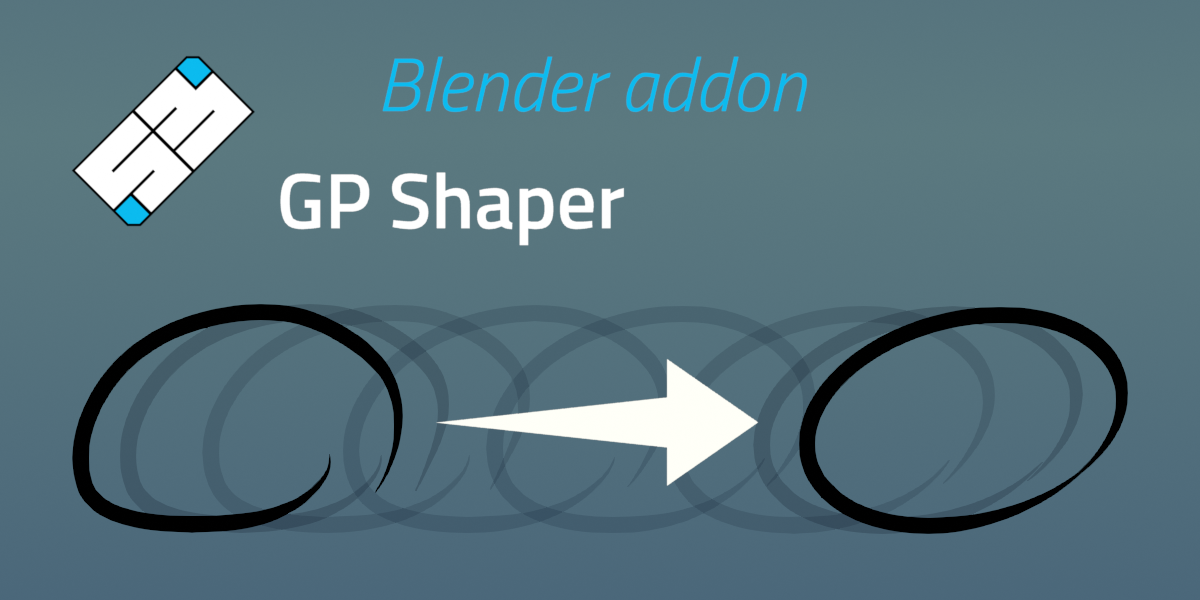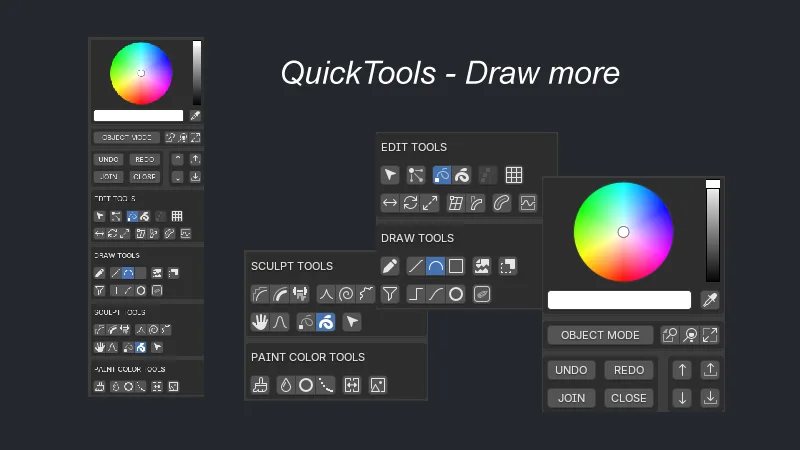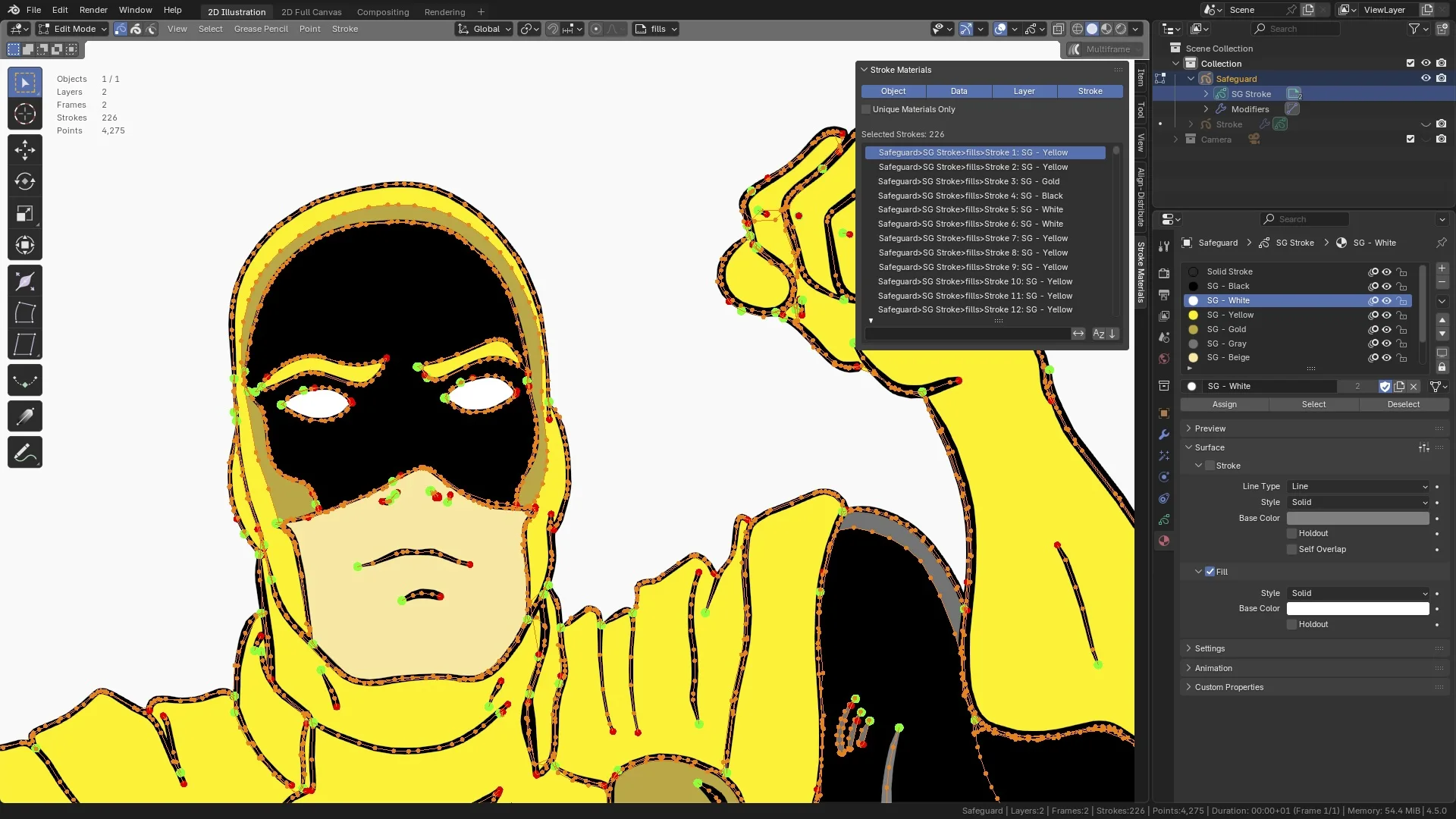
Grease Pencil Draw Transform is a Blender add-on for editing strokes while staying in Draw mode. Use letter-key shortcuts with a click or pen press to grab, rotate, scale, pinch or slide a stroke. Other shortcuts smooth, delete and duplicate strokes or adjust their thickness. The product documentation describes the drawing-depth limitation and shortcut preferences.
Transform and edit strokes
G starts Grab, R starts Rotate, S starts Scale, E starts Pinch and W starts Slide. Once an operation begins, you can release its shortcut key while keeping the mouse button or pen pressed. Press Esc to cancel and restore the stroke's original position. When the operation ends, the stroke is reprojected onto the canvas, so check that the canvas draw settings are the ones you want.
- Pinch (E): Adjust the influence radius with the top-row 1 and 2 keys. The influence follows the line, so the edit affects the pinched part; falloff differs depending on whether you pinch the inner part of the line or near its tip.
- Slide (W): Drag to change the stroke's length.
- Smooth (Shift+S): Resample and smooth the closest stroke. The action can repeat while held, and its behavior can be changed in the shortcut settings.
- Delete (X): Remove the closest stroke to the cursor.
- Duplicate (Shift+D): Duplicate the closest stroke. Use X or Y to constrain it to a view axis.
- Thickness (Alt+S): Adjust the thickness of the pointed stroke. Add Shift while adjusting to equalize thickness. Lines with stroke-disabled materials are ignored.
Change the shortcuts and preferences
You can customize or disable the keybindings in the add-on preferences. The Pinch tool's radius, influence display, presets and behavior are adjustable there as well. For Smooth, you can add another shortcut with different settings in the Grease Pencil Stroke Paint Mode keymap, using the gp.draw_smooth operator. Rotation in version 2.5 displays the pivot point and limits on screen while the tool is active.
Check version compatibility and the drawing-depth limit
The catalog identifies the add-on as version 2.5 and lists Blender 4.3–5.2. The developer's version guidance says to use add-on versions 2.0 and later with Blender 4.3 or later, and versions below 2.0 with Blender 4.2 or earlier. Those branches are not retro-compatible because Blender changed Grease Pencil. The add-on also cannot work with multiple drawing depths in one object: it uses the drawing plane's position and orientation to select a stroke and reproject it after editing.
The marketplace lists the add-on under the GPL. For current release details and the full controls, see the product page and its documentation. A use-case demonstration is also linked from the product listing.