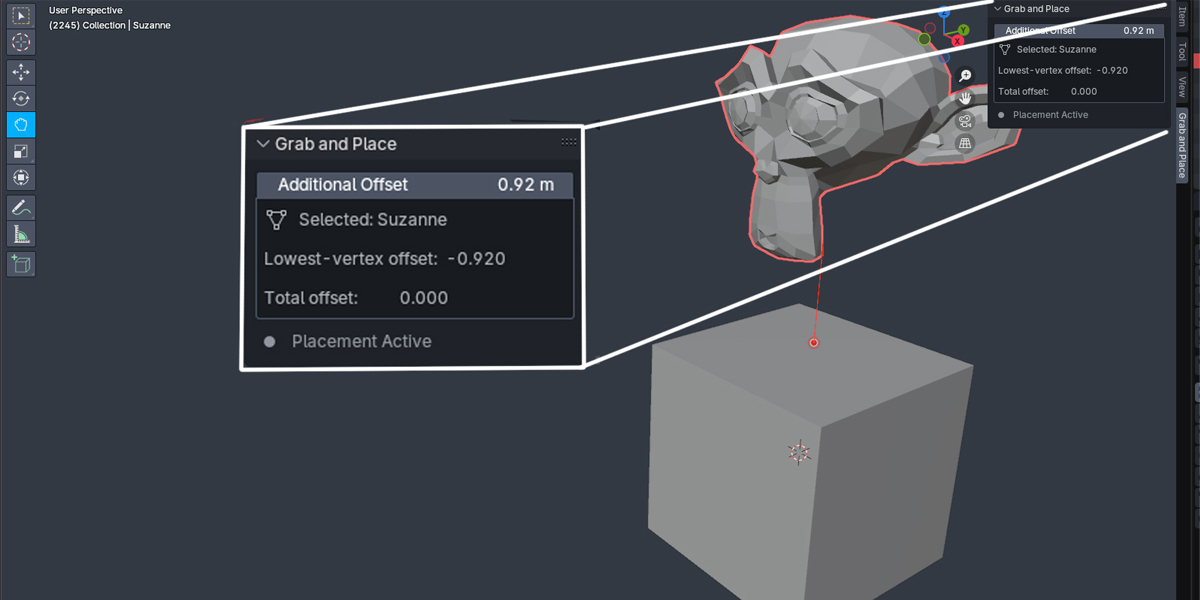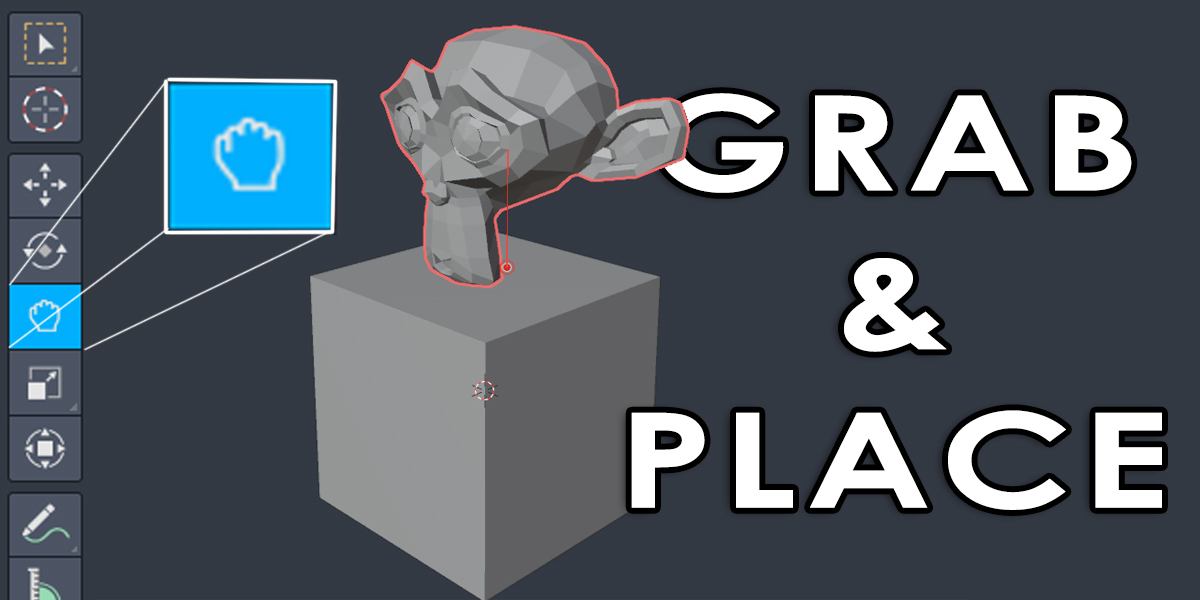
Grab And Place is a Blender tool for positioning mesh objects directly in the 3D View. Click an object, drag it, then release to drop it onto another surface. Placement offset is calculated from the object's lowest vertex.
Where to find and use the tool
- Find it in the 3D View Toolbar, opened with T, as a Workspace Tool, or in the N-Panel's Grab and Place tab.
- In the N-Panel, click Activate Grab & Place Tool, or use the listed left-click drag shortcut.
- Press ESC to cancel or exit. After use, the tool returns to Select.
Adjust the placement offset
The Placement Offset setting in the N-Panel adds extra height to the automatic placement. When an object is selected, the panel shows the calculated auto-offset and total offset. Snapping is temporarily enabled during placement to help place objects on faces.
Supported objects and Blender versions
The tool works with mesh objects only and does not allow multiple placements at once. If it does not start, check that a mesh object is selected. The product listing specifies Blender 3.6 through 5.0 compatibility and a GPL license; its documentation describes the controls.