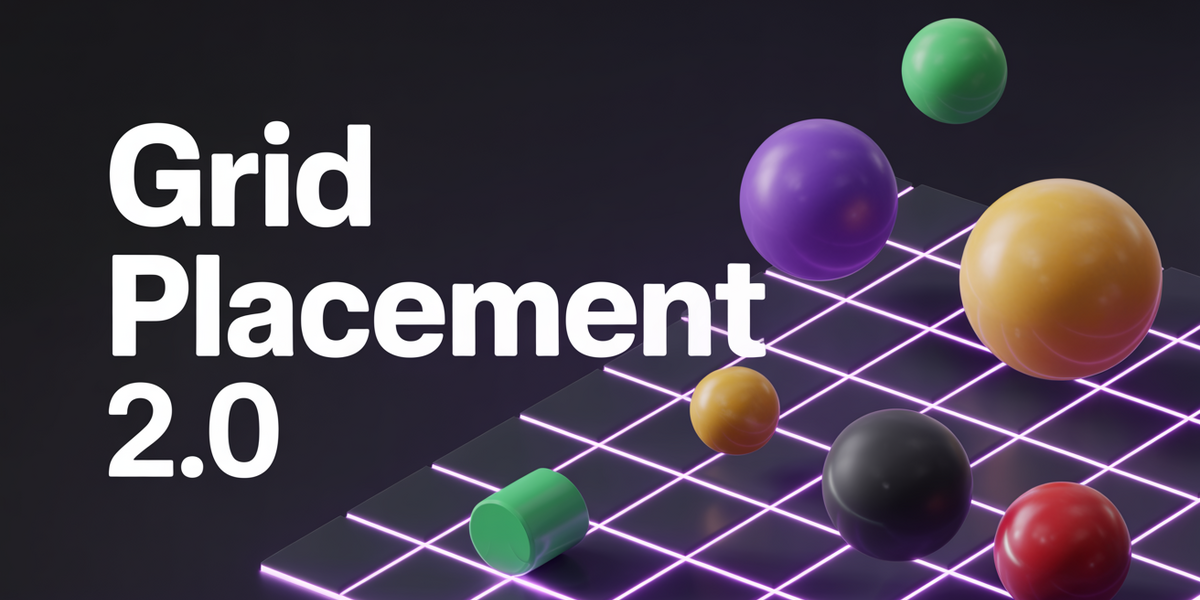
Place Helper is a Blender add-on for placing, moving, scattering and dropping objects from the 3D View. Its Place Tool aligns objects to surface normals and detects collisions. Transform Pro adds viewport movement, drag duplication and Edit Mode extrusion. A brush Scatter Tool and Dynamic Place add options for arranging objects in a scene.
Place and transform objects in the 3D View
The Place Tool lets you drag an object onto a surface, with normal alignment and collision detection. Shift-drag duplicates an object as you place it, while Alt-click sets the placement axis. Transform Pro moves objects directly in the viewport; Shift or Alt during a drag duplicates the object. In Edit Mode, Shift-drag extrudes mesh geometry.
Transform Pro is described in the developer documentation as a move-focused alternative to the standard transform tool, with rotation and scale removed.
Scatter objects and apply placement effects
The Scatter Tool uses a brush to distribute objects. Its radius, density and scale controls support pressure sensitivity and random ranges. Slope and height filters, an image-based density mask and Limit to Surface help control where scatter samples appear. The surface limit skips samples outside the target mesh.
Dynamic Place applies gravity-based falling or force-field effects through drag and scale gizmos. The developer's repository notes a scene constraint: physics affects objects at the same level. Objects inside the active object's parent collection or a subcollection do not join that simulation.
Release details and compatibility
The Blender Extensions listing identifies Place Helper 2.0.0, maintained by ACGGIT_LJ, with Blender 4.2.0 as its minimum version and a GPL-3.0-or-later license. The developer changelog also gives Blender 5.0.0 as the minimum for both versions 2.0.0 and 2.0.1 in its June 30, 2026 entries. This conflicts with the Extensions listing's 4.2.0 minimum for version 2.0.0. Check the requirement for the specific release you plan to install. The Place Helper repository has the source and feature notes.