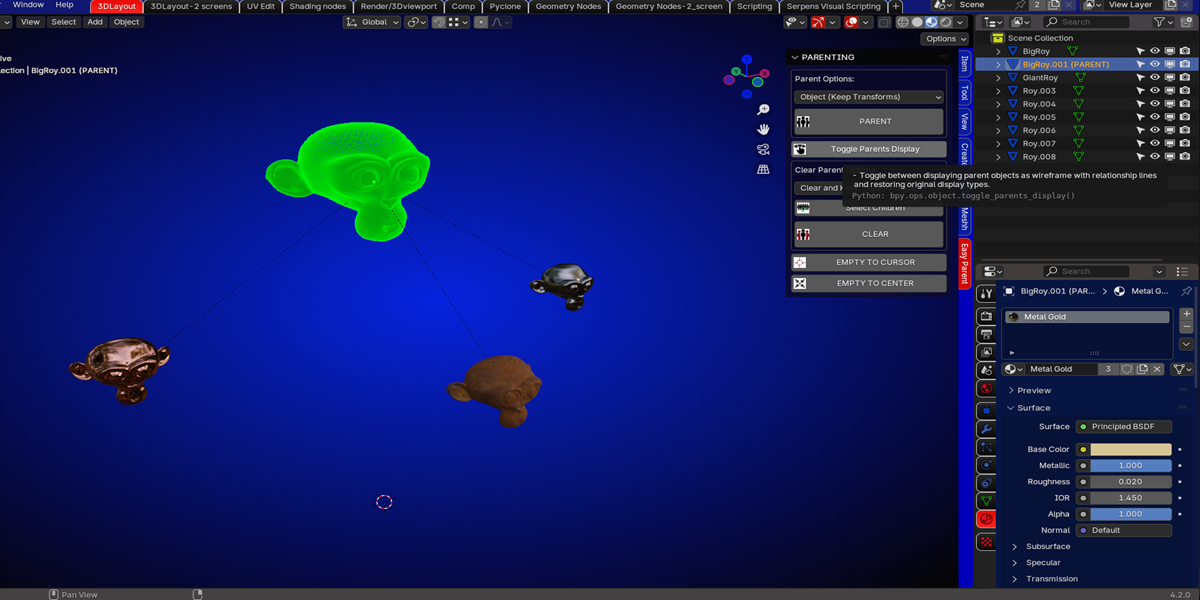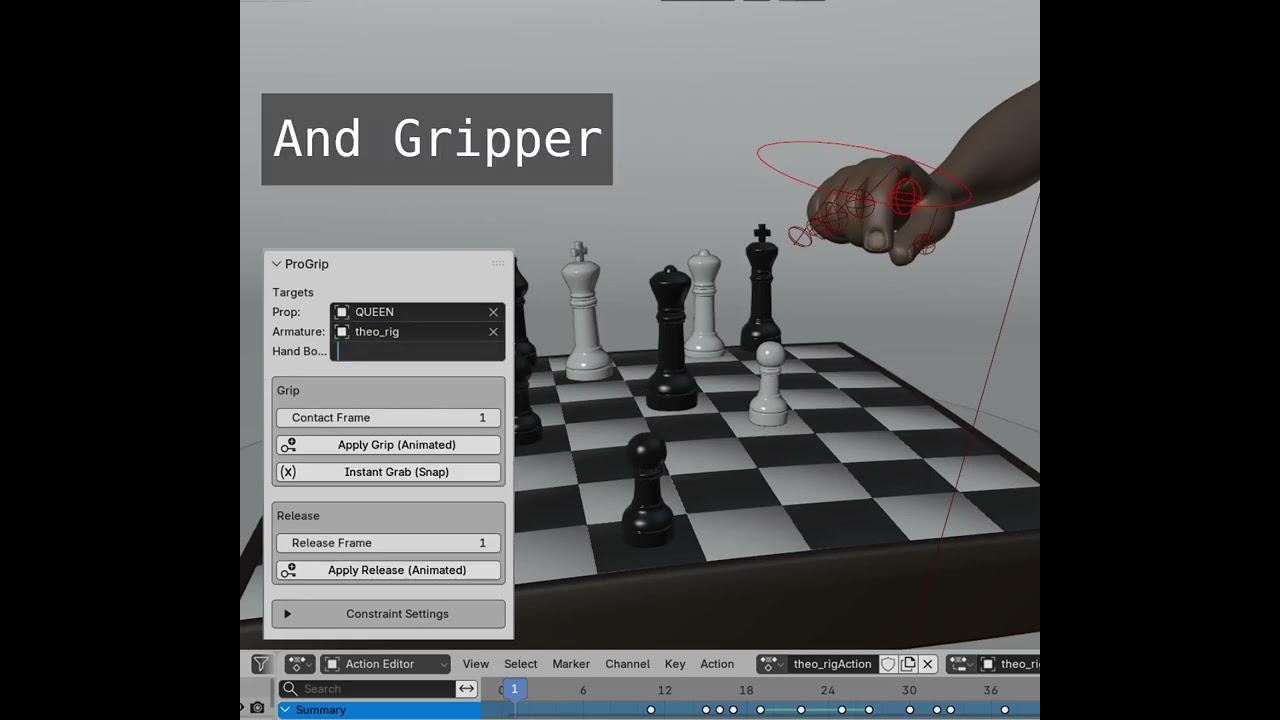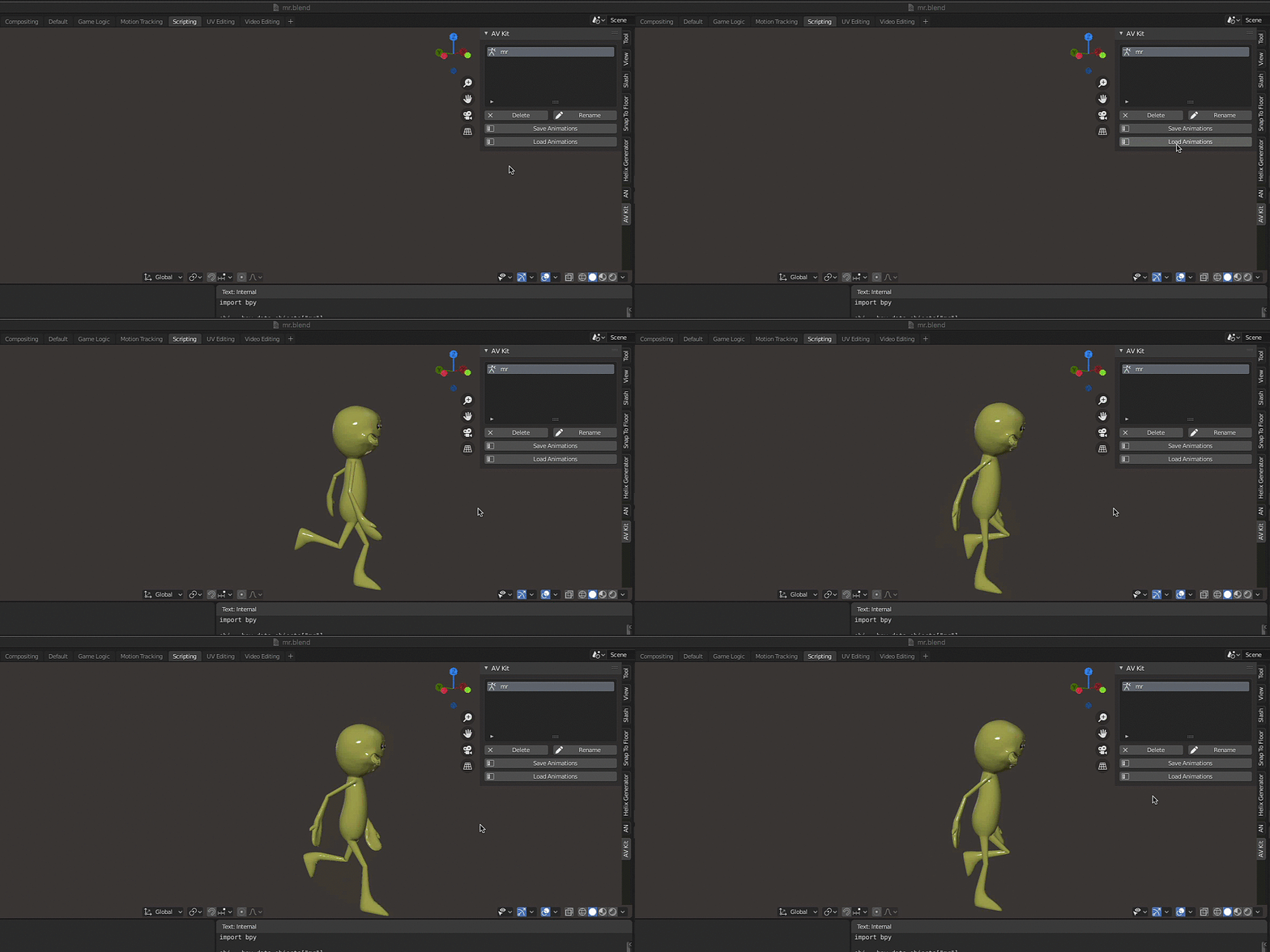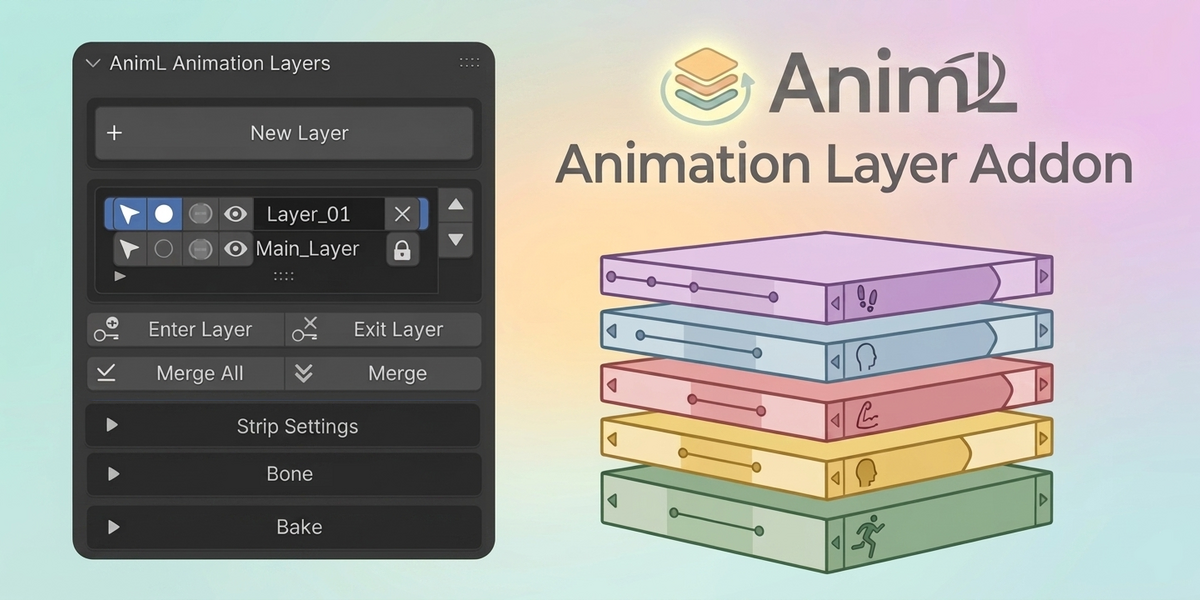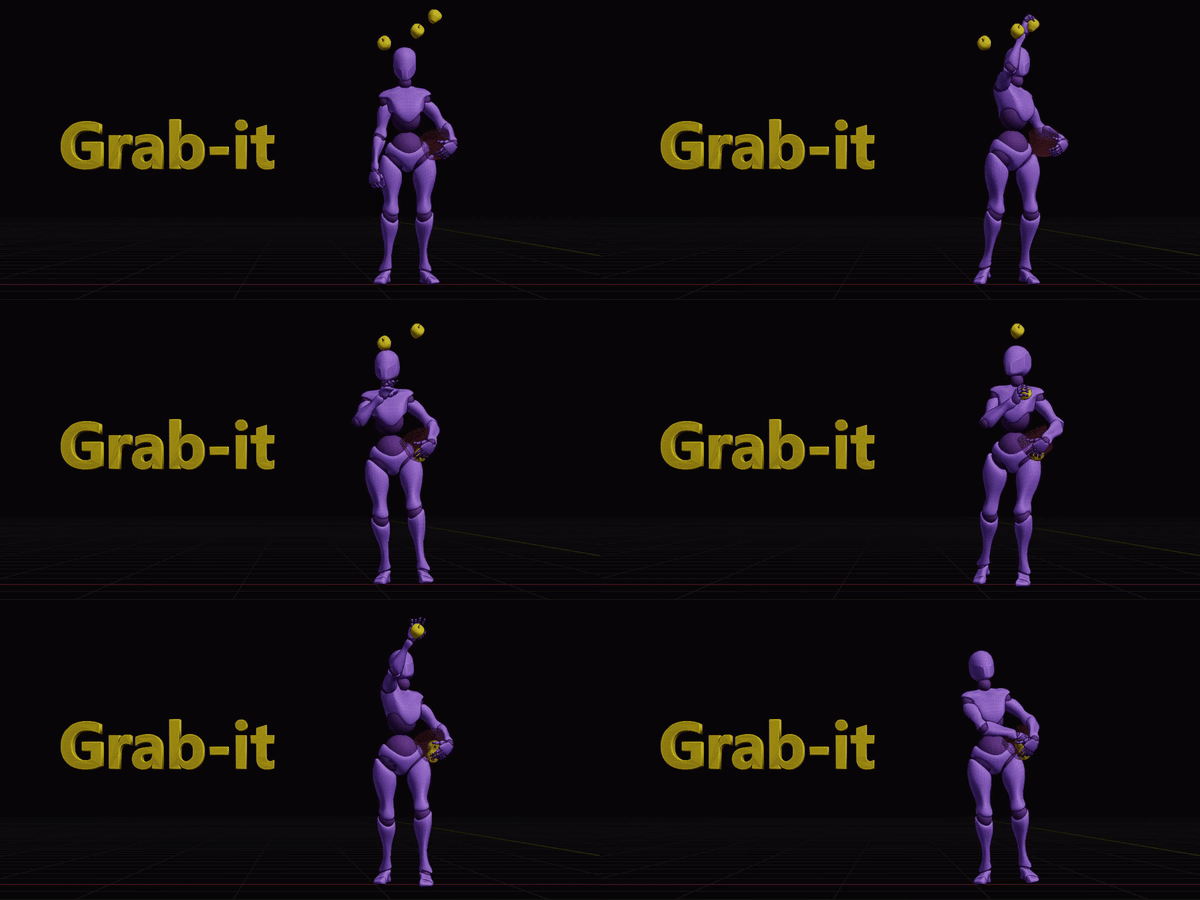
Grab-It is a Blender add-on from Xane Studios for animating an object pickup and release. It lets an animator attach an object to another object or character at a chosen point on the timeline, then drop it later.
How the grab and drop workflow works
- Move to the timeline point where the object or bone should grab another object, then press Grab.
- Select the object to attach and press Parent.
- Move to the release point and press Drop.
Grab-It adds markers for the pickup and drop points. Its Bone Detection feature uses the last selected bone when working in Object Mode or Pose Mode. Clear options remove markers or clear all grab operations.
Animation controls and compatibility
The product listing says Grab-It works when rendering with motion blur. It also adds Start and End buttons to the timeline for setting the preview range. Interactive tutorials are included in the package, and the add-on is described as about 5 KB.
The Superhive product listing identifies version 1.0.5, reports Blender compatibility from 3.0 through 5.2, and lists the GPL license. Its version 1.0.5 notes, dated February 7, 2022, mention support for additional scenes and the Start and End buttons.
Who Grab-It suits
Grab-It is suited to Blender animators who need an object to change parents during an animation, such as a character picking something up and setting it down. Xane Studios describes using it for a Rubik's cube animation, where the parent of each cube needed to change. The product listing says that setup took minutes with the add-on.