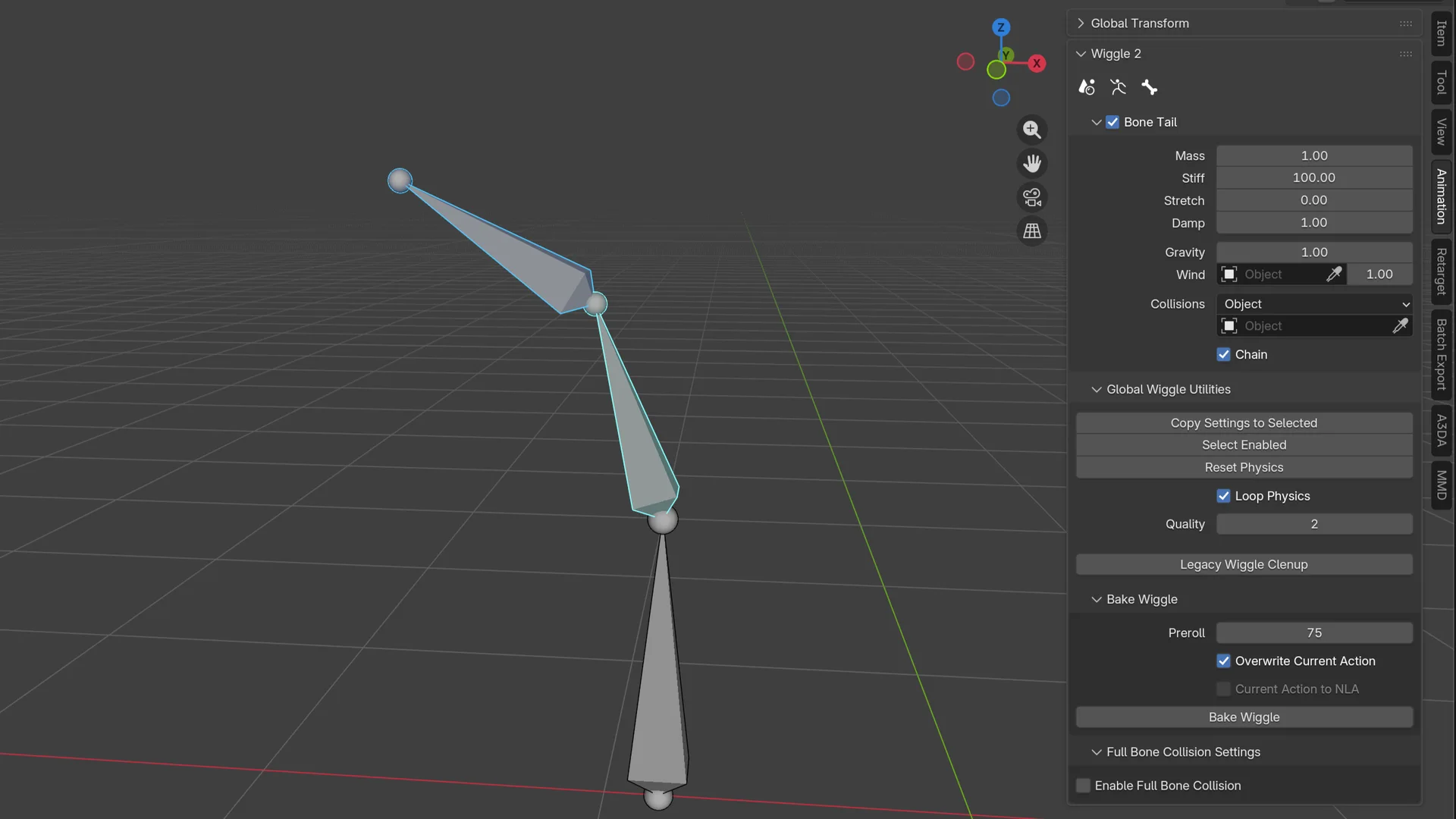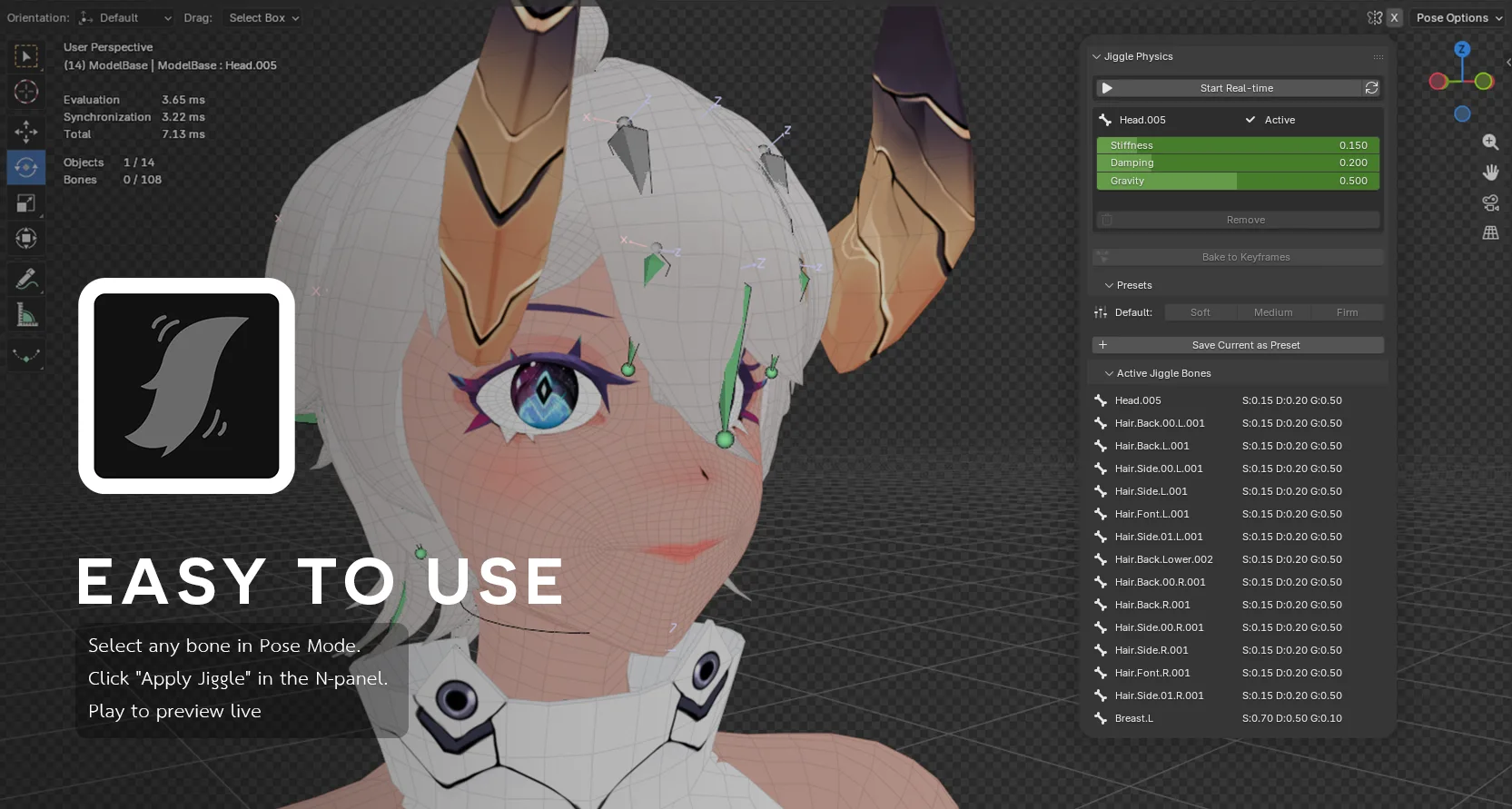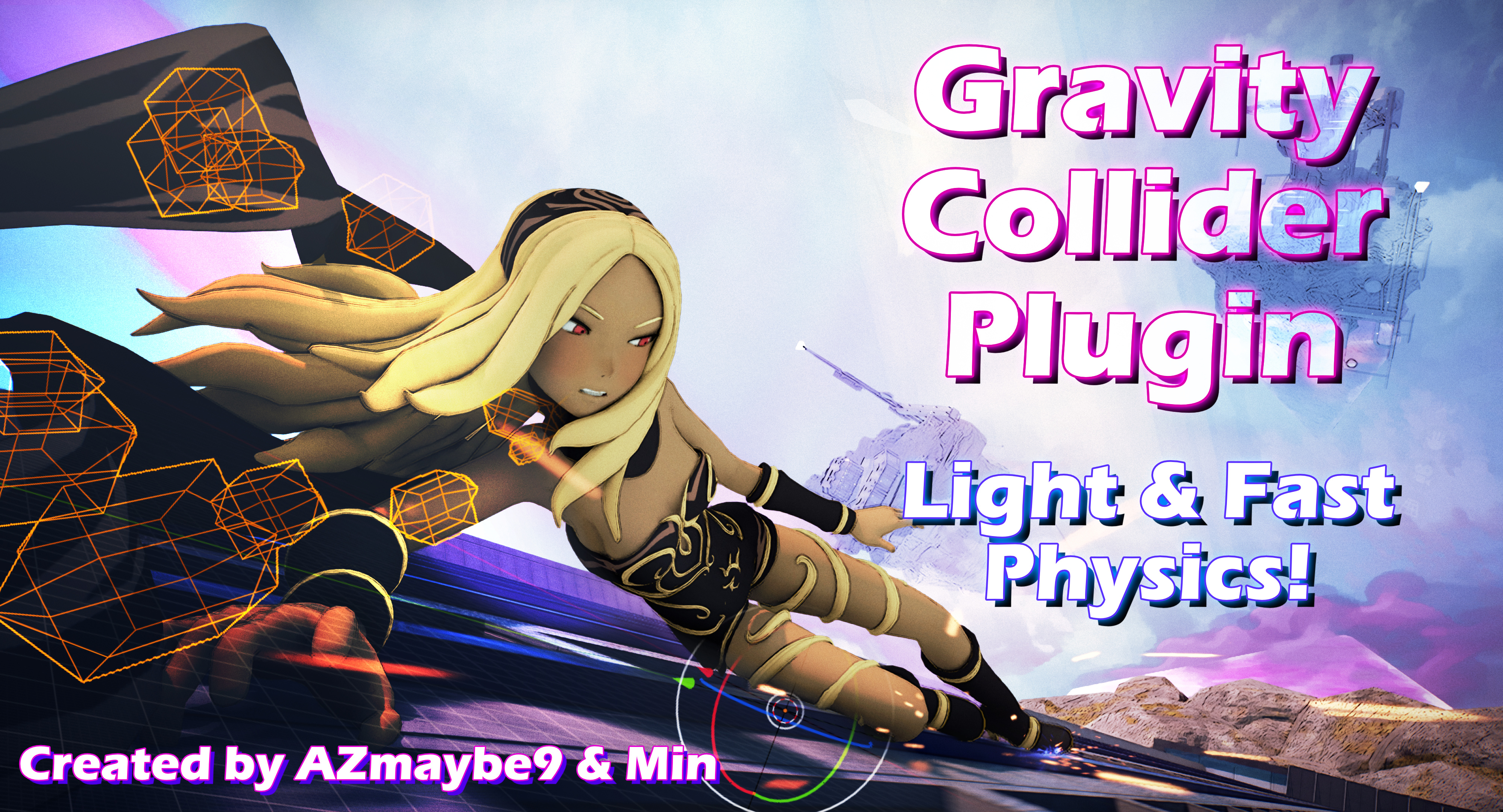
Gravity Collider Physics Plugin adds basic secondary motion to Blender rigs. It uses collision boxes along connected bone chains; non-connected bones need separate colliders. Parts such as skirts, hair, armor and keychains can move with physics. The creator describes applying the setup as a two-click process, with weight painting and adjustable boxes for shaping the result.
Collision boxes and weight painting
The boxes form a bead-like chain along the rig. You can adjust their shape and placement after setup, then use weight painting to control how strongly the chain moves. The creator also describes using the Pin vertex group to make motion stiffer, which can help when you want a small jiggle instead of a loose swing.
Control physics during animation
The plugin uses IK so you can gradually reduce the physics influence, animate the bones directly, then bring the physics back in. The product FAQ also describes baking the simulated motion into animation keyframes, which lets you reset motion over a chosen range. The listing says the setup can be exported to game engines, though it does not specify engine versions or export requirements.
Rig setup notes
The marketplace recommends applying Gravity Collider in an active T-pose, the product FAQ says that pose should match the rest pose, and the current GitHub README requires the armature to be in its rest pose during setup. The bone the boxes attach to needs Deform Bones enabled. Apply the setup before adding bone constraints, and avoid other bone modifiers in the stack while applying it. For auto-rigs, the creator reports better results with a simple bone chain and clean parenting.
If boxes float on an auto-rig, the creator's documented workaround is to select the boxes, unparent them while keeping their transforms, add a Child Of constraint targeting the intended armature bone, then set the inverse. The FAQ also cautions that large scene-scale differences and complex scenes can affect results. Baking physics may help on later timeline frames or in complex scenes.
Version details and documentation
The marketplace lists Blender 2.8 through 5.0 and says in a product update that Gravity Collider works in Blender 5.0+. A separate GitHub download note on the marketplace page specifies Blender 3.6+ and says Blender 2.8 may show a traceback warning that did not seem to affect general use at first glance. Check the product documentation and the marketplace listing for compatibility with your installed Blender version.