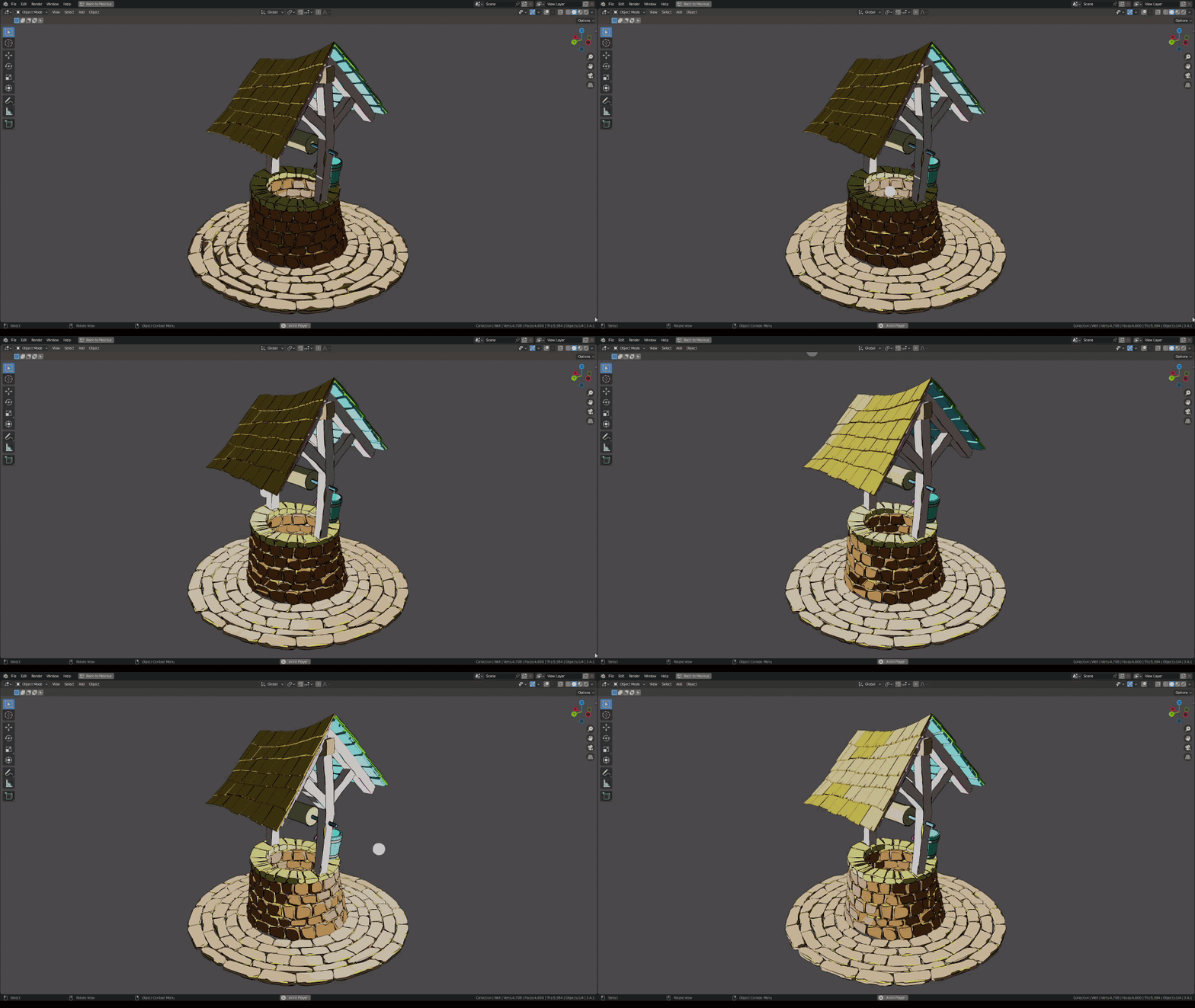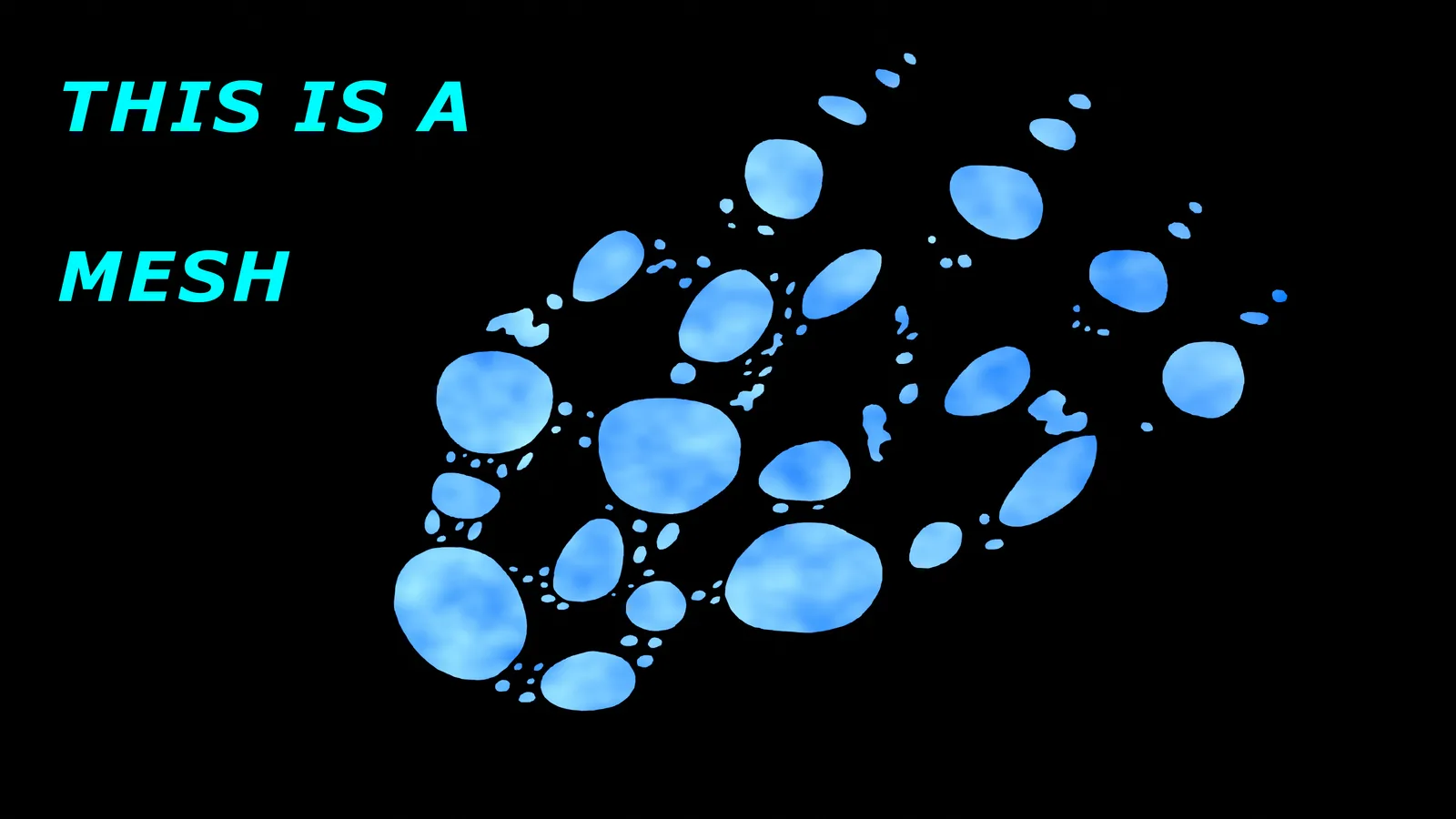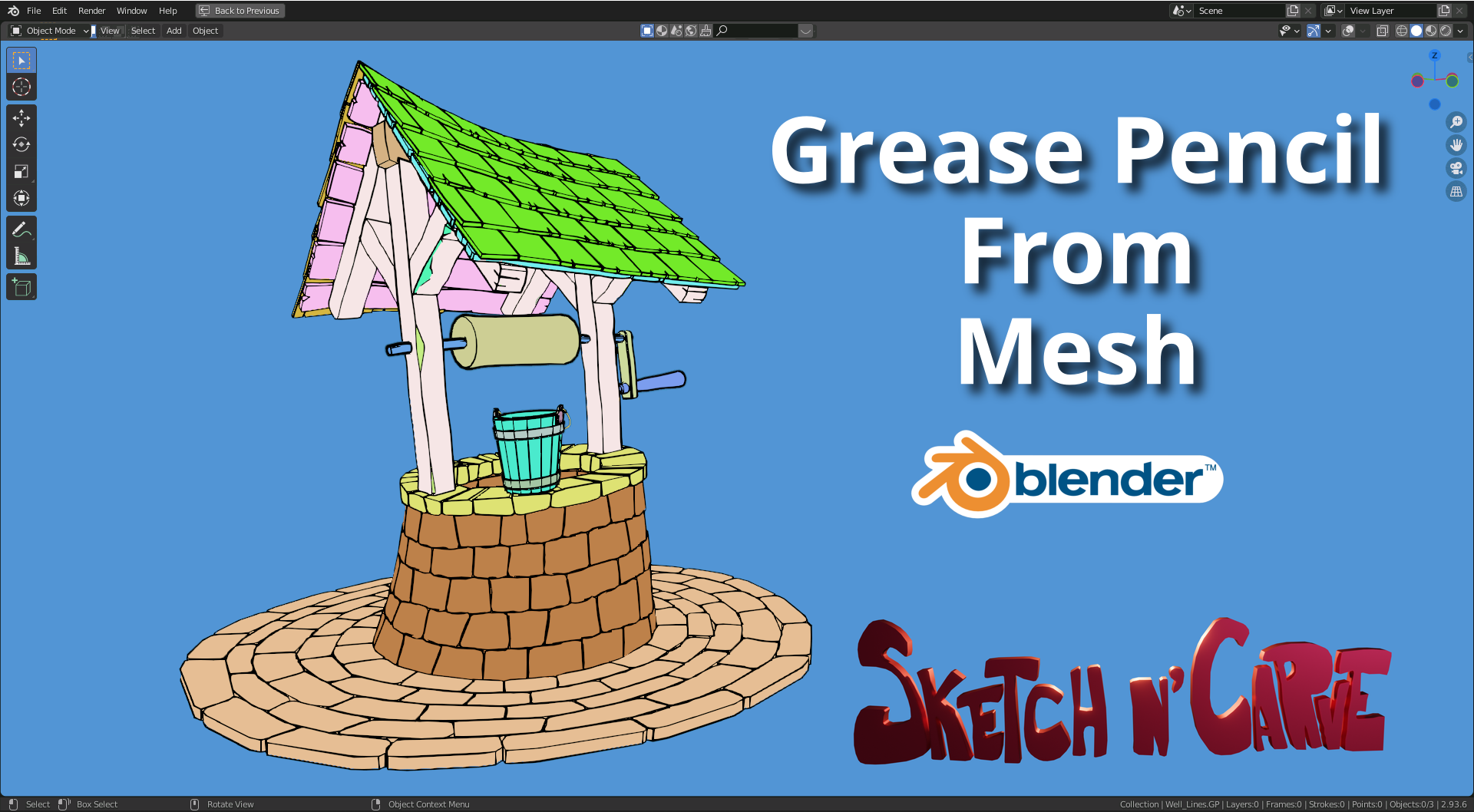
Grease Pencil From Mesh is a Blender add-on by Sahin Ersoz that converts mesh objects into 3D Grease Pencil objects. It lets artists use a model’s geometry to create linework, choose which edges appear, and adjust the converted strokes. The add-on also converts mesh materials into Grease Pencil colors and supports frame-by-frame animation and Text Object conversion.
Choose which edges become outlines
The edge filters cover sharp edges, intersections, outlines around curved surfaces, and edges marked Crease, Sharp, or Freestyle. Pro can generate lines at intersections even when the mesh has no edge there. Pro and ProS builds can generate outlines around curved surfaces.
Blender’s Line Art modifier is view-dependent and generates lines on faces facing the camera. Grease Pencil From Mesh converts mesh geometry and can filter for sharp edges and intersections. Compared with Blender’s Convert tool, it also filters edges marked Crease, Sharp, or Freestyle and can create outlines.
Carry over colors and style strokes
The add-on can convert all mesh materials into Grease Pencil colors. Stroke controls include edge noise for a wobbly look, random thickness, edge offset, and multiple lines. It also creates strokes with natural-looking starts and ends. Curves is also listed as an output option; AnyPlugins assigns it to Pro and ProS, while Superhive’s feature list does not specify a build.
For animation, the add-on supports frame-by-frame conversion. It also converts Text Objects. ProS adds rendering for shadows and highlights.
Check the build and Blender version
Grease Pencil From Mesh has Free, Pro, and ProS builds. Superhive lists Pro and ProS version 2.7.2b for Blender 4.4.3 and later, Pro and ProS version 2.6.0z for Blender 4.2 and earlier, and Free version 2.6.0 for Blender 4.2 and earlier. Its compatibility field lists Blender 3.1 to 5.3. AnyPlugins lists Blender 3.1 to 5.1 and Pro/ProS version 2.7.2a for Blender 4.4.3 and later, so the listings disagree on both the compatibility range and release version. Check the current Superhive version and compatibility page for the package that matches your installation.
Adjust the converted object
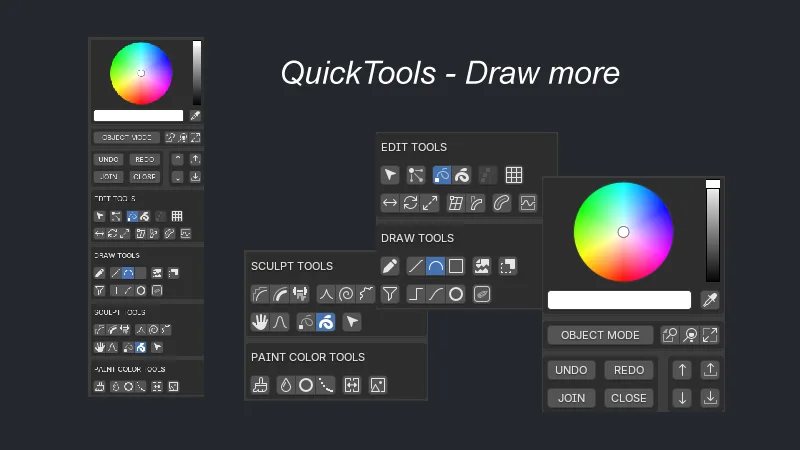
After conversion, select the generated (obj_name).lines material in Blender’s Materials tab to change its Stroke color. To draw on the Grease Pencil object, use Draw mode and set Stroke Placement to Stroke so new marks conform to its surface. Read the shortcut and drawing instructions Product videos are available on the documentation page.